

FotoSketcher for Windows Download – Transform Your Photos into Artistic Masterpieces
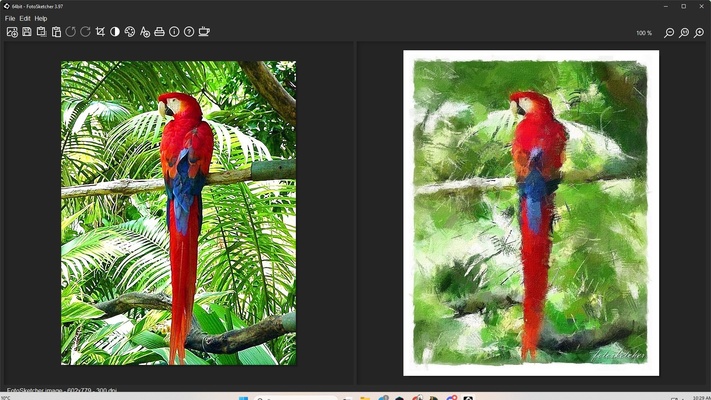
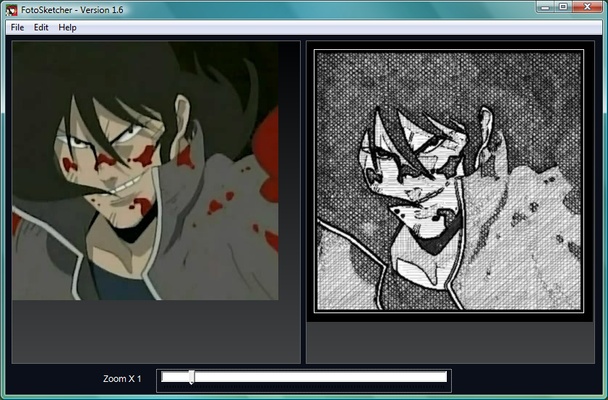
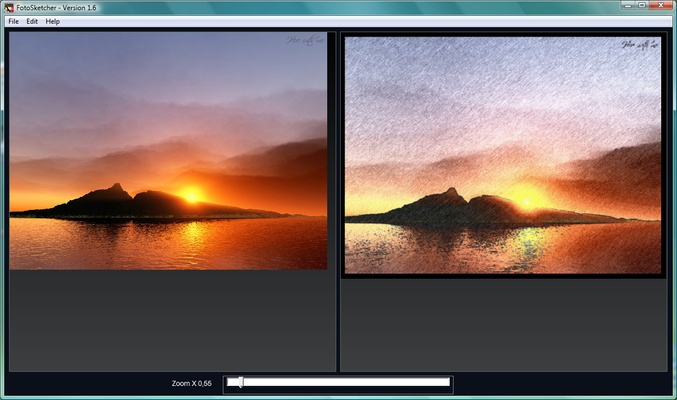
FotoSketcher for Windows is a free photo editing software that allows users to turn their photos into beautiful paintings, sketches, and drawings with just a few clicks. With its wide range of artistic filters and effects, FotoSketcher is the perfect tool for anyone looking to add an artistic touch to their photos, whether you're a professional photographer, an artist, or someone who simply enjoys creating stunning visuals. Its intuitive interface and variety of customization options make it easy to transform ordinary photos into extraordinary works of art.
Unleash your creativity with FotoSketcher!
Wide Selection of Artistic Filters and Effects
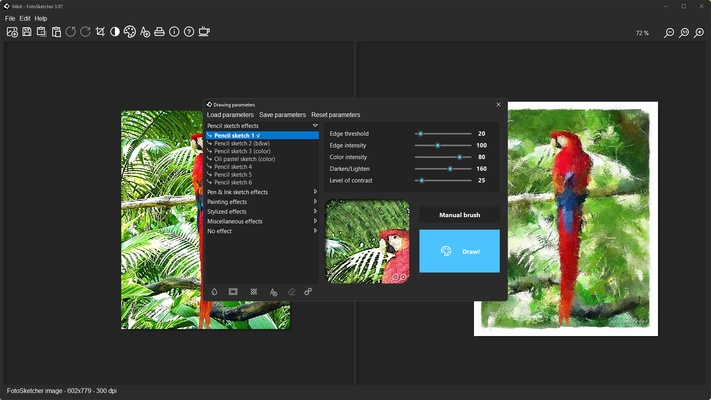
FotoSketcher offers a variety of artistic filters that allow you to transform your photos into a wide range of art styles, including watercolor, pencil sketch, oil painting, and more. Whether you're looking for a realistic sketch or a more abstract artistic effect, FotoSketcher has a wide selection of pre-set styles to choose from. You can also combine multiple effects to create your own unique artistic creations.
Easy-to-Use Interface for Effortless Editing
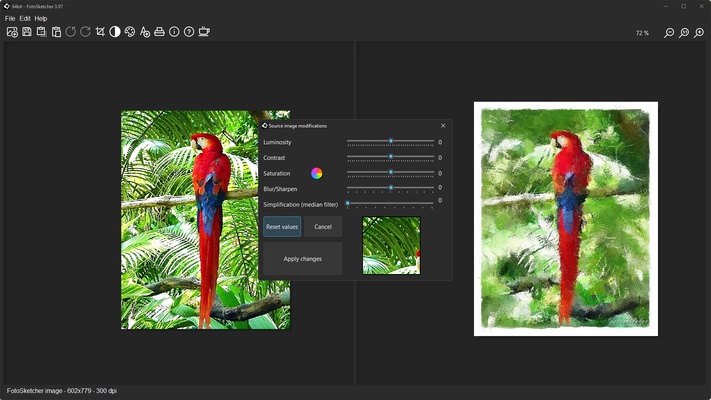
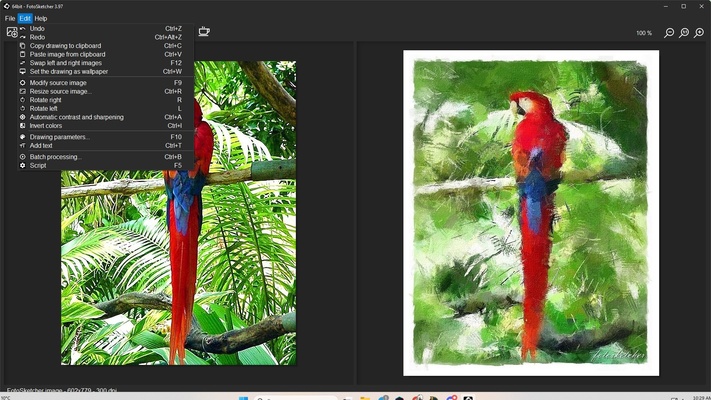
FotoSketcher’s user-friendly interface ensures that even beginners can easily navigate the software and create stunning art from their photos. With just a few simple steps, you can apply filters, adjust settings, and preview your changes. The software also offers batch processing, so you can quickly apply the same effects to multiple images at once, making it ideal for users working with large collections of photos.
Customizable Parameters for Perfect Results
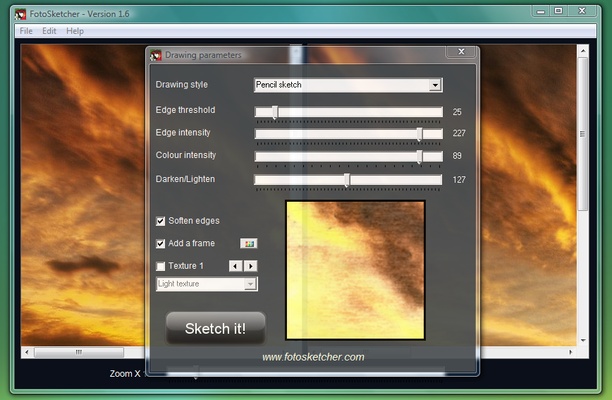
While FotoSketcher comes with a variety of pre-set filters, it also offers a high level of customization to fine-tune the effects. You can adjust parameters such as brush size, color intensity, and stroke style to achieve the exact look you want. This gives you complete control over the artistic transformation of your photos, ensuring that each piece is perfectly suited to your personal style.
High-Quality Image Output
FotoSketcher ensures that your artwork is of the highest quality, with support for high-resolution images. The software can create artwork suitable for printing, allowing you to turn your digital creations into physical art pieces. Whether you want to create a custom poster, greeting card, or framed artwork, FotoSketcher delivers professional-level results every time.
Fun and Creative Photo Enhancements
In addition to artistic filters, FotoSketcher also includes fun photo enhancements like adding text, borders, and customizable frames to your images. You can use the software to create personalized artwork or greeting cards for special occasions. Whether you're making a birthday card, a family photo album, or just experimenting with different visual styles, FotoSketcher is the perfect tool for unleashing your creativity.
Lightweight and Efficient Software
FotoSketcher is a lightweight software that doesn't require a powerful computer to run. It’s designed to perform quickly and efficiently, even with larger image files, ensuring that you can work on your projects without delays or lag. Whether you’re editing a single image or processing hundreds of photos, FotoSketcher keeps things smooth and responsive.
Final Overview
FotoSketcher for Windows is an intuitive and versatile photo editing tool that allows you to transform your photos into beautiful works of art with ease. With its wide selection of artistic filters, customizable settings, and user-friendly interface, FotoSketcher is the ideal software for both beginners and experienced artists who want to create stunning artistic effects on their photos. Whether you’re making a custom piece of art for yourself or looking to impress others with your creative work, FotoSketcher offers everything you need to turn your photos into masterpieces. Download FotoSketcher today and start creating your own artistic images!