

ImageGlass is a free and open-source image viewer for Windows designed to provide a fast, lightweight, and customizable way to browse images.
Supporting more than 80 image formats, including PNG, JPEG, GIF, TIFF, SVG, WEBP, HEIC, ICO, and RAW files, ImageGlass offers a simple alternative to the default Windows Photos app.
The software focuses on speed and simplicity, providing essential image viewing features without unnecessary editing tools or bundled software.
Features
- Supports 80+ image formats, including popular and professional image files.
- Lightweight and fast image loading performance.
- Customizable themes and user interface layouts.
- Built-in image conversion between common formats.
- Slideshow mode for viewing image collections.
- Zoom, rotate, flip, and navigation tools.
- Supports animated GIF and WEBP playback.
- Clipboard support with drag-and-drop functionality.
- Multi-language support.
- Extension support for additional customization.
User Interface
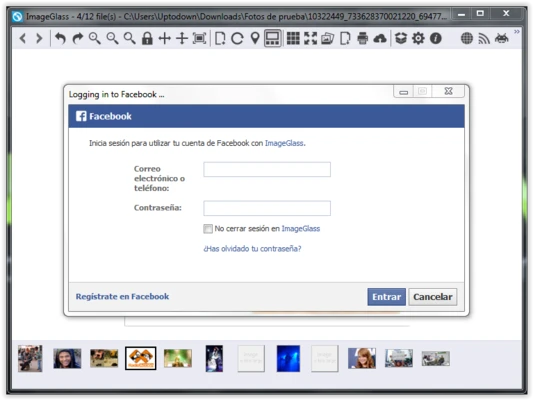
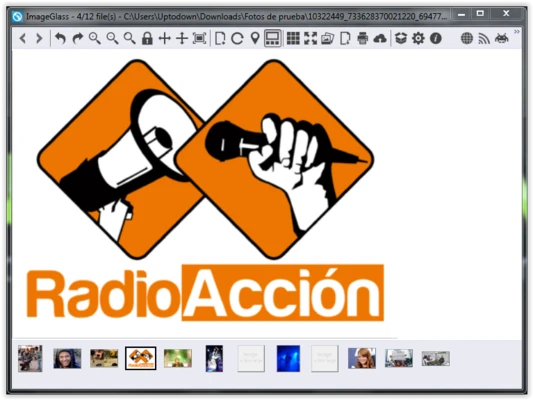
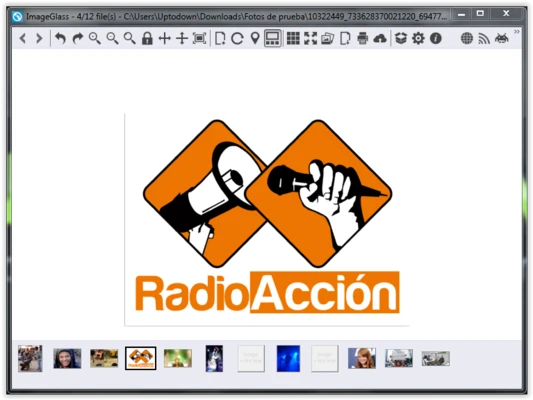
ImageGlass features a clean and minimal interface focused on image viewing. The toolbar provides quick access to common functions such as zooming, rotation, slideshow, and image conversion.
Users can customize themes and layouts to create a more personalized viewing experience.
How to Use
- Install ImageGlass on your Windows PC.
- Open images by dragging files into the application window or using the File menu.
- Browse images in the same folder using navigation buttons or keyboard shortcuts.
- Use zoom and rotation tools when needed.
- Convert images through the built-in conversion feature.
Alternatives
- IrfanView – A lightweight image viewer with additional editing features.
- XnView MP – Supports many formats and advanced batch processing.
- FastStone Image Viewer – Combines image viewing with basic editing tools.
- Microsoft Photos – Windows built-in image viewer.
System Requirements
- Operating System: Windows 10 / Windows 11 (64-bit)
- Processor: 1 GHz or faster
- RAM: 2 GB or more
- Storage: About 50 MB free space
PROS
- Free and open-source
- Very lightweight and fast
- Supports many image formats
- Clean and customizable interface
- No ads or bundled software
CONS
- No advanced image editing features
- Windows only
- Some RAW formats may require additional codecs
Conclusion
ImageGlass is a lightweight and reliable image viewer for Windows users who need fast performance and broad format compatibility. It is an excellent replacement for the default Windows image viewer, especially for users who frequently manage large image collections.