Go to Windows platform Display platforms icon
Go to Windows platform Go to Mac platform Go to Android platform
ImageMagick icon

ImageMagick

7.1.1-47
ImageMagick Studio
5
22.21 MB size

Manipulate and edit your images

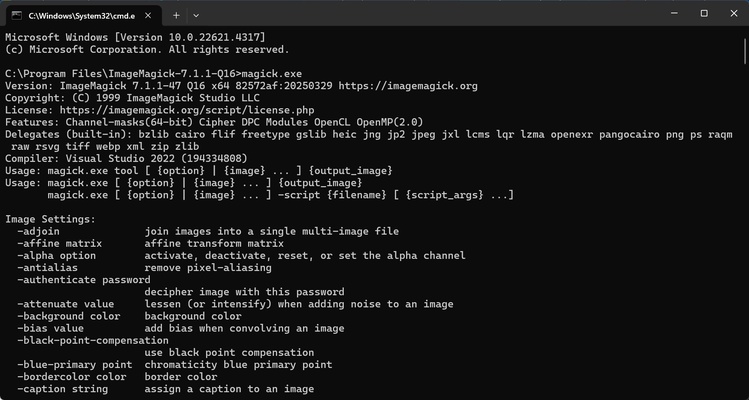
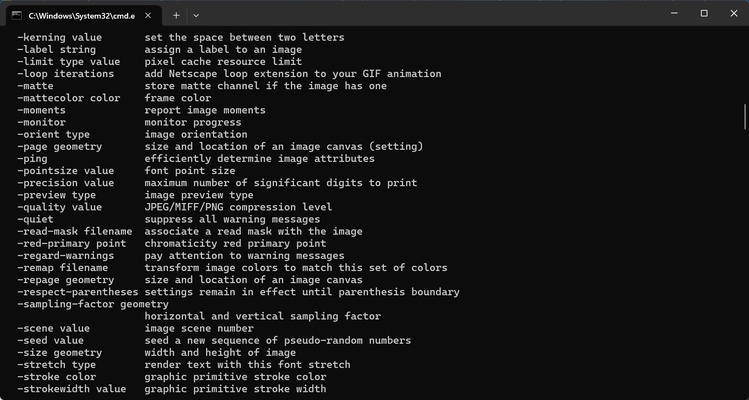
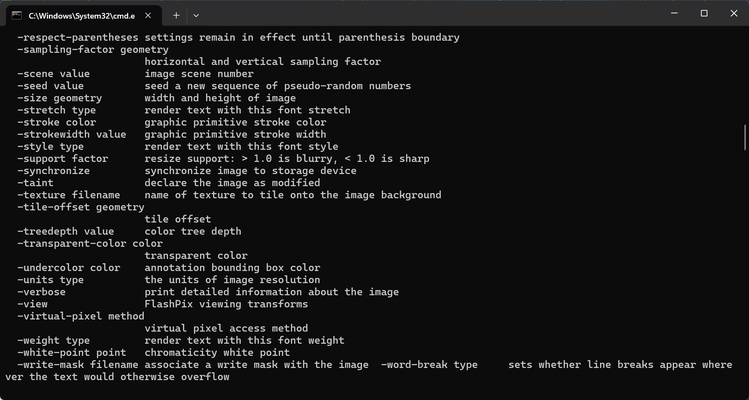
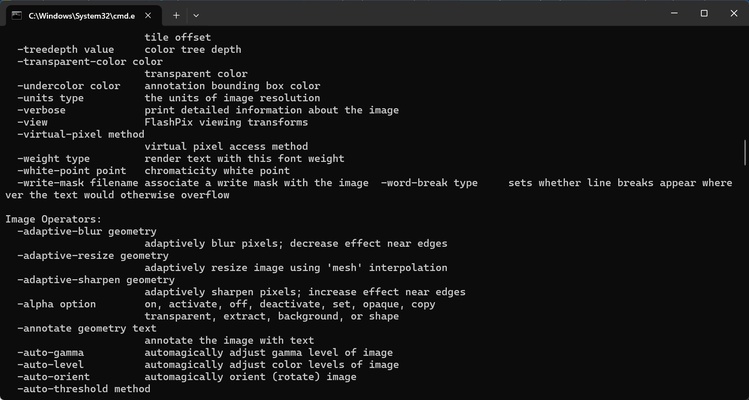
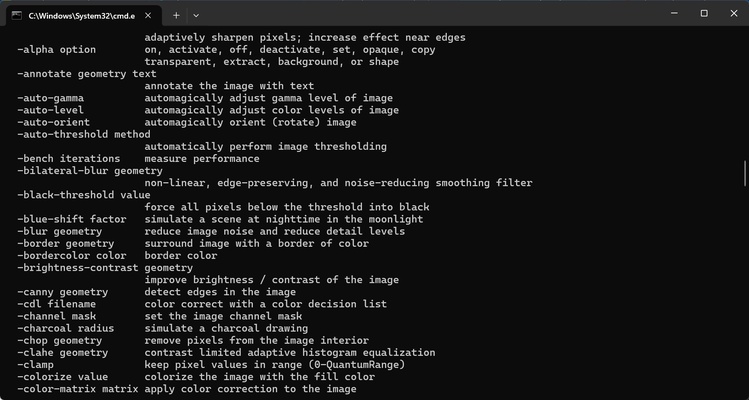
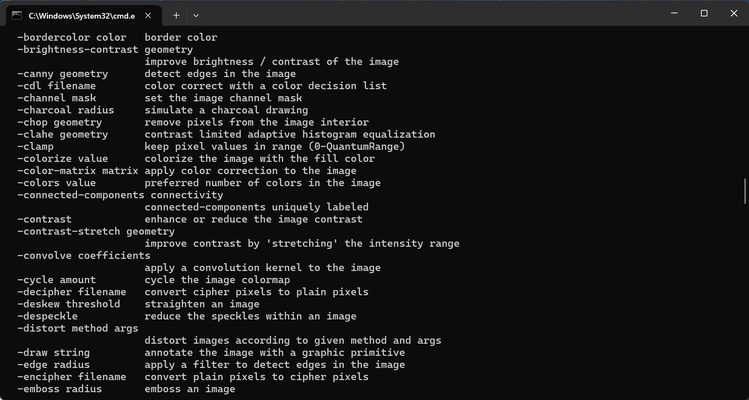
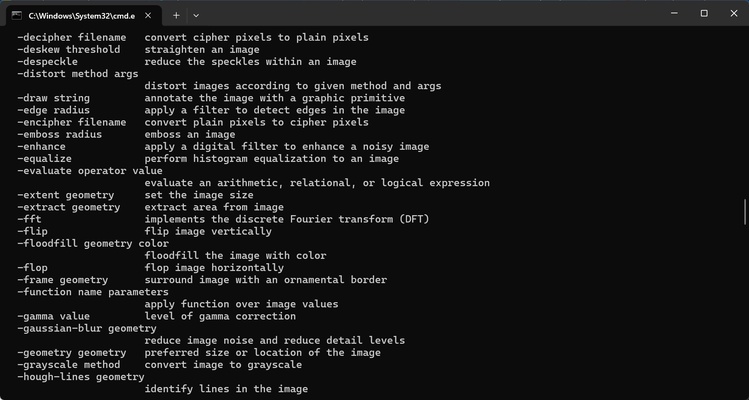
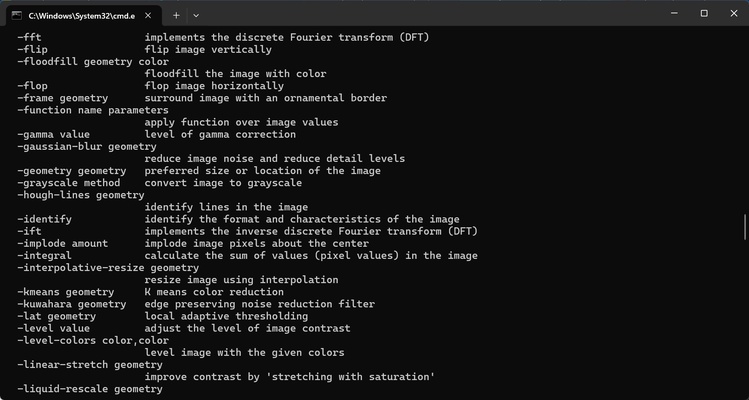
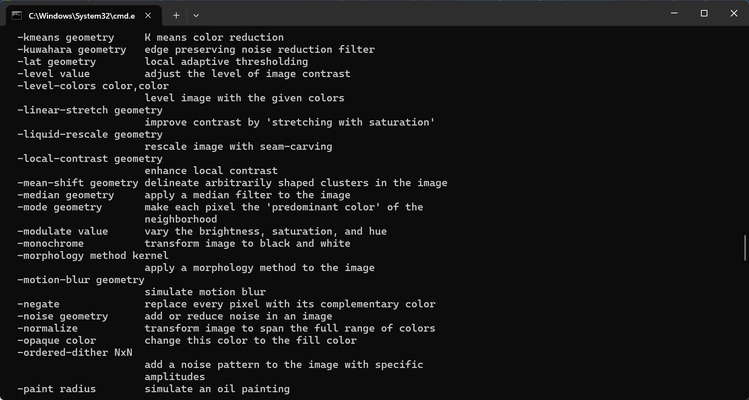
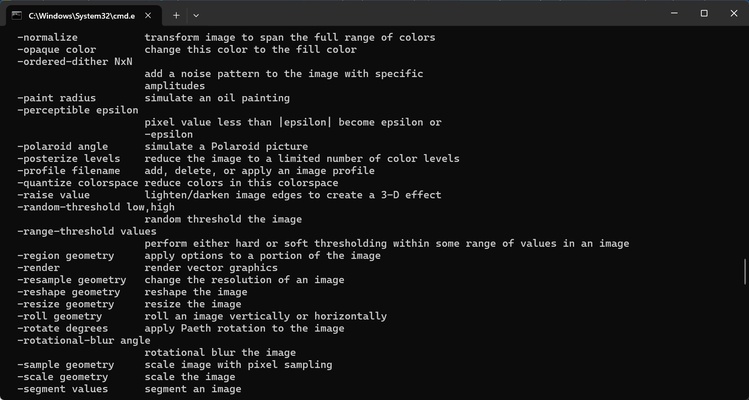
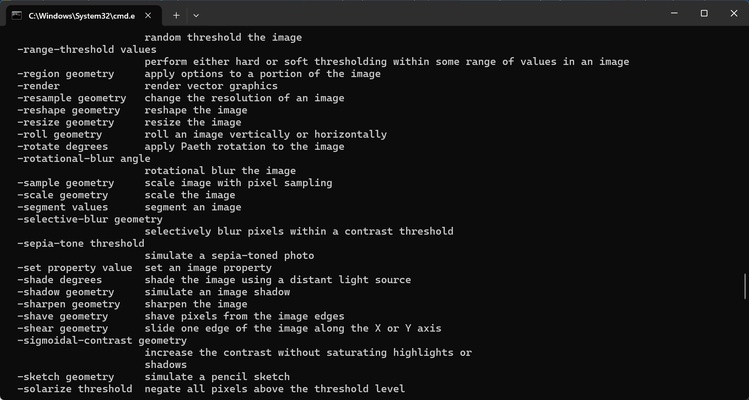
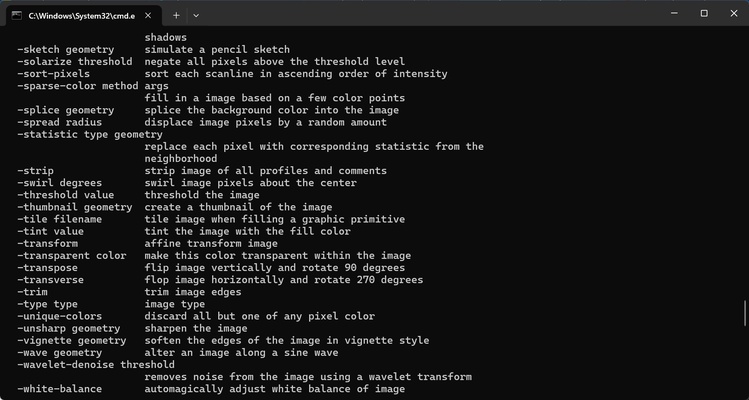
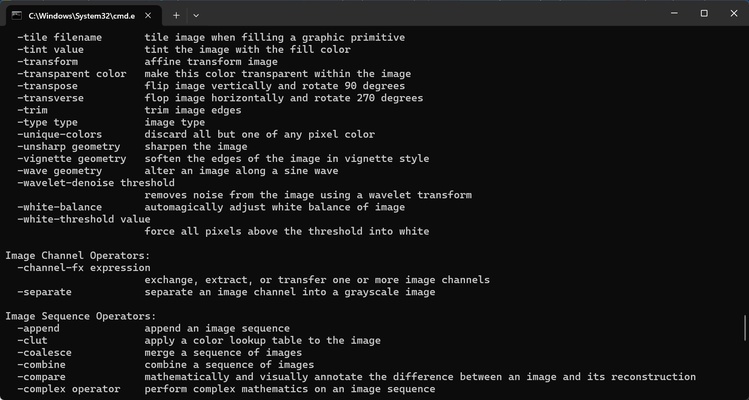
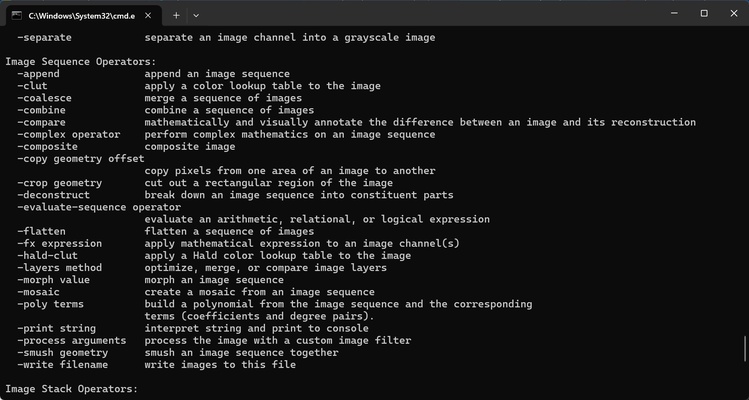
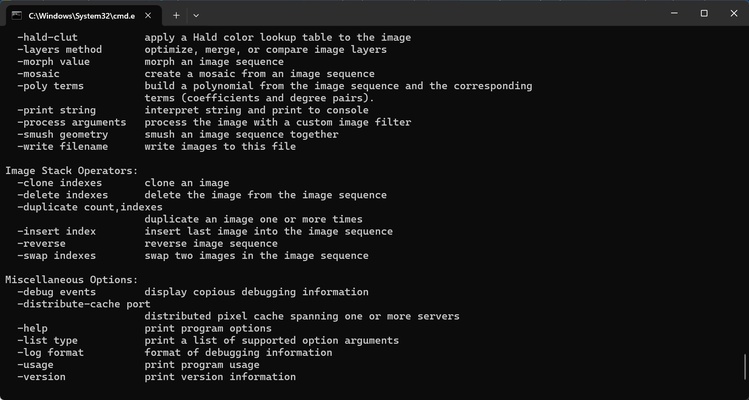
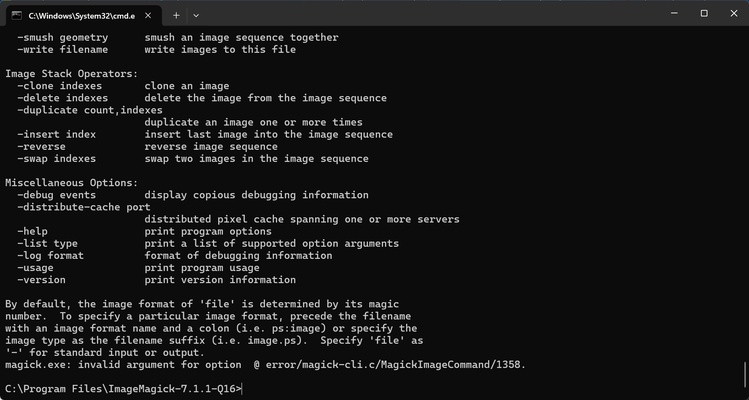
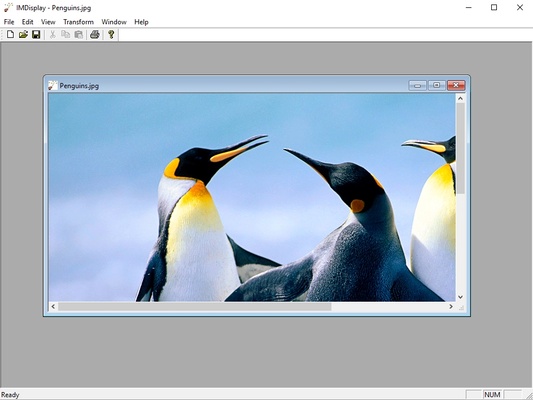
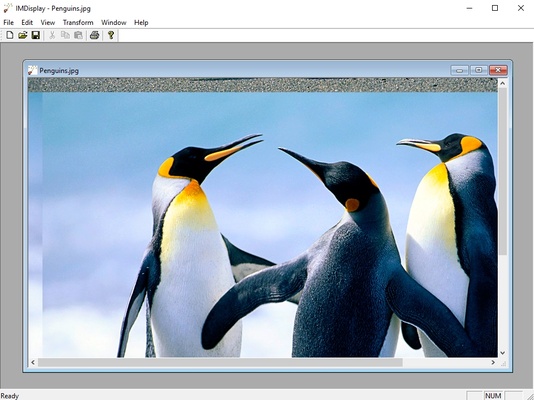
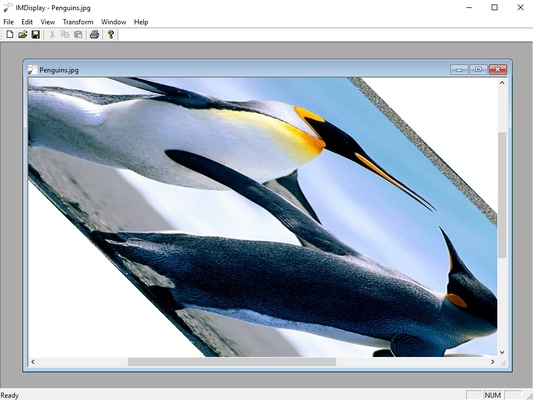
ImageMagick is a program that is capable of reading, converting, and representing images in a wide variety of formats, thanks to the large amount of libraries that it contains.

You can use ImageMagick to crop your images, add effects, combine text and polygons, add rotations, etc.

The program supports almost 100 different image formats, from the most popular (TIFF, JPG, PNG, GIF, BMP, PDF) to some more esoteric.

ImageMagick also works as an image converter.

Not only that, but the application is totally free and distributed with open-source code in case you want to alter and improve it.

Information about ImageMagick

License Free
Op. System Windows
Category Photo & Design
Language English
Author ImageMagick Studio
permission icon Permissions Not applicable
Date 2026-06-02
Size 22.21 MB
File type EXE

Apps recommended for you

ReaConverter Pro 8.228 icon
Makes batch conversion and oft-recurring image editing simple
jAlbum 39.6 icon
Create amazing web photo and video galleries with jAlbum!
Pandoc icon
Convert files from one format to another via command line
ibis Paint 14.1.1 icon
Easy to use, the app makes you have fun to draw pictures!
Image Tuner icon
Massive format and size image conversion
PDF-XChange Editor icon
View, edit, and annotate PDF files easily with PDF-XChange Editor for Windows, the feature-rich PDF software for productivity and document management.
Adobe Creative Cloud icon
Adobe Creative Cloud for Windows is a suite of creative tools for design, video editing, photography, and web development, offering access to apps like Photoshop, Illustrator, and Premiere Pro.
Blender icon
A great 3D modeling and animation tool
Figma 126.11.8 icon
Limitless design, collaboration, and creation
GIMP 3.2.8.0 icon
Free software for image retouching and editing
Greenshot 1.3.323 icon
A simple and effective way to take screenshots
Affinity 3.3.1.4940 icon
Covers all your design and photo editing needs
Loom 0.379.4 icon
Record your screen quickly and easily
Rocrail 7445 icon
Design your own model railroad tracks for model railroading
PhotoStage Pro Edition 13.04 icon
Create videos using your pictures with this complete picture editor
Zello 18.10.0 icon
Use your computer as a walkie-talkie
GMIC icon
GMIC for Windows is a versatile image processing tool that offers a wide range of filters and effects for editing and enhancing photos.
ImageSorter icon
View pictures in a 3D sphere
Clip Studio Paint EX 5.1.2 icon
The artist`s Windows PC software for drawing and painting!
FotoSketcher 4.30 icon
Create beautiful works of art from your digital photos, for Free!
Snipping Tool icon
Take screenshots with ease on Windows
Fox Code Editor icon
うまいだんご
LibreCAD icon
LibreCAD for Windows is an open-source 2D CAD application that allows users to create technical drawings and architectural designs with ease.
FireAlpaca icon
Create digital artwork easily with FireAlpaca for Windows, the lightweight and user-friendly painting software for artists and illustrators.