
Go to Windows platform Display platforms icon
Go to Windows platform Go to Mac platform Go to Android platform
Snipping Tool icon

Snipping Tool

2022.2502.18.0
Microsoft Corporation
5
317 MB size

Take screenshots with ease on Windows

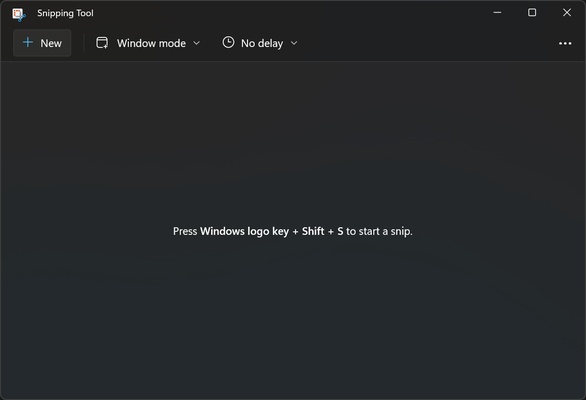
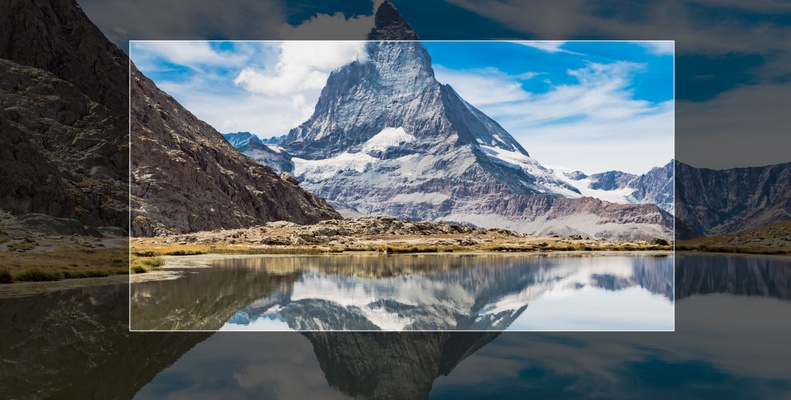
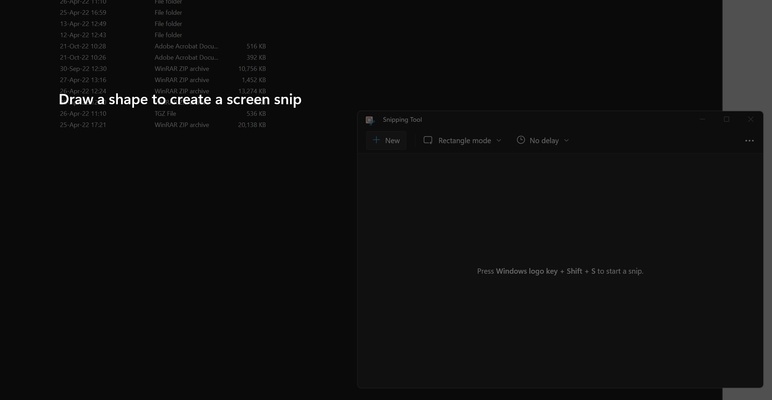
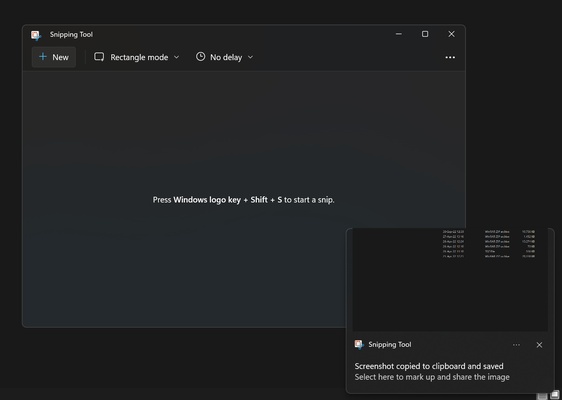
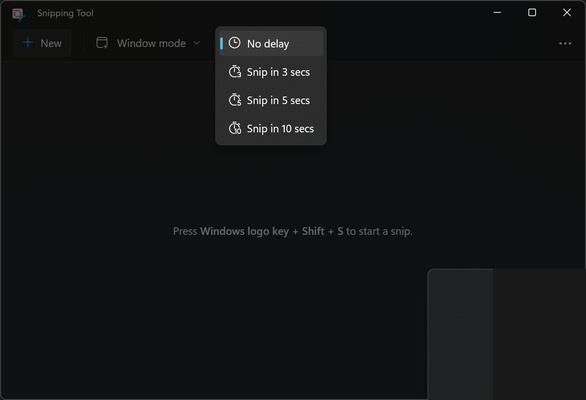
Snipping Tool is the official Microsoft application for the Screenshot tool. With it, you can take a screenshot of a specific part of the screen on Windows, then save the file with just a couple of clicks. To use Snipping Tool, simply press the keys Win + Shift + S.

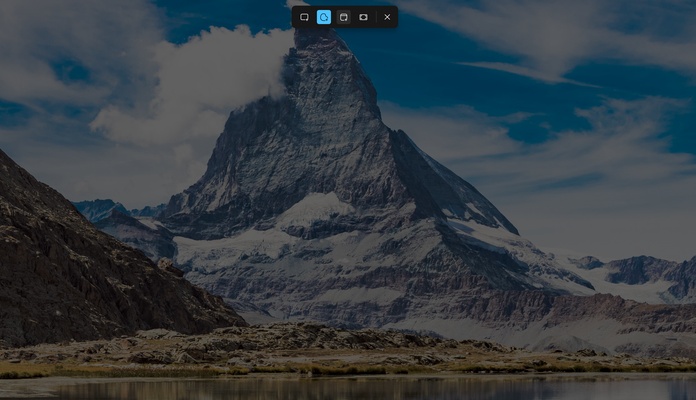
After pressing this combination, a small drop-down menu will open at the top of the screen, where you can choose the type of screenshot you want. For example, you can take a screenshot of the whole screen or just a part of it.

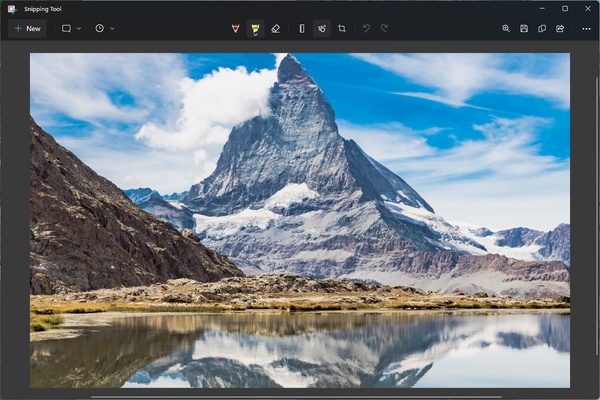
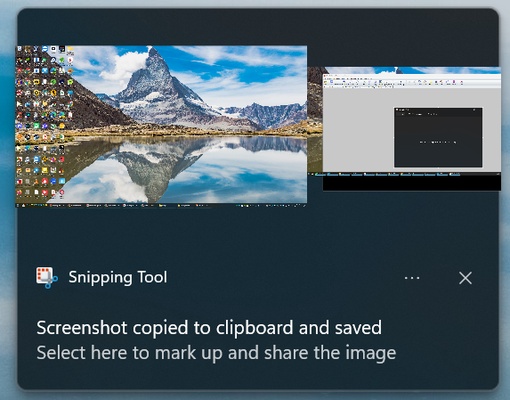
After taking the screenshot, the image will be saved directly to the default folder. Snipping Tool also allows you to make small edits to these screenshots, such as using a marker to circle or comment on something in the image, as well as the option to crop the content you've captured.

Therefore, if you want to take screenshots on Windows, Snipping Tool is one of the best options available since it's natively integrated into the operating system, making it easy to share screenshots from there to other apps.

Information about Snipping Tool

License Free
Op. System Windows
Category Photo & Design
Language English
Author Microsoft Corporation
permission icon Permissions Not applicable
Date 2026-06-02
Size 317 MB
File type MSIXBUNDLE

Apps recommended for you

Sample Gif to PNG Converter icon
Easy Converter Gif to PNG
GIMP icon
Free software for image retouching and editing
Polarr Photo Editor icon
Adjust any parameter in your photos
Framer icon
Design and build modern responsive websites easily with Framer for Windows, the powerful no-code web design and prototyping tool for creators and teams.
ImageConverter icon
Stefan Trost Media
Fotor icon
A comprehensive photo editor
HoverScribble icon
HoverScribble for Windows is a creative drawing tool that lets users create interactive sketches and drawings with a simple, intuitive interface.
qView icon
A lightweight image viewer for Windows
TexturePacker 8.0.2 icon
The best sprite sheet generation desktop tool on the market!
Gyazo 6.0.1 icon
Capture screenshots, gifs, and replay videos that are ready to share instantly!
FotoSketcher 4.30 icon
Create beautiful works of art from your digital photos, for Free!
Framer icon
Design and build modern responsive websites easily with Framer for Windows, the powerful no-code web design and prototyping tool for creators and teams.
Honeycam icon
Honeycam for Windows is a user-friendly GIF maker that allows users to create, edit, and enhance animated GIFs with simple tools and features.
PDF-XChange Editor icon
View, edit, and annotate PDF files easily with PDF-XChange Editor for Windows, the feature-rich PDF software for productivity and document management.
FireAlpaca icon
Create digital artwork easily with FireAlpaca for Windows, the lightweight and user-friendly painting software for artists and illustrators.
digiKam icon
Organize, manage, and edit your photo collection with digiKam for Windows, the powerful open-source photo management and image editing software.
LightBurn icon
LightBurn for Windows is a powerful design and engraving software for laser cutters, offering tools for editing, creating, and controlling laser projects.
PDF-XChange Editor icon
View, edit, and annotate PDF files easily with PDF-XChange Editor for Windows, the feature-rich PDF software for productivity and document management.
DeepSkyStacker icon
DeepSkyStacker
LeafView icon
LeafView for Windows is a lightweight image viewer that offers fast and efficient viewing, organizing, and managing of image files.
Artweaver icon
Creative painting with this amusing tool
PhotoPad Image Editor icon
Retouch your photos and apply effects on them
JAlbum icon
Your WebAlbum in just a few clicks
Diffractor icon
Zac Walker