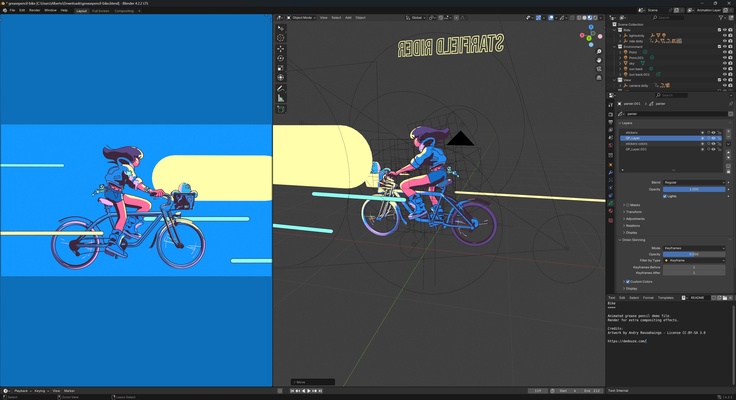
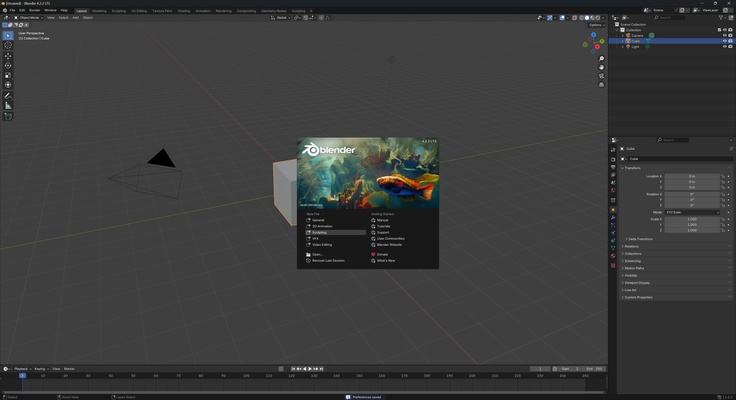
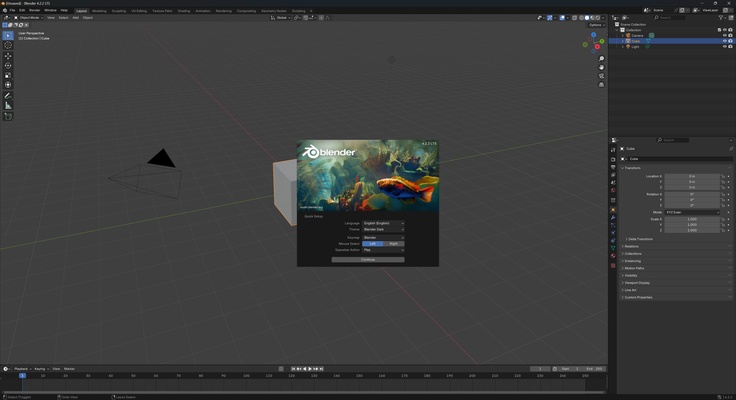
Blender is a free and open-source program that allows you to create 3D graphics and animations. Thanks to its versatility, it is used by film and video game professionals as well as amateur artists.
Modeling
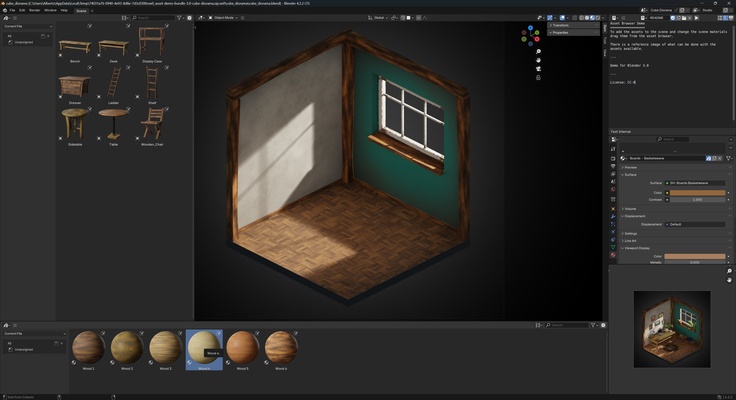
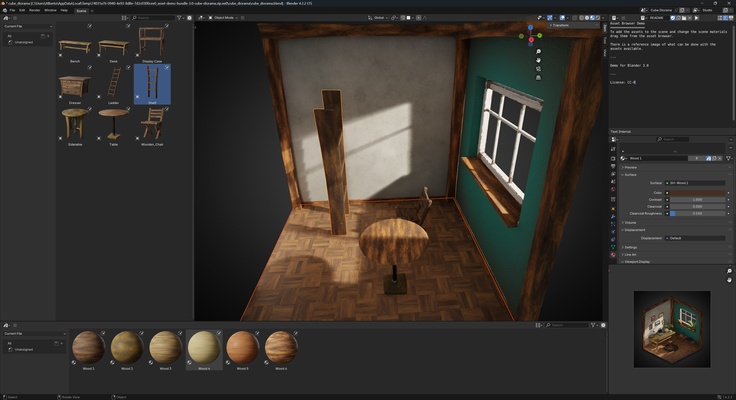
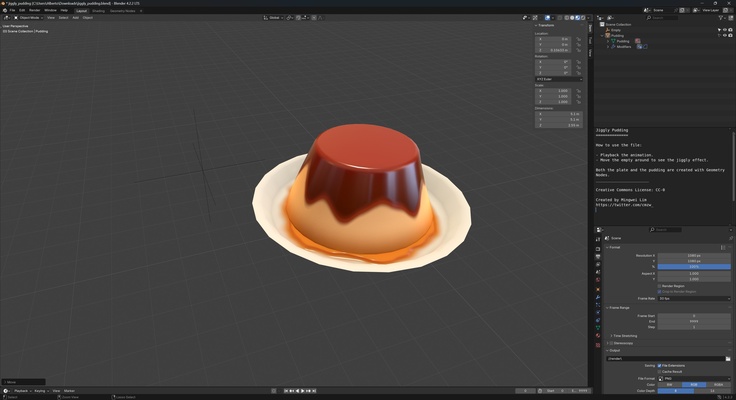
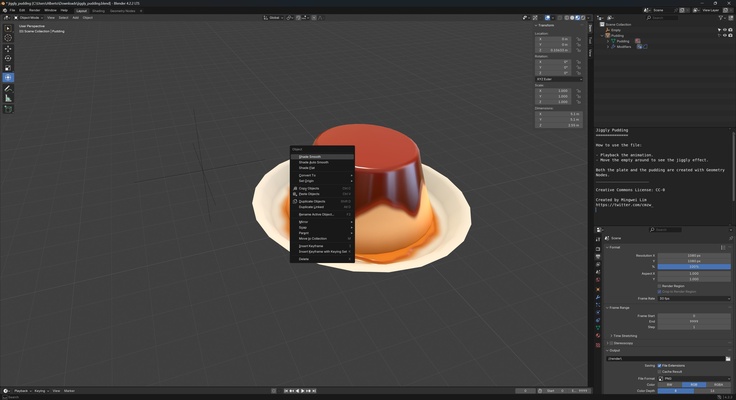
3D modeling is the most important function of Blender. You can create 3D models from basic shapes such as cubes, spheres, or cylinders and then transform them using advanced tools such as surface subdivision, vertex modification, and digital sculpting, adding a range of 3D elements and colors.
Animation
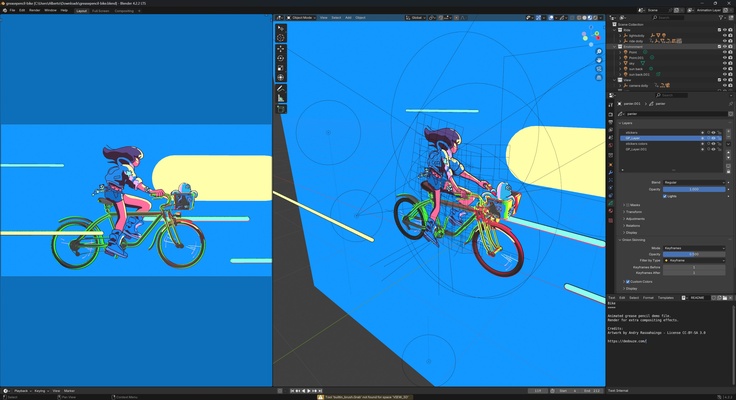
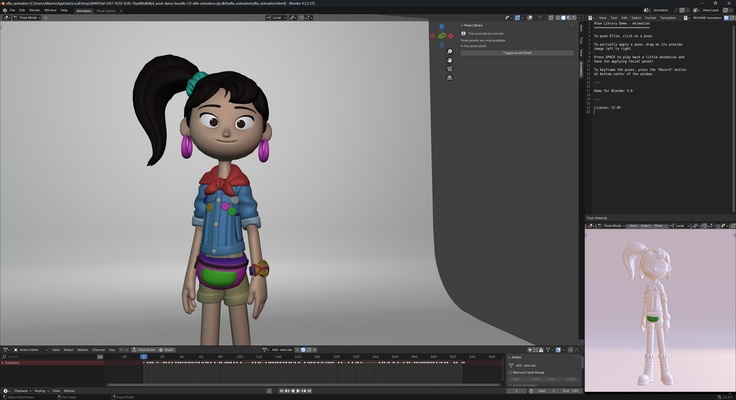
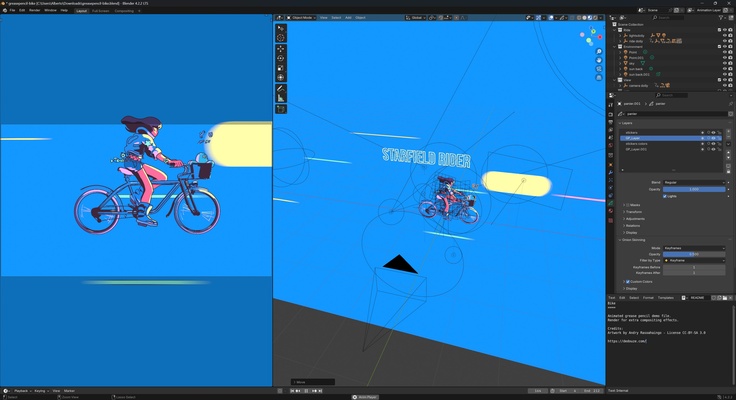
If you're interested in animation, Blender has an armor and skeletal system that allows you to give movement to any character or element in your scene. Using keyframes, you can animate every part of an object or character and make precise adjustments to achieve smooth, natural movements. You can also create your figures in 2D to easily add them to your 3D creations.
Rendering
Once you have modeled and animated your scene, Blender offers several rendering options to give it a professional finish. Cycles is one of the most popular engines in Blender, which uses ray tracing to generate incredibly realistic images. You can also opt for Eevee, a real-time engine ideal for projects requiring speed without compromising visual quality. The previews of the elements you have on screen are made with less quality to reduce resource consumption. However, when rendering, full simulations are carried out so that the final result has the highest quality and detail.
Simulations and special effects
Blender is also known for its powerful physics simulations, allowing you to create impressive special effects such as fire, smoke, fluids, and collisions. For example, if you want to simulate an explosion or an object falling into the water, you can adjust the physical parameters of your objects and get a realistic result without needing advanced knowledge of physics.
Particle simulation
Particles are essential for creating stunning visual effects. With Blender, you can generate and control particles to simulate natural phenomena such as rain, dust, and sparks or even use them to create complex geometry and structures, such as the foliage of a tree or the fragments of an explosion.
Video editing and compositing
In addition to being a powerful 3D modeling and animation program, Blender also includes video editing tools. If you need to join video clips or add special effects to a movie, you can do so directly in Blender without requiring external software. The video editing interface allows you to cut, merge, and add transitions.
Extensions and community
If you run out of ideas, want to use another project as a base, or want to add new features, you can explore the hundreds of add-ons and content developed by both the community and the official developers. These add-ons allow you to add specific features for disciplines such as architecture and advanced visual effects or create video games. The learning curve is very steep in Blender, but once you have done a few tutorial projects and become familiar with its tools, you'll be able to achieve spectacular results.
Download Blender if you're looking for a comprehensive 3D editing program to model, render, texture, light, animate, and produce all kinds of computer-generated 3D scenes.