

GMIC for Windows Download – The Ultimate Image Processing and Editing Tool
GMIC (GREYC's Magic for Image Computing) for Windows is a powerful open-source image processing software that provides a vast collection of advanced filters and editing tools. Whether you're a photographer, graphic designer, or digital artist, GMIC offers an extensive array of tools for image enhancement, manipulation, and transformation. With its intuitive interface and high-level customization, GMIC is an essential tool for anyone looking to improve their images or create stunning visual effects.
From simple adjustments to complex effects and transformations, GMIC is designed to help you achieve professional-level results with ease.
Advanced Image Processing and Filters
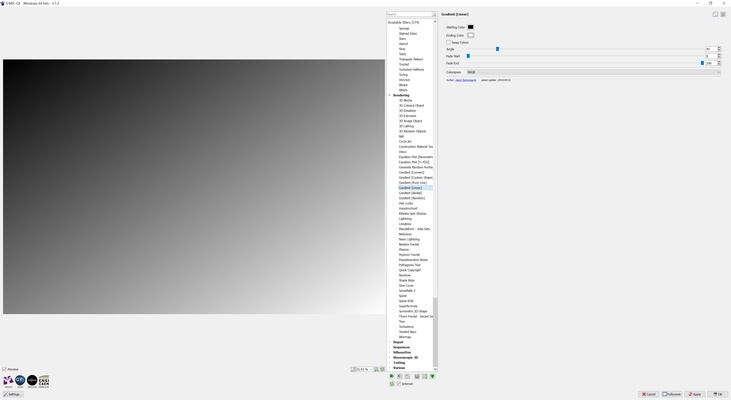
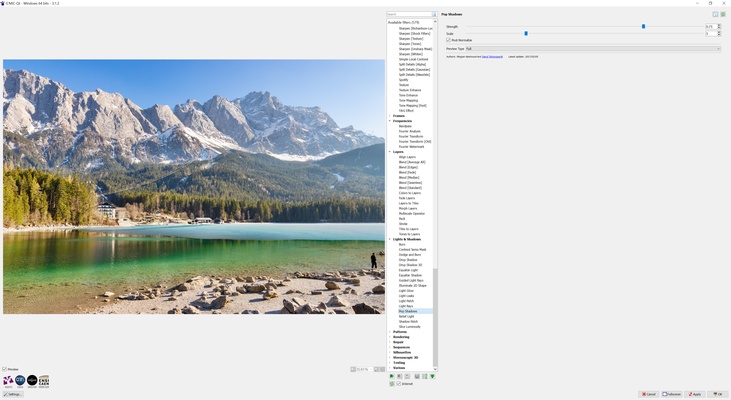
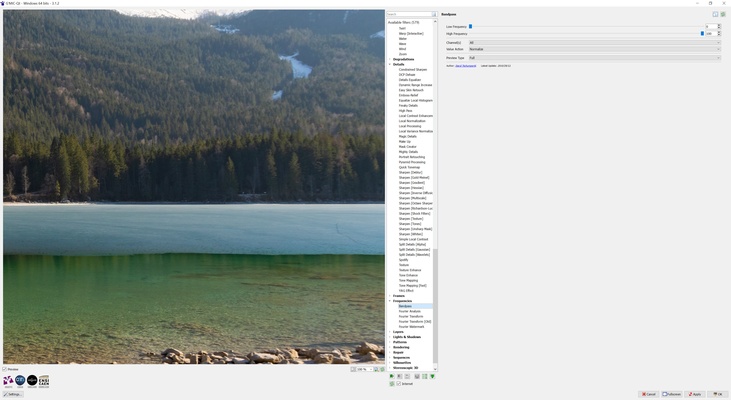
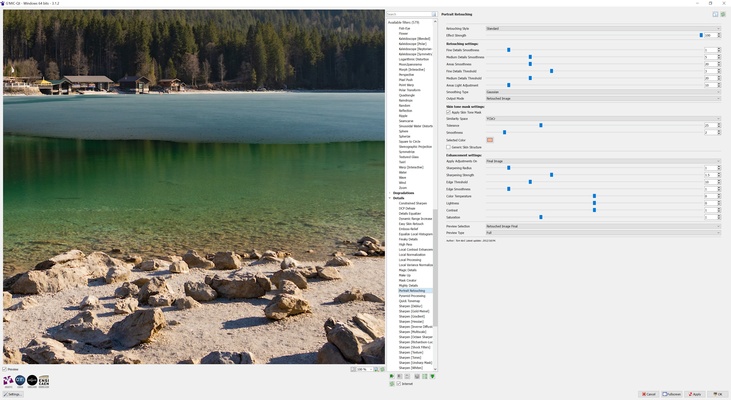
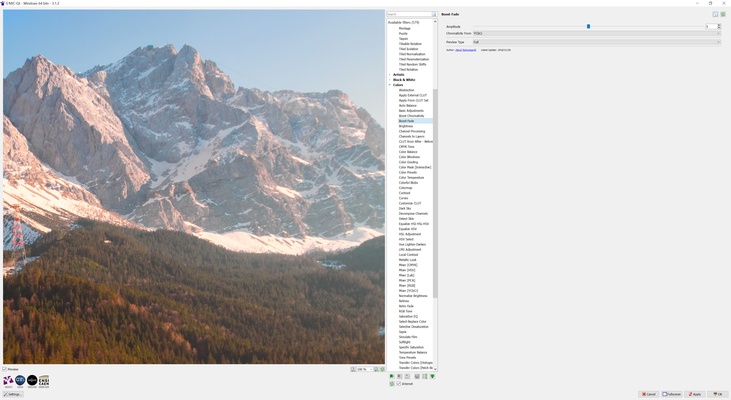
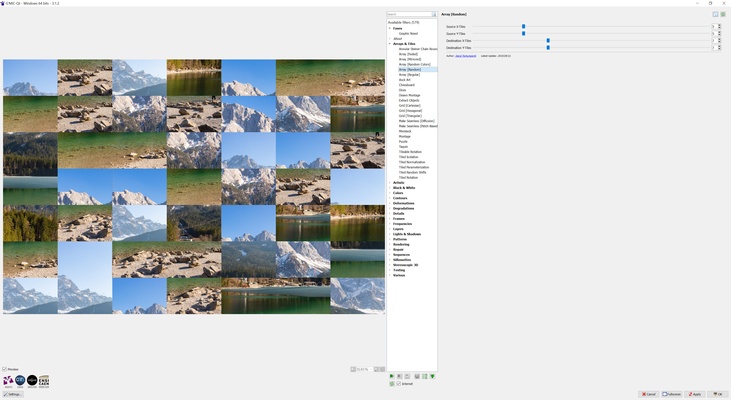
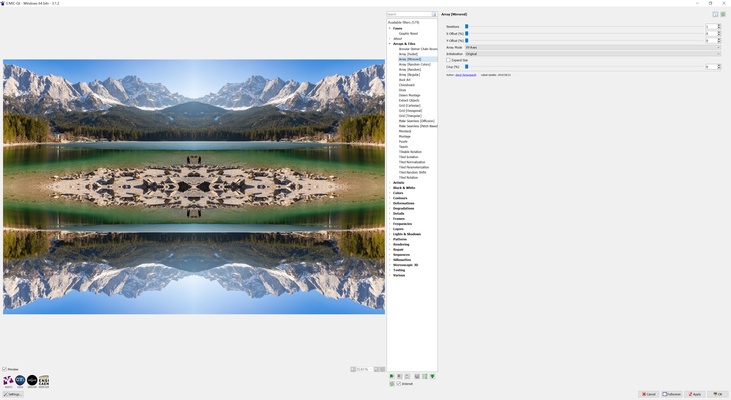
GMIC comes equipped with an extensive set of image processing filters that allow you to enhance and modify your images in a multitude of ways. Whether you want to adjust the contrast, brightness, sharpness, or apply creative effects, GMIC has the right tool for the job. The software supports a wide range of filters including those for color correction, noise reduction, distortion effects, and artistic filters like oil painting, sketch, and cartoonization.
With over 500 filters and effects, GMIC allows you to transform your images into works of art or adjust them for professional use.
Batch Image Processing
GMIC includes robust batch processing features that let you apply the same filters to multiple images simultaneously. Whether you're editing photos for a project, processing product images for an online store, or simply need to adjust multiple images quickly, GMIC can handle batch operations efficiently. This feature significantly saves time and ensures consistency across large sets of images.
High Customizability for Professionals
For advanced users, GMIC offers a high level of customization and control. You can create custom scripts to automate your image processing tasks or fine-tune the filters to meet your exact specifications. The software allows for precise control over the effects and transformations, making it ideal for users who require professional-grade results.
With its scriptable interface, GMIC allows experienced users to fully harness its capabilities, creating complex workflows and processing sequences tailored to their needs.
Integration with GIMP and Other Software
GMIC seamlessly integrates with GIMP (GNU Image Manipulation Program), one of the most popular open-source image editing tools. This integration allows you to access GMIC's vast collection of filters directly from within GIMP, giving you a powerful, all-in-one solution for both editing and image processing. GMIC can also be used as a standalone application or integrated with other software, providing flexibility based on your workflow preferences.
High-Quality Output and Support for Multiple Formats
GMIC ensures that the quality of your images is maintained, even after applying complex effects. The software supports a wide range of file formats, including JPEG, PNG, TIFF, BMP, GIF, and more. You can easily save your processed images in the format that best suits your needs, whether it's for web use, printing, or digital design.
Real-Time Preview and Interactive Interface
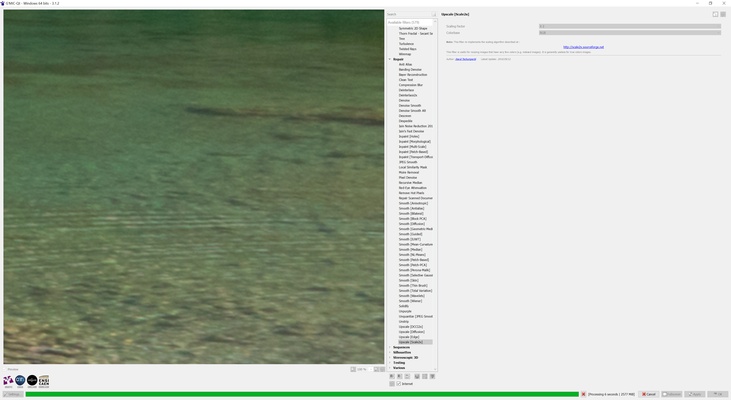
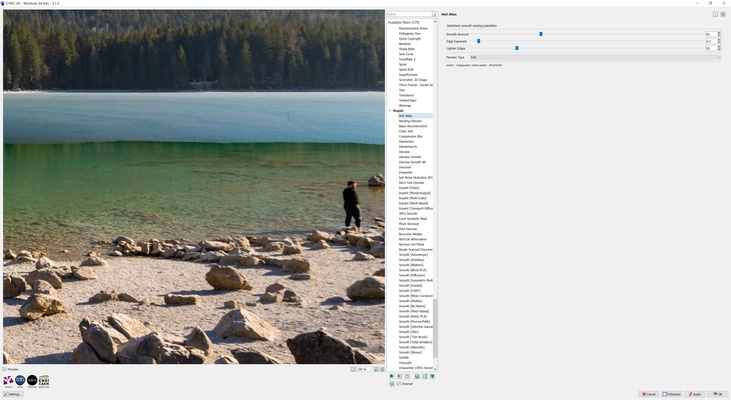
GMIC offers a real-time preview of the filters and effects, allowing you to see the changes as you apply them. This interactive interface makes it easy to experiment with different adjustments and fine-tune your images to perfection. You can adjust parameters on the fly and instantly see how they affect the image, streamlining your editing process.
Lightweight and Efficient Performance
Despite its advanced features, GMIC is designed to be lightweight and efficient, ensuring that it performs well even on systems with limited resources. The software's fast processing speed ensures that you can work on large images or batch processes without experiencing significant delays or performance issues.
Final Overview
GMIC for Windows is an all-in-one image processing and editing tool that offers a vast range of filters, effects, and enhancements. Whether you're enhancing your photos, applying creative filters, or automating image processing tasks, GMIC provides the tools and flexibility to achieve professional results. With support for batch processing, high customization, integration with GIMP, and a variety of output formats, GMIC is an essential tool for anyone serious about image editing and manipulation. Download GMIC now and take your image processing skills to the next level!