

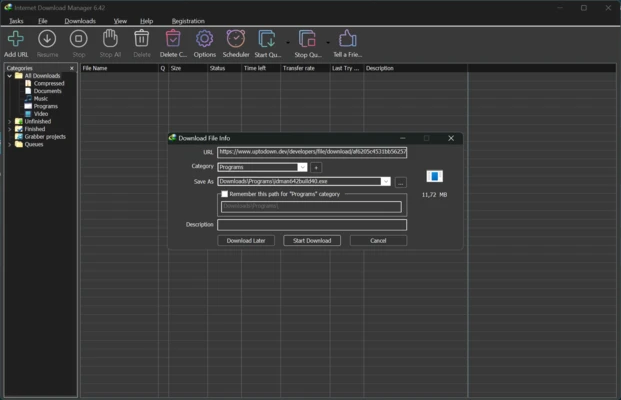
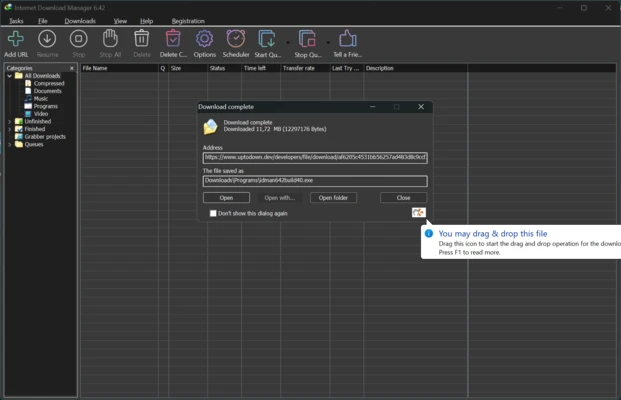
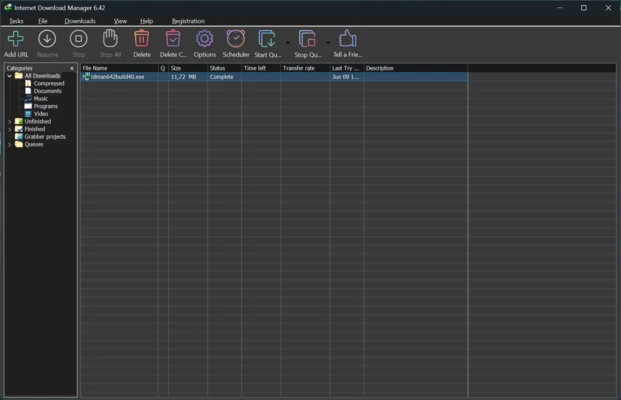
Internet Download Manager is a download manager for Windows that helps you optimize, organize, and speed up downloads from browsers and other servers. Its intelligent file segmentation system can improve download speeds, including on slow or unstable network connections. It is compatible with major web browsers and can automatically detect and capture downloadable links.
Compatible with Browsers and Protocols
Internet Download Manager works with popular web browsers including Google Chrome, Mozilla Firefox, Microsoft Edge, and Opera. When it detects a downloadable link, it displays a pop-up window that allows you to start the download through IDM.
The program supports HTTP, HTTPS, FTP, and MMS protocols, providing compatibility with a wide range of websites and servers.
Download Videos from Streaming Sites
Internet Download Manager can download videos from compatible streaming websites such as YouTube, Vimeo, and Dailymotion. When a supported video is detected, a download button appears, allowing you to select available video quality options, including HD and Full HD.
The IDM browser extension must be enabled to use this feature and other browser integration functions.
Download Scheduling and Automation
Internet Download Manager allows you to schedule downloads to start automatically at specific times. Downloads can be added to a queue and started according to your configured schedule.
You can also configure IDM to automatically shut down the computer after all downloads are completed. File type rules can be used to automatically save different types of downloads to specific folders.
Resume Interrupted Downloads
IDM can resume interrupted downloads caused by lost Internet connections, server disconnections, or accidental computer shutdowns. Instead of restarting the download from the beginning, you can continue from where it was interrupted, which is particularly useful for large files.
File Categories and Filters
Internet Download Manager includes customizable categories and filters for organizing downloaded files by type. For example, video files can be saved to one folder while PDF and ZIP files are stored in separate folders.
Antivirus Integration
IDM can be configured to automatically launch your preferred antivirus program after a download is completed. This allows downloaded files to be scanned before they are opened.