

Kdenlive for Windows Download – A Powerful Open-Source Video Editing Software
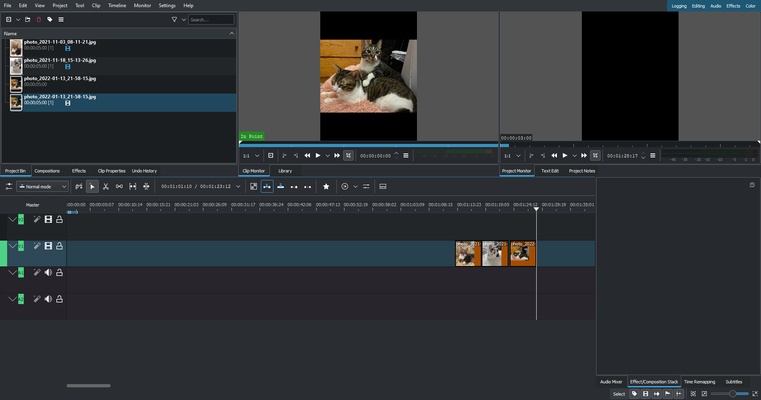
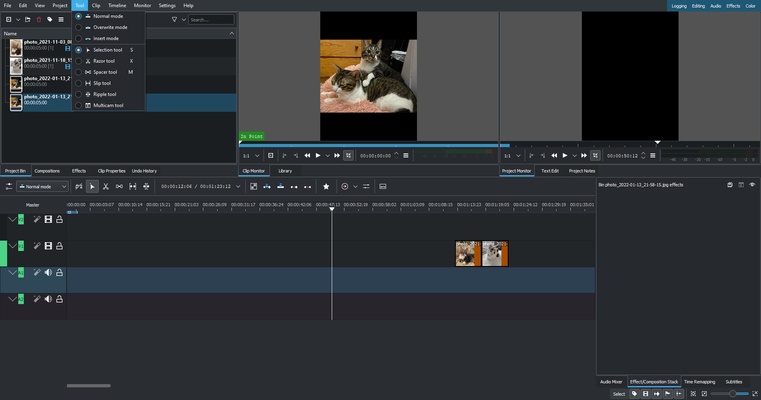
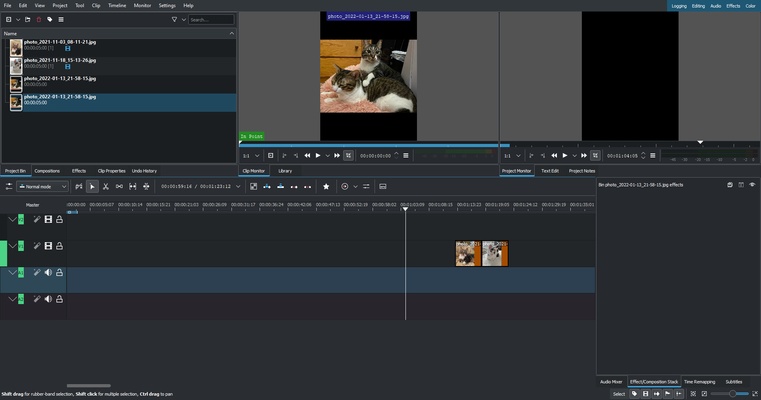
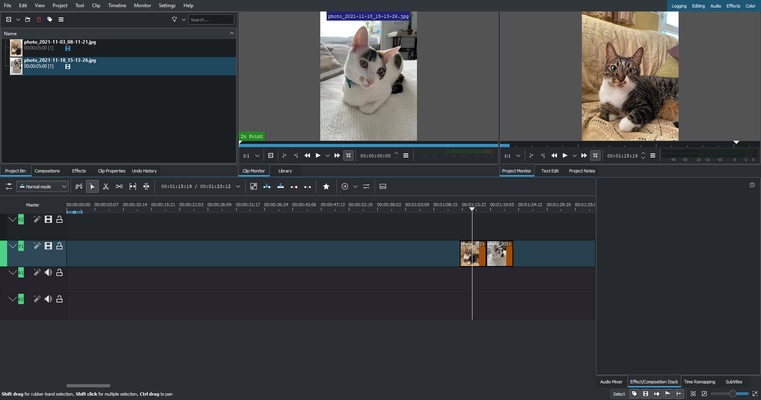
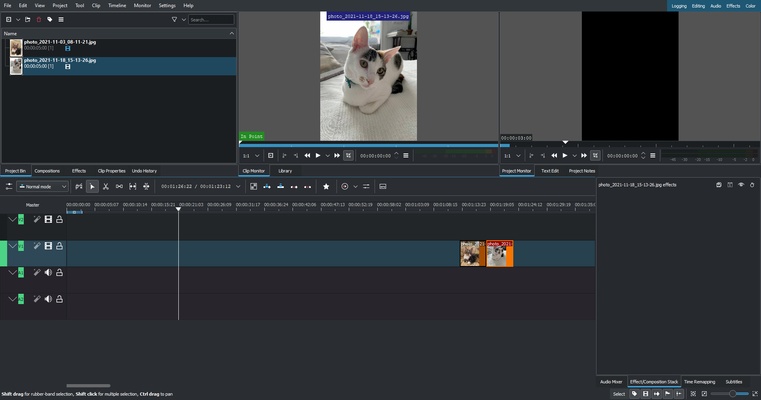
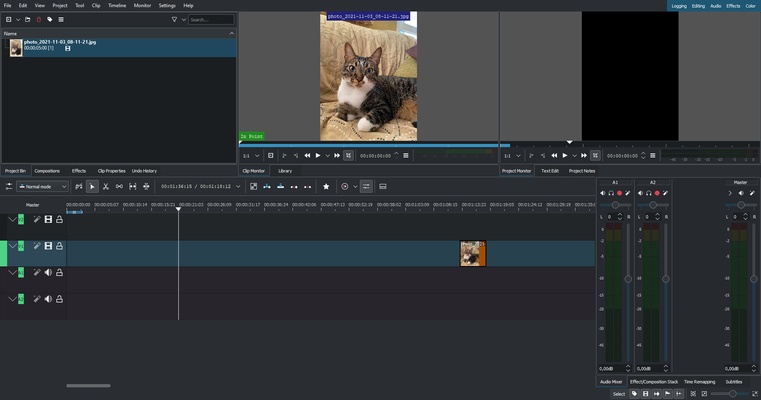
Kdenlive for Windows is a feature-rich, open-source video editing software designed for both beginners and professional video editors. With its non-linear editing (NLE) capabilities, Kdenlive allows you to work with multiple video tracks, audio, and effects, making it a powerful tool for creating high-quality videos. Whether you're editing YouTube videos, short films, or professional projects, Kdenlive provides the tools you need for precise editing, multi-track timeline control, and real-time previews.
Take your video editing to the next level with Kdenlive!
Multi-Track Video Editing
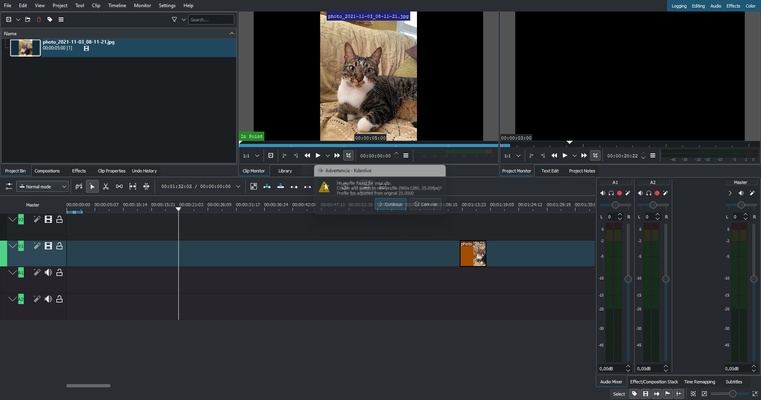
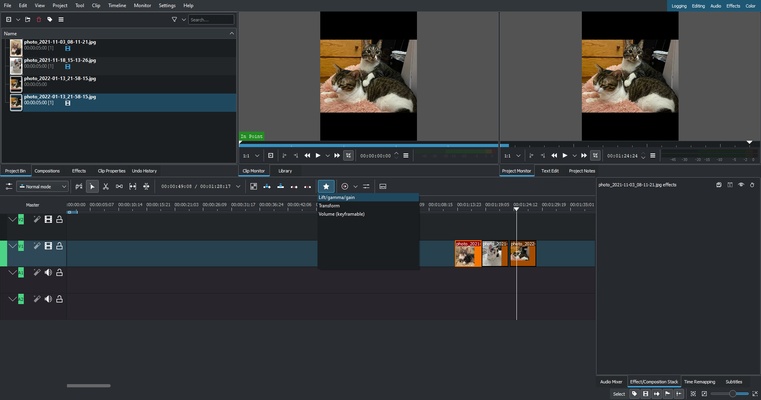
Kdenlive offers multi-track video editing, allowing you to layer multiple video and audio tracks in a single project. This feature is perfect for projects that require advanced video compositing, such as picture-in-picture, green screen effects, and audio mixing. Whether you're adding background music, voiceovers, or special effects, Kdenlive provides the flexibility to combine multiple elements seamlessly in your video.
Wide Range of Video and Audio Effects
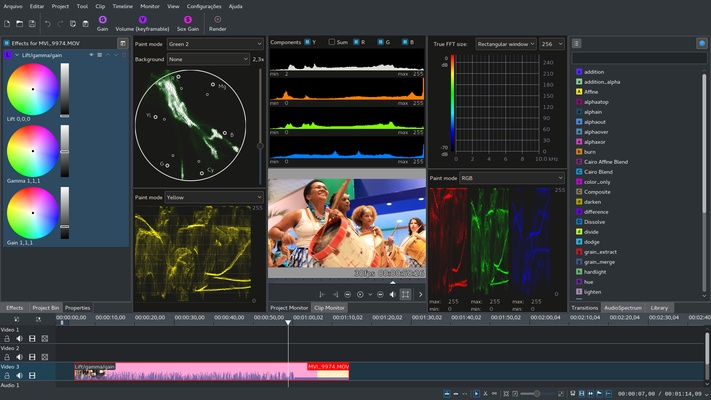
Kdenlive comes with a wide range of built-in video and audio effects to enhance your projects. You can adjust brightness, contrast, saturation, and color grading, or apply transitions between clips for smooth scene changes. Kdenlive also supports audio effects like EQ, noise reduction, and pitch correction, giving you full control over your sound design. With its comprehensive effect library, Kdenlive ensures that you have all the tools needed to produce professional-level results.
Real-Time Previews and Playback
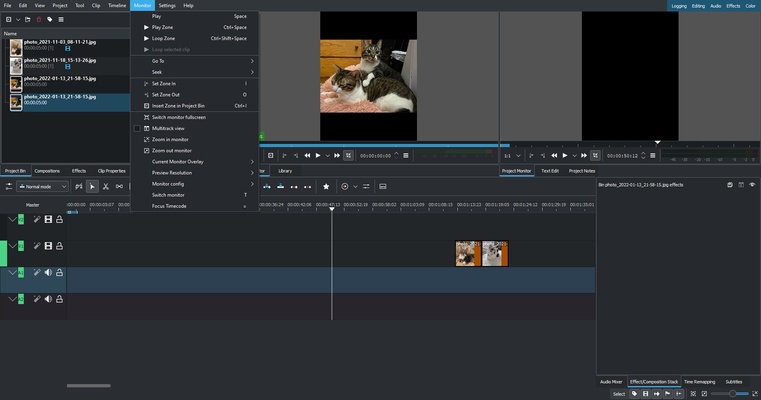
Kdenlive provides real-time previews of your timeline edits, making it easy to see how changes will affect your video before rendering. The software supports proxy editing, which allows you to work with lower-resolution files during editing and then export the final product in high resolution. This feature is particularly useful when working with high-definition video files that might otherwise cause performance issues on less powerful systems.
Advanced Keyframe and Titling Features
Kdenlive offers advanced keyframe animation tools, giving you the ability to create custom animations and motion graphics for your clips. You can animate video effects, transitions, and audio levels over time, bringing your projects to life with smooth, dynamic changes. Kdenlive also includes a title editor for adding custom text and graphics to your videos. Whether you're creating lower thirds, opening titles, or credits, Kdenlive's titling tools give you professional-quality results.
Extensive File Format Support
Kdenlive supports a wide range of file formats, including MP4, AVI, MOV, MKV, and many others. Whether you're importing video footage from different cameras or exporting your final project to a specific format, Kdenlive ensures that you have compatibility with various formats and codecs. The software also includes the option to export videos in different resolutions, frame rates, and compression settings, giving you full control over your project’s output.
Open-Source and Customizable
As an open-source software, Kdenlive is completely free to use and can be customized to fit your specific editing needs. The software is built on a modular framework, which means you can add or remove features based on what you need for each project. The active community of developers and users also contributes new features, improvements, and bug fixes, ensuring that Kdenlive evolves with the latest trends in video editing.
Final Overview
Kdenlive for Windows is a powerful, free, and open-source video editing software that is perfect for both beginner and professional video editors. With its multi-track editing, real-time previews, extensive effects library, and advanced animation features, Kdenlive offers everything you need to create stunning video projects. Whether you're editing a simple vlog or a complex film project, Kdenlive provides the tools and flexibility to bring your vision to life. Download Kdenlive today and experience a world of video editing possibilities!