Go to Windows platform Display platforms icon
Go to Windows platform Go to Mac platform Go to Android platform
Wondershare Filmora icon

Wondershare Filmora

14.4.13
Wondershare Software
3.5
815.49 MB size

Create and edit impressive videos in the easiest way possible

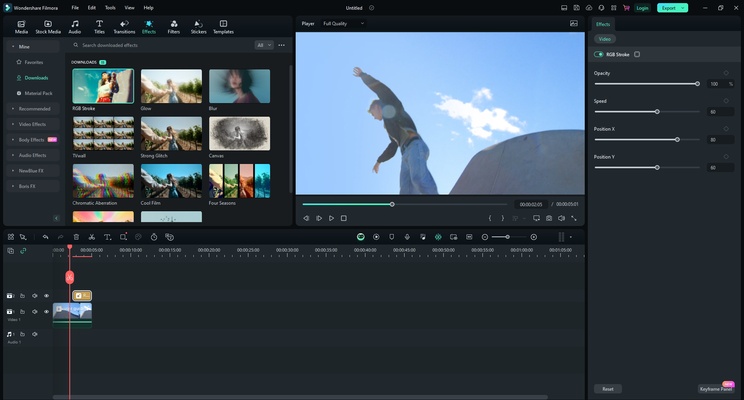
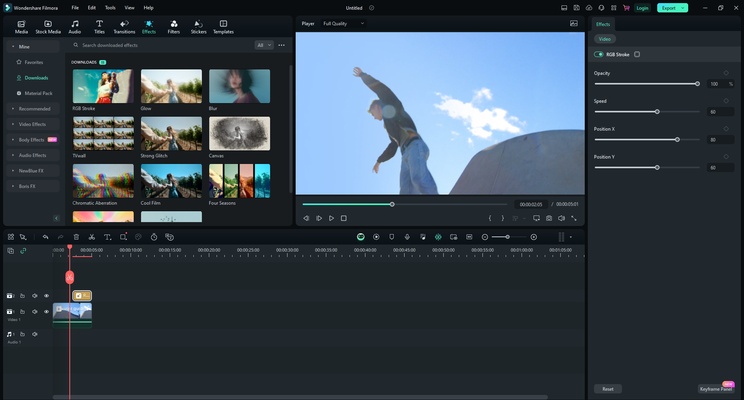
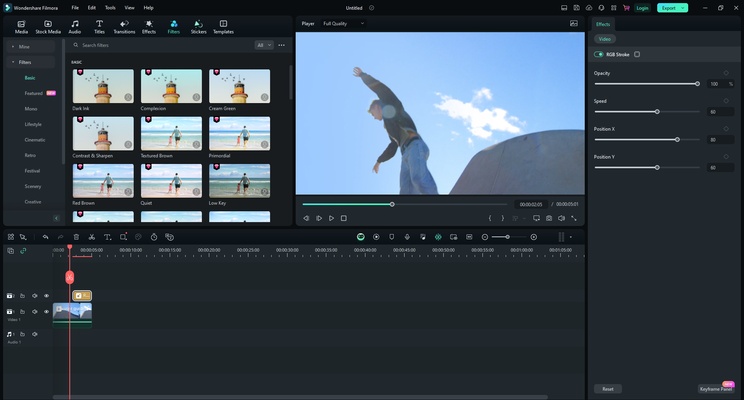
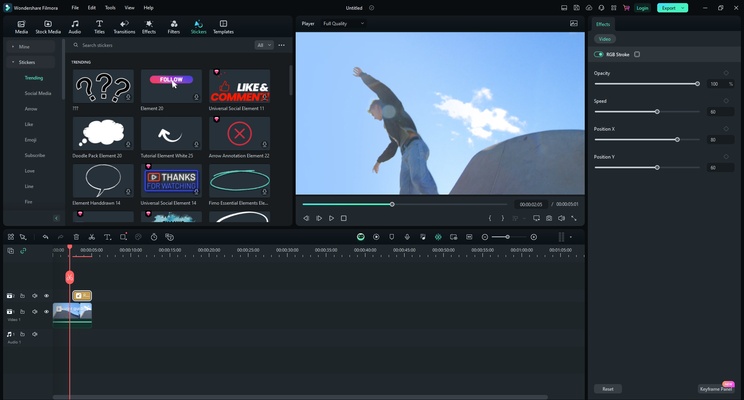
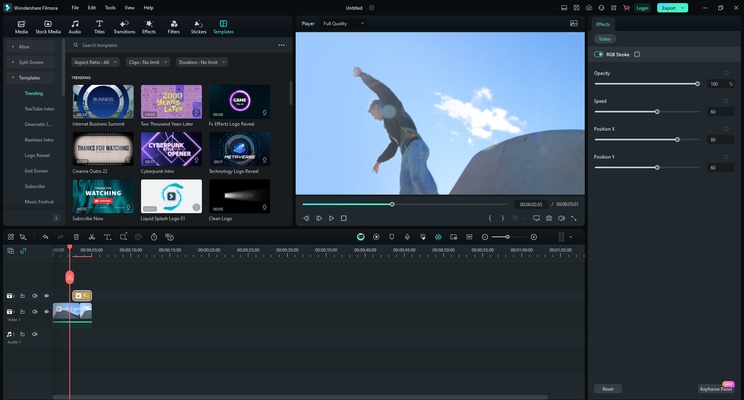
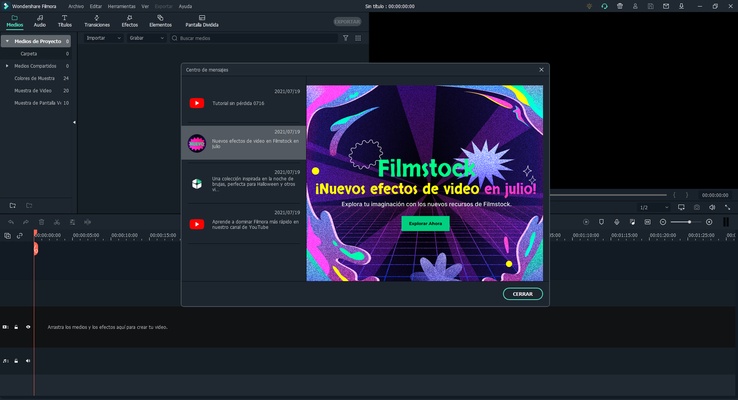
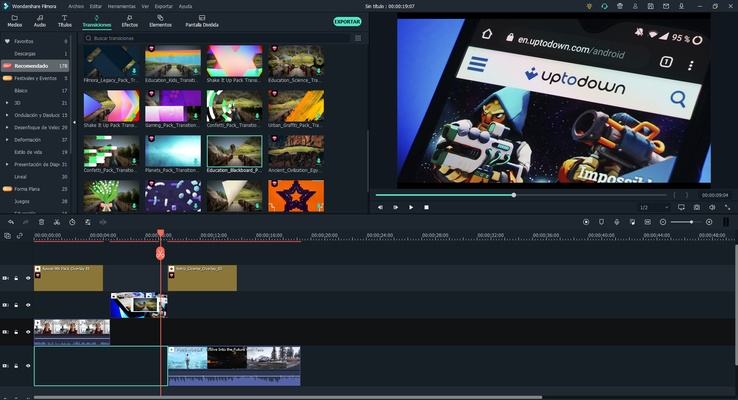
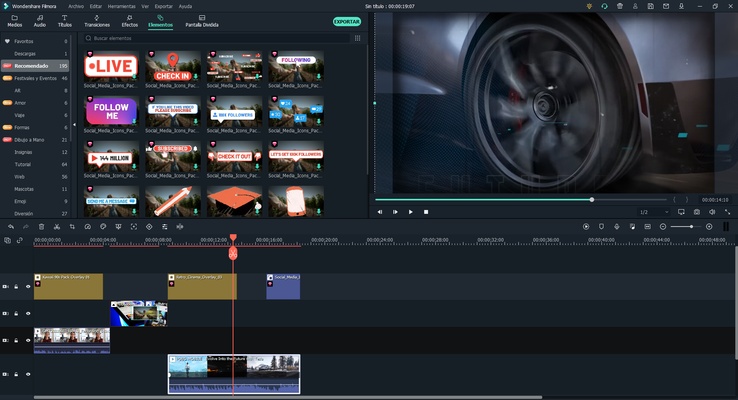
Wondershare Filmora (formerly known as Wondershare Video Editor) is a program dedicated to audio and video editing integrating functions and tools with which you can modify almost all the settings of your files, from volume and speed to brightness, contrast and saturation. The tool has a similar interface to the powerful Adobe Premiere, but with easier and more intuitive operation, allowing among many other options to record directly from the PC voice or video to import and edit it as voice-over.

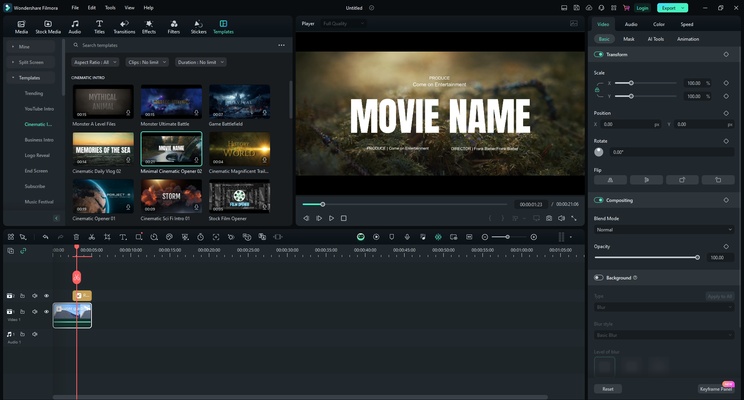
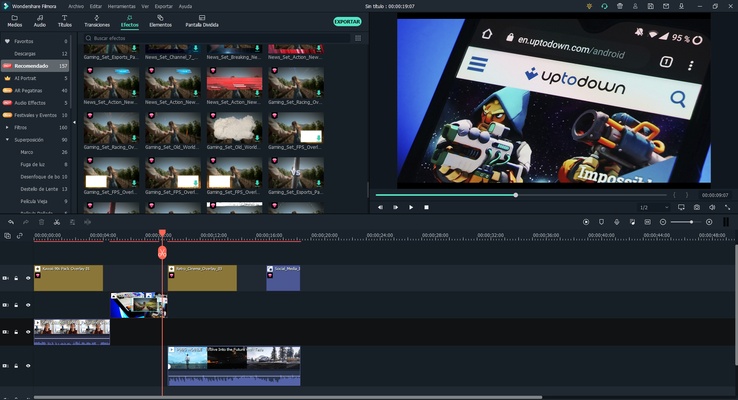
Also, if you are not an expert in the field and you are looking for a program that automatically adds effects to your videos to give them a more professional look without being overly complicated, Wondershare Video Editor is for you: It will apply excellent effects, bumpers and transitions between video clips just by dragging them over these, thus customizing each video, photo or audio you need.

Supported input formats:

- Video: AVI, DV, DIF, NUT, H261, H264, NSV, FLV, MKV, MKA, MP4, M4V, M4A, PSP, 3GP, MOV, MPG, MPEG, DAT, EVO, RM, RMVB, TS, TP, TRP, M2TS, WMV, ASF, DVR-MS.

- Audio: AAC, AC3, APE, AIF, AIFF, FLAC, APE, CUE, AU, AMR, OGG, WAV, DPE, MKA, M4V, M4A, MPA, MP2, MP3, RA, WMA.

- Image: JPG, JPEG, BMP, PNG, JPE, GIF, DIB, JFIF, TIF, TIFF.

Supported output formats:

- Video and audio: WMV, AVI, MOV, FLV, MKV, MP4 Video(AVC), MP4 Video(Xvid), MP4 Video(MC), ASF, M4V, Xvid, DV, MPEG-1 NTSC, MPEG-1 PAL, MPEG-1 SECAM, MPEG-2 NTSC, MPEG-2 PAL, MPEG-2 SECAM, DVD-Video NTSC, DVD-Video PAL, HTML5, DVD-Video SECAM, MP3, TS, TRP, AVI, MP4, MPG, WMV, MOV.

-DVD: disc, folder and ISO image.

-Others: iPhone, iPhone 3G, iPhone 3GS, iPhone 4, iPhone 4S, iPod nano, iPod touch, iPod classic, iPad, iPad 2, HTC, Galaxy S II, PSP, PS3, Wii, Xbox 360, Zune, Zen, Archos.

Once Wondershare Video Editor is installed, just follow these steps:

1. Import or drag and drop your multimedia files.

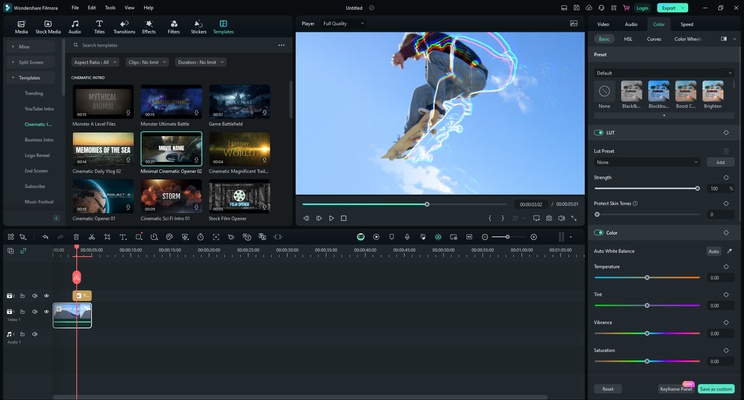
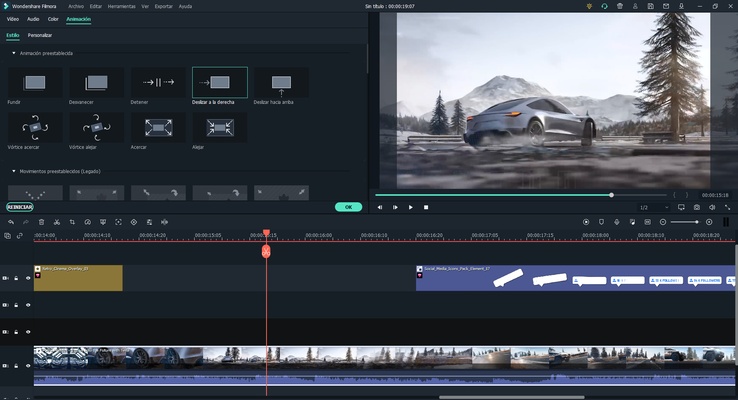
2. Edit your videos, photos and audio tracks with all the features of WVE: crop, rotate, add subtitles, apply effects, etc.

3. Add transition effects to your videos.

4. Save them in the format you need and share them!

Information about Wondershare Filmora

License Trial
Op. System Windows
Category Video
Language English 7 more
Author Wondershare Software
permission icon Permissions Not applicable
Date 2026-06-02
Size 815.49 MB
File type EXE

Apps recommended for you

DispCam icon
Trial for Windows is a software tool that provides users with a temporary, limited-time version of a program to evaluate its features before purchase.
Icecream Video Editor icon
Edit and create new videos and photos in minutes
Dragonframe icon
DZED Systems
Any Video Downloader icon
Any Video Downloader for Windows allows users to download videos from various websites in different formats and resolutions for offline viewing.
Audials Music icon
Music, films, DVDs. Capture it all
YTSage icon
YTSage for Windows is a tool that helps users search, download, and manage high-quality YTS torrent movies with ease.
VideoPad Video Editor and Movie Maker Free icon
VideoPad Video Editor and Movie Maker Free for Windows is a user-friendly video editing software for creating and editing movies quickly.
GOM Player icon
GOM Player is a versatile media player that supports a wide range of video and audio formats with built-in codec support and playback features.
UltraMixer 6.4.8 icon
Mix & Enterain with Audio, Video, Visual & live camer for PC!
VSDC Free Video Editor 11.2.1.720 (64-bit) icon
Amazing program that allow you to create and edit video for Free!
Streamlabs OBS 1.21.4 icon
Fast Feature-Packed Broadcast Software Designed by Pro Streamers!
Wondershare Filmora 15.6.4 icon
Easy video editor everyone can use, support 800+ effects & 50+ formats!
Any Video Converter Free icon
Convert and edit videos easily with Any Video Converter Free for Windows, the versatile tool for fast video format conversion and basic video processing.
Streamlabs OBS icon
Stream, record, and broadcast high-quality content with Streamlabs OBS for Windows, the powerful live streaming and recording software for gamers and creators.
DVDFab icon
DVDFab for Windows is a versatile media software that allows users to copy, rip, convert, and burn DVDs and Blu-rays easily.
Iriun Webcam icon
Turn your smartphone into a high-quality webcam with Iriun Webcam for Windows, the easy-to-use app for video calls, streaming, and online meetings.
Flip PDF Plus Corporate icon
A powerful feature-rich flipbook maker
Multiviewer icon
Watch multiple F1, Indycar and NASCAR streams at the same time
UkeySoft Music Converter icon
Best Tool to Convert Spotify Music to MP3/WAV/M4A/AAC
Topaz Video AI icon
Improve your videos with artificial intelligence
JRiver Media Center icon
JRiver Media Center for Windows is a versatile media player and organizer that supports audio, video, and image management for a seamless media experience.
Cyberlink PowerDirector icon
Edit video clips and create complete original DVD's
VidCoder icon
Rip your DVDs and Blu-Rays without losing quality
Iriun Webcam icon
Turn your smartphone into a high-quality webcam with Iriun Webcam for Windows, the easy-to-use app for video calls, streaming, and online meetings.