

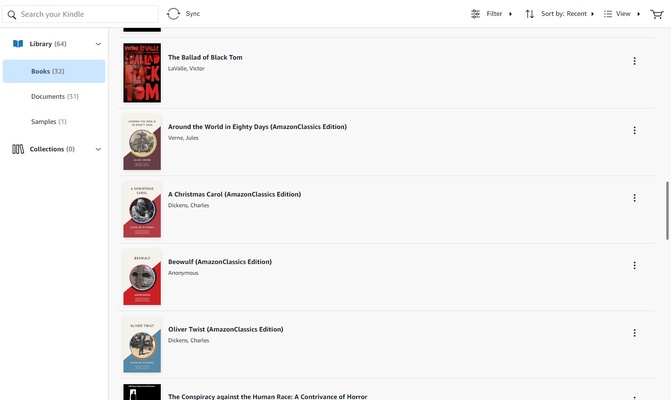
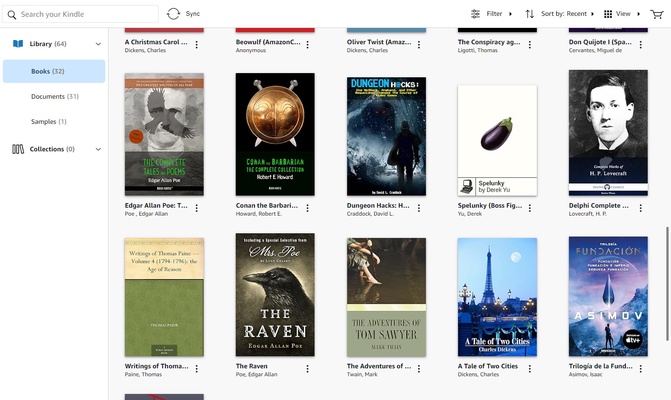
Kindle is the official Amazon app for reading Kindle books on PC. Thanks to this program, you'll be able to enjoy the entire collection of digital books you have purchased through Amazon, as well as any books and comics you have through subscriptions such as Kindle Unlimited or Comixology Unlimited. Your entire digital library in one place.
Sign in with your Amazon account
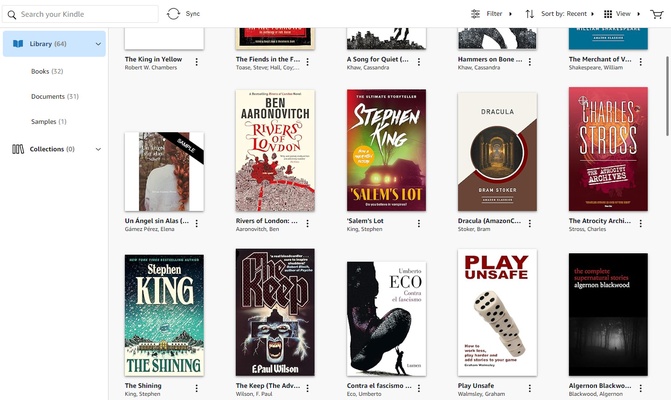
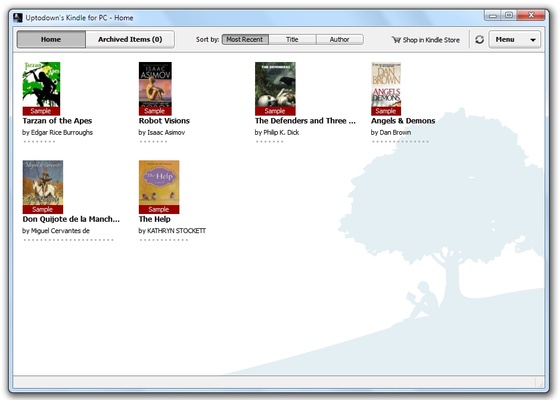
You'll first need to sync your user account to use Kindle for PC. This step is very simple. Just enter the email address you used to register with Amazon and verify your identity. Once you complete this first step, you'll automatically see your entire book collection perfectly sorted. You can download any book with a single click. Additionally, if a book is halfway through because you have already started reading it on your Kindle, you can continue reading exactly where you left off.
A very convenient reader for PC
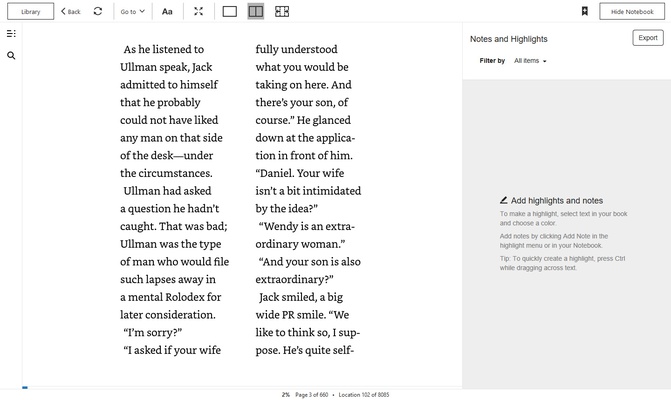
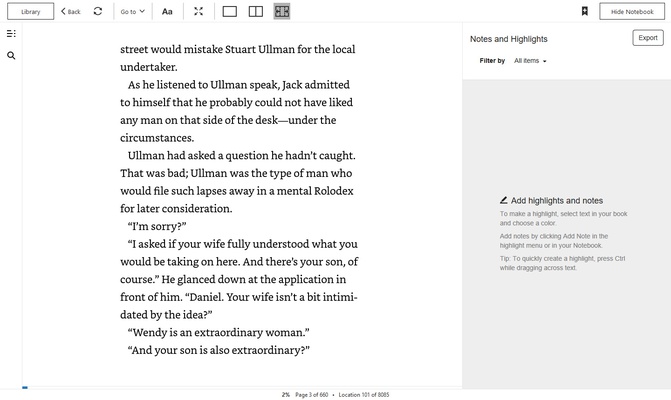
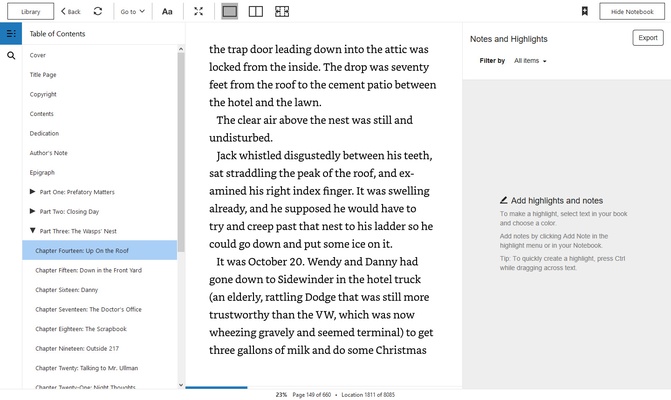
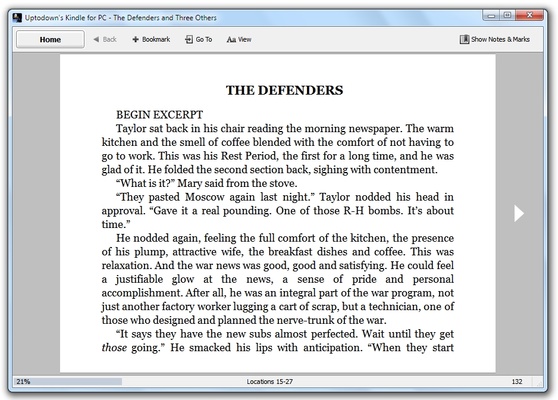
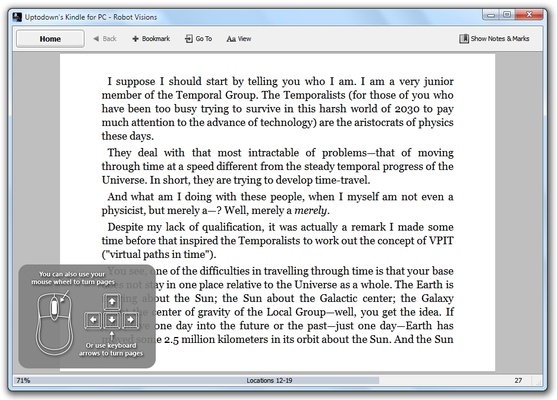
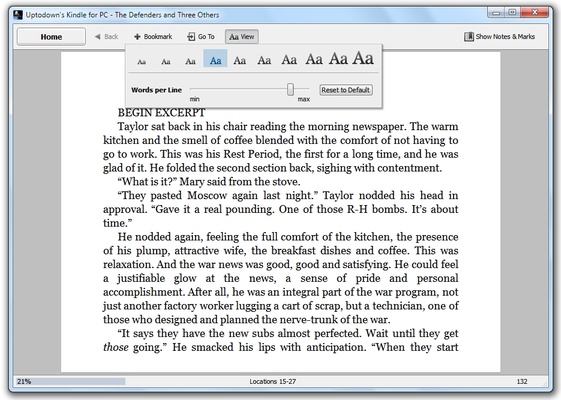
Kindle offers a very comfortable PC reading experience. You can choose to read the book in one or two columns. There is also the index always to hand, displayed in the left column, and, of course, you can customize the font to your liking. You'll have a dozen different fonts at your disposal, which you can adjust in size, alignment, and spacing. As for the background, you can choose between the classic white, dark, or sepia background.
Notes and built-in dictionary
One of the advantages of using Kindle is that you can use the dictionary easily. Just click on a word and select the Dictionary option to instantly get the definition. If you prefer, you can also quickly look it up on the Internet or Wikipedia. Similarly, you can create notes in any book. You only have to click on a word and type the note you want to leave.
The most convenient way to read your Kindle books
Download the Kindle app for PC and enjoy all your ebooks in the most convenient way possible. Thanks to this app, you can read your favorite books perfectly synced between your Kindle device and the app on your Android device. The program will also allow you to import PDF documents to read them there.