

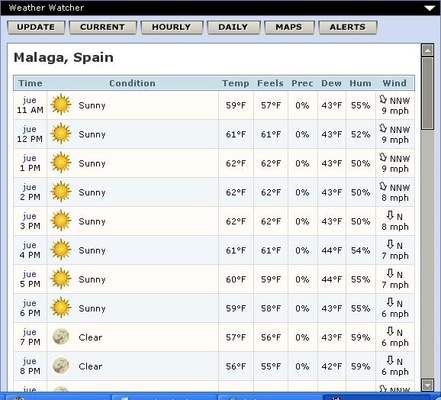
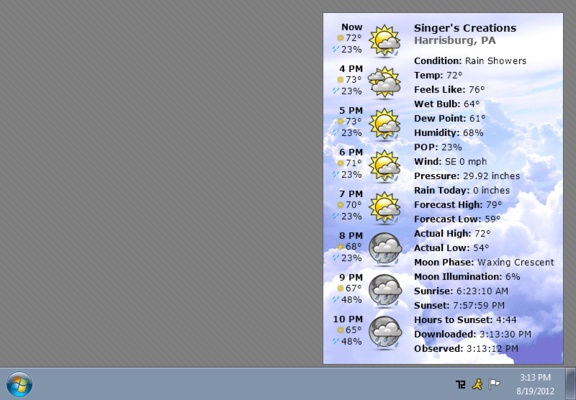
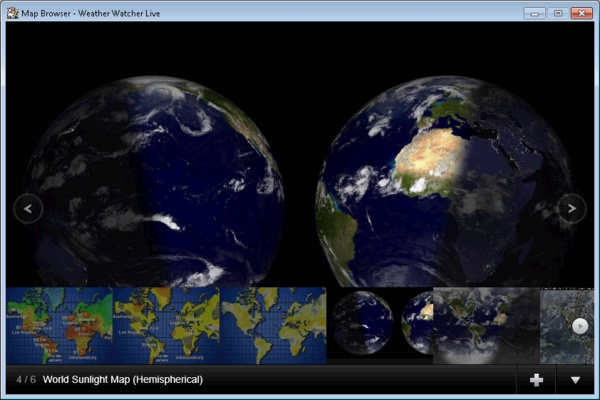
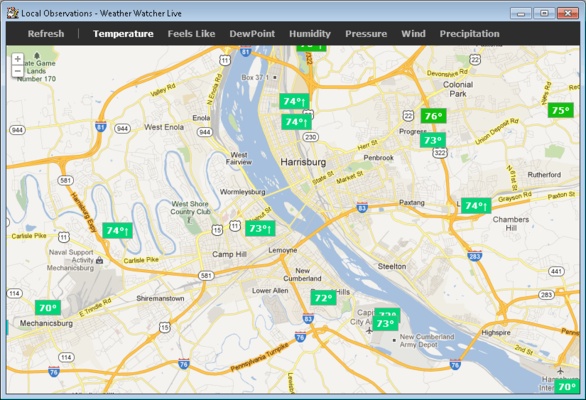
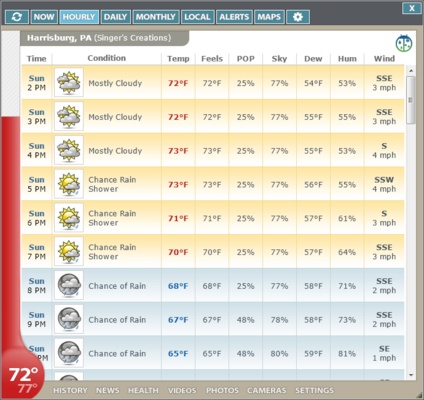
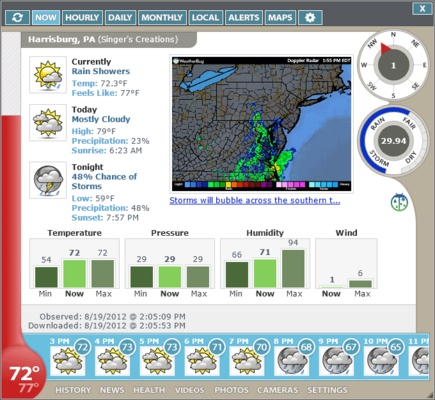
Weather Watcher is a program that allows you to easily consult weather information, from the comfort of your desktop, without the need to check any web pages. Once you have installed the app and confirmed your location, you will be able to quickly check the temperature or the likelihood of rain for the rest of the day, just by hovering the cursor over your system tray.
Sign up for a free trial
Before you get started with Weather Watcher it is important to note that it is a paid program. In order to use the program you will need to request a free trial key, but this process will take you no more than a minute. Simply enter your e-mail address and you will instantly receive an e-mail with a key that will allow you to use the app completely free of charge for fourteen days on up to four different computers. After this time has elapsed, you will have to purchase the license or uninstall the program.
Easy to use and configure
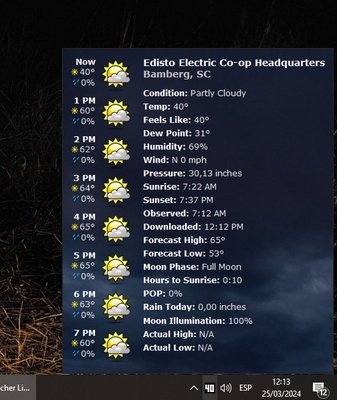
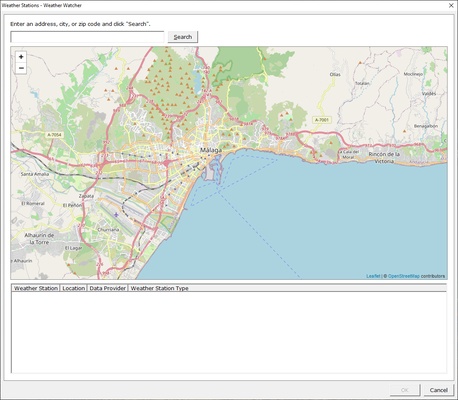
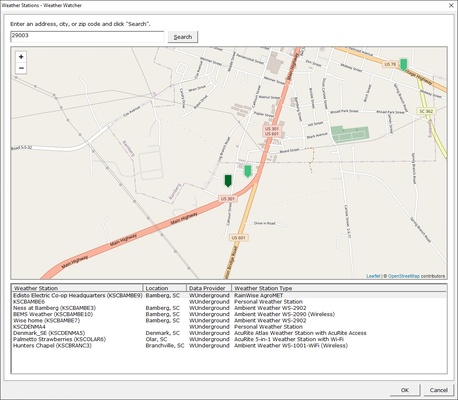
Once you have your license, the first thing you need to do on Weather Watcher is enter your location. To do so, you can provide your postal address or type in the name of your city. You will see a list of weather stations from which you can obtain information in seconds. As soon as you confirm that everything is correct, the app will be available in your system tray, next to the Windows clock, showing the current temperature. If you hover the mouse cursor over it, you will also be able to see the weather forecast for the whole week.
A host of customization options
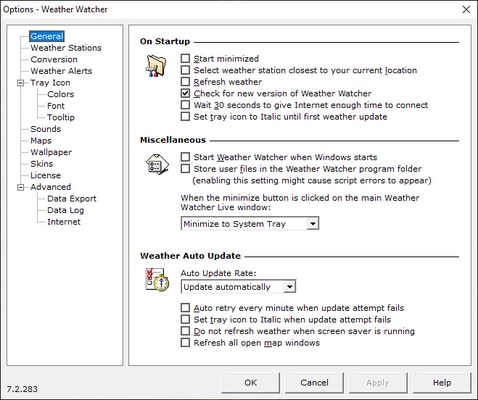
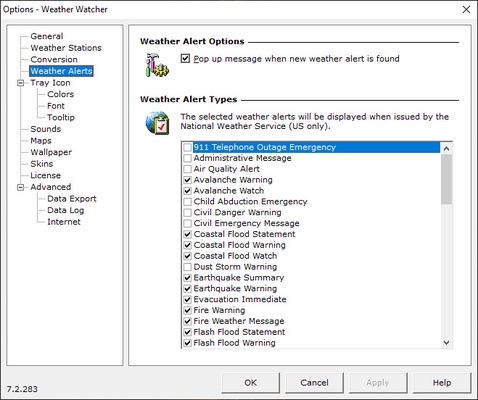
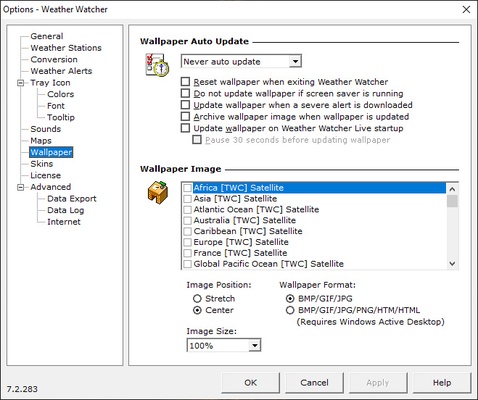
By right-clicking on the Weather Watcher button you will have easy access to the options menu. Here you can change the source of weather information, and even the units of measurement for temperature, wind or precipitation. You can set up time-based alerts or activate the use of sounds to indicate any particular event. Another interesting option is deciding to change the overall look of the program through different skins that modify the interface.
All the weather information on your desktop
Download Weather Watcher if you want to have information on the weather always at hand, just a click away. Thanks to this simple program, which only takes up 250MB of space on your hard drive, you can find out when and how much it is going to rain, be the first to know when the next sunny day will be, or when will be the perfect time to head for the mountains. All weather-related information at your fingertips.