

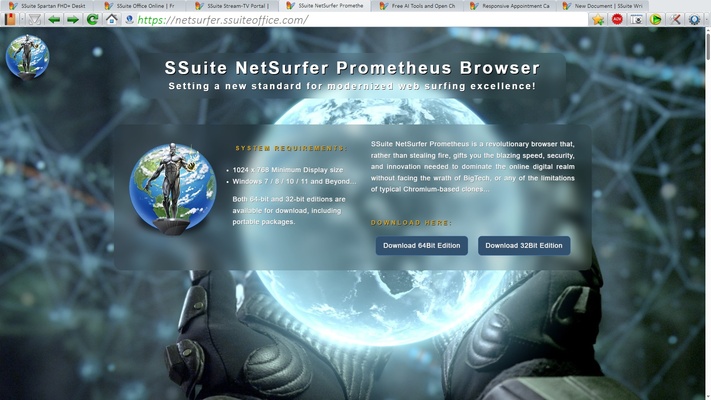
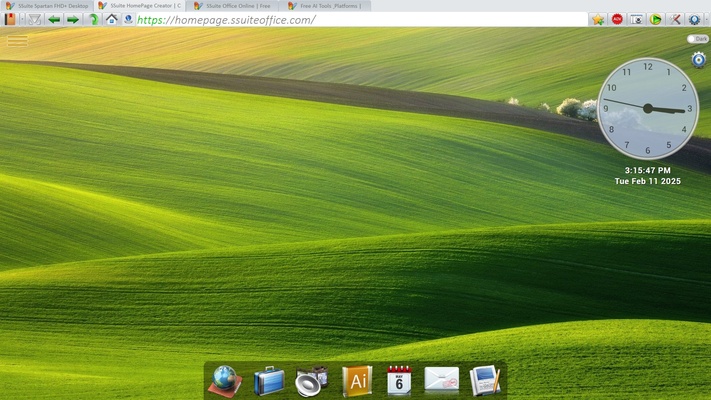
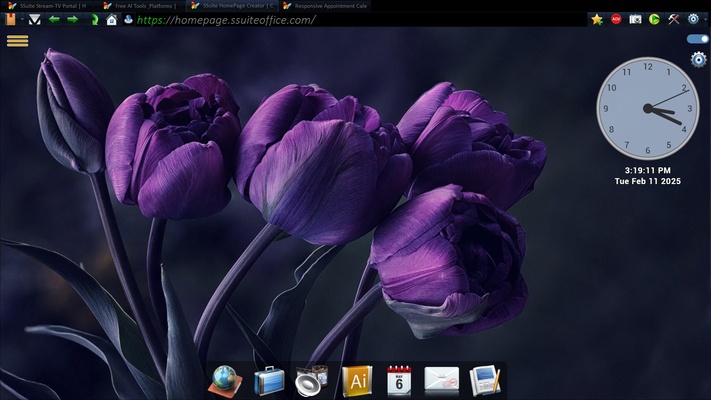
SSuite NetSurfer Prometheus is a Chromium-based web browser focused on customizable browsing, built-in security features, and additional productivity tools. It combines a familiar browsing environment with selectable themes, tracking protection, an extension manager, and a built-in media player. Its features are designed for both everyday users and those who want more control over their browsing experience.
Customization and Security Features
NetSurfer Prometheus offers 35 selectable color themes, including light and dark options, allowing you to customize the browser's appearance. You can also choose your preferred homepage instead of being restricted to a fixed branded start page.
For additional protection, the browser includes an ad blocker and tracking prevention settings. It also supports third-party extensions, including tools such as Proton Pass, Proton VPN, and uBlock Origin. Extensions can be installed through the built-in Extension Manager.
Latest Updates
Recent updates have expanded the browser's features and improved its interface, customization, and window management.
Integrated Office and Productivity Tools
The browser now includes access to productivity tools such as Word, Excel, PowerPoint, Photoshop, and a PDF editor. The developer describes these additions as requiring no login or cloud connection.
Improved Drag-and-Drop Features
Several drag-and-drop operations are now supported. You can drag a tab into the address bar to open it in a separate window, move bookmarks between categories, or drag a bookmark onto an open tab to navigate directly to its page.
Bookmark Import and Organization
NetSurfer Prometheus supports importing bookmarks from browsers such as Chrome, Edge, and Firefox. Imported links can be organized into 11 built-in categories based on keywords in bookmark URLs and folder names.
Improved Themes and Window Management
The browser's themes now extend to the main window frame, providing a more consistent appearance when resizing windows or using full-screen mode. It also remembers the position of individual browser windows across multiple monitors, making it easier to restore your preferred workspace.
Customizable Toolbar
Toolbar buttons can be rearranged and adjusted to suit your workflow. This lets you keep frequently used functions accessible or create a more minimalist interface.
Enhanced Tracking Protection
Multiple tracking prevention levels are available, allowing you to choose how strictly the browser blocks unwanted tracking activity.
Updated Media Player and Audio Equalizer
The built-in media player has received an interface redesign and supports local media files as well as online media links. A 10-band audio equalizer is also included for adjusting different frequency ranges.
Built-in Extensions and Browser Tools
The browser comes with several preinstalled tools and extensions, including SSuite Office applications, uBlock Origin, a YouTube ad blocker, Proton Pass, and Proton VPN. You can manage these through the Extension Manager, using the preinstalled option for supported extensions or the add option to install them manually.
Fast and Smooth Browsing
Based on the Chromium framework, NetSurfer Prometheus provides a familiar browsing experience with support for modern websites and web technologies. Its lightweight design is intended to keep navigation responsive, including on less powerful computers. Actual performance will depend on your hardware, browser settings, and the websites you visit.
Installation and Requirements
NetSurfer Prometheus does not require Java or the .NET Framework. The developer also describes it as green software, emphasizing its lightweight design.