


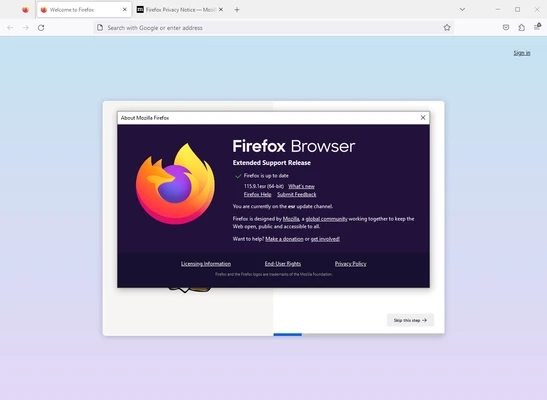
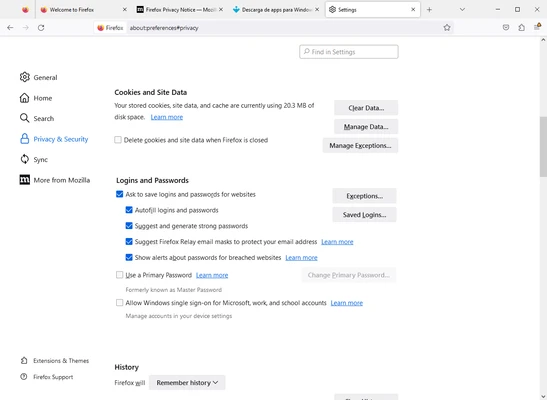
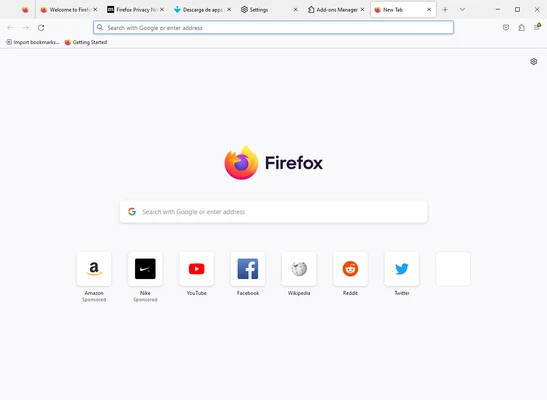
Mozilla Firefox 64-bit is a free, open-source web browser developed by the Mozilla Foundation. Known for its strong focus on privacy, security, and performance, Firefox provides a fast and reliable browsing experience across Windows, macOS, Linux, Android, and iOS devices.
Unlike many browsers that rely heavily on user data collection, Firefox is designed to give users greater control over their privacy through built-in tracking protection, cookie isolation, and customizable security settings. Whether you're browsing the web, streaming content, working online, or developing websites, Firefox delivers a modern and feature-rich browsing experience.
Key Features
Fast Browsing Performance
- Optimized browser engine for quick page loading
- Smooth tab switching and multitasking
- Efficient memory management
Enhanced Privacy Protection
- Enhanced Tracking Protection enabled by default
- Blocks known trackers, cryptominers, and fingerprinting scripts
- Total Cookie Protection helps isolate cookies between websites
Firefox Sync
- Sync bookmarks, passwords, browsing history, and open tabs
- Access your browsing data across desktop and mobile devices
- Secure account-based synchronization
Firefox View
- Reopen recently closed tabs
- View tabs from connected devices
- Quickly resume browsing sessions
Built-in PDF Tools
- View PDF files directly in the browser
- Fill out forms without third-party software
- Add annotations and basic edits to supported documents
Extension Support
- Thousands of add-ons and extensions available
- Customize browsing with productivity, security, and developer tools
- Support for popular extensions such as ad blockers and password managers
Developer Tools
- Built-in Inspector, Console, Network Monitor, and Debugger
- Performance analysis and testing tools
- Suitable for web developers and designers
Cross-Platform Compatibility
- Available for Windows, macOS, Linux, Android, and iOS
- Consistent experience across devices
Why Choose Firefox?
Firefox offers a balance between speed, customization, and privacy. While many modern browsers are built around large advertising ecosystems, Firefox remains focused on providing users with greater transparency and control over their online experience.
Its open-source nature, strong security practices, and extensive extension ecosystem make it a preferred choice for users who value privacy without sacrificing functionality.
Best For
- Privacy-conscious users
- Everyday web browsing
- Students and professionals
- Web developers
- Remote workers
- Users looking for an alternative to Chrome or Edge
Pros
- Completely free and open-source
- Strong privacy protections built in
- Large extension library
- Excellent cross-device synchronization
- Regular security and feature updates
- Built-in PDF viewing and editing tools
Cons
- Some websites are optimized primarily for Chromium browsers
- Smaller extension ecosystem than Chrome
- Occasional compatibility issues with certain web applications
- Can consume significant memory with many open tabs
System Requirements
Windows
- Windows 10 or Windows 11
- 64-bit processor
- 512 MB RAM minimum (2 GB recommended)
- Internet connection for downloads and updates
macOS
- macOS 10.15 Catalina or later
Linux
- Modern 64-bit Linux distribution
Conclusion
Mozilla Firefox 64-bit remains one of the best web browsers available for users who prioritize privacy, security, and customization. With fast performance, built-in tracking protection, powerful developer tools, and seamless synchronization across devices, Firefox provides a reliable alternative to Chromium-based browsers. Whether you're browsing casually, working online, or developing websites, Firefox delivers a secure and flexible browsing experience for modern users.