Telegram Desktop is a fast, secure, and free messaging application for Windows and macOS. It allows users to send messages, share files, make voice and video calls, and communicate with individuals or large communities across multiple devices.
With cloud-based synchronization, Telegram keeps messages, media, and files available across smartphones, tablets, and desktop computers.
Features and Highlights
Fast Messaging
Telegram provides instant messaging with support for text messages, voice messages, photos, videos, documents, and various file formats.
Group Chats and Channels
Users can create large groups and channels for communities, teams, businesses, and public broadcasting.
Voice and Video Calls
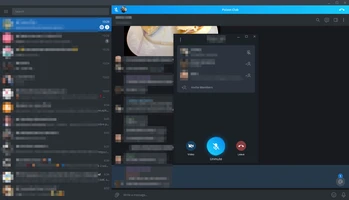
Telegram Desktop supports high-quality voice and video calls, allowing users to communicate securely from their computers.
File Sharing
Send documents, archives, images, videos, and other files with fast upload and download speeds.
Cloud Synchronization
All chats, media, and files are synchronized across supported devices, allowing users to continue conversations anywhere.
Security and Privacy
Telegram includes multiple privacy features such as:
- End-to-end encrypted secret chats
- Two-step verification
- Self-destructing messages
- Passcode lock
- Privacy controls
Customization
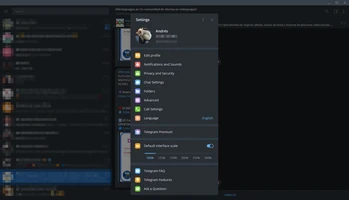
Users can personalize Telegram with themes, chat backgrounds, notification settings, and interface options.
Bots and Integrations
Telegram supports bots and APIs that allow developers and businesses to create automated services and tools.
User Interface
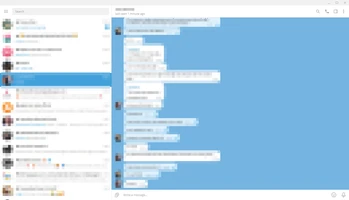
Telegram Desktop features a clean and lightweight interface designed for fast communication.
The left sidebar provides access to chats and contacts, while the main window displays conversations, media, and shared files.
The simple layout makes it easy for both personal and professional users to manage conversations.
How to Use
- Install Telegram Desktop on your computer.
- Sign in using your phone number.
- Verify your account.
- Start messaging contacts or join groups and channels.
- Send files, make calls, and customize settings according to your preferences.
System Requirements
- Windows 7, 8, 10, or 11
- macOS supported
- 1 GB RAM or higher
- 100 MB free disk space
- Internet connection required
PROS
- Fast and reliable messaging
- Supports large groups and channels
- Cross-platform synchronization
- Strong privacy features
- Supports large file sharing
- Free to use
CONS
- Requires a phone number for registration
- Some privacy features are only available in secret chats
- Large number of features may require time to explore
Conclusion
Telegram Desktop is a powerful communication application that combines fast messaging, secure file sharing, group collaboration, and cross-platform synchronization.
With its lightweight design and extensive features, Telegram is suitable for personal communication, online communities, and professional teamwork.