Go to Windows platform Display platforms icon
Go to Windows platform Go to Mac platform Go to Android platform
TomTom MyDrive Connect icon

TomTom MyDrive Connect

4.4.4.5059
TomTom International BV.
4.3
69 MB size

Use and update your TomTom GPS from Windows

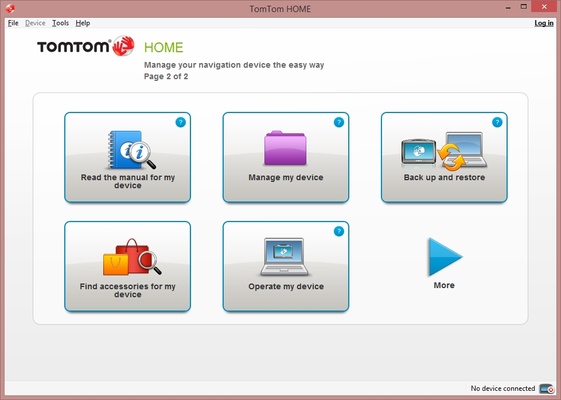
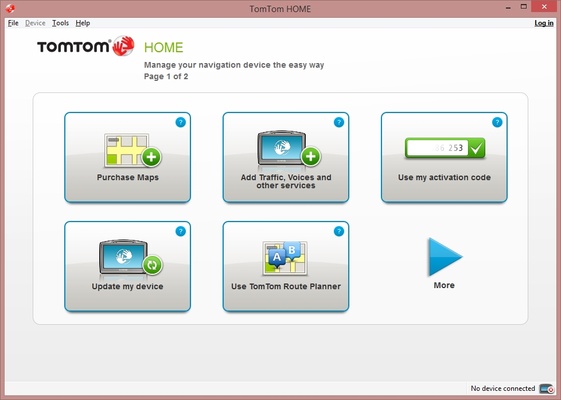
TomTom MyDrive Connect is a complete management tool for the TomTom GPS navigation systems from the Go, One, XL and Rider series. It allows you to carry out any kind of action on this device.

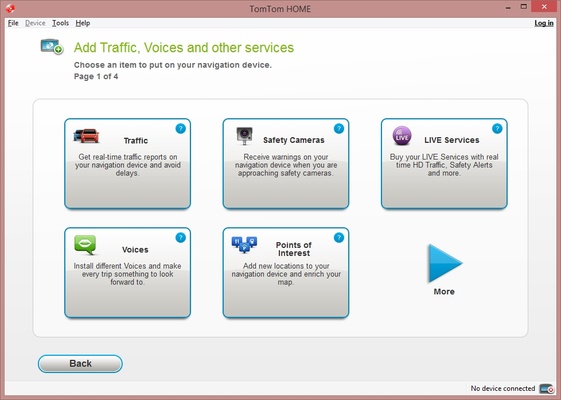
Add maps, traffic, speed cameras, voices, points of interest, routes, music, photos, audiobooks, fuel prices, documents,... practically anything.

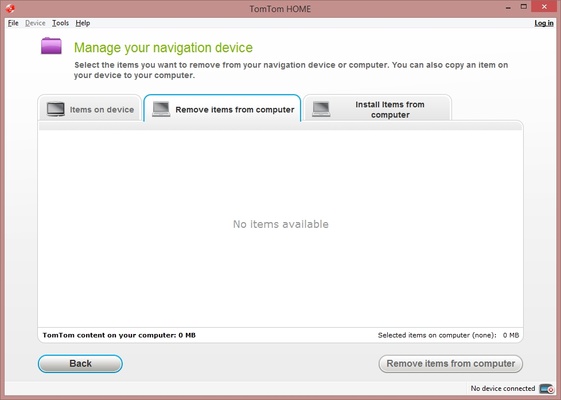
And it doesn't stop there! It's also possible to control the navigation system from your PC using the mouse and the keyboard through a virtual representation of the device. You can access the online documents of the equipment, update its firmware and software, obtain corrections of the Map Share service, create and restore security copies or manage the installed components on the device.

Information about TomTom MyDrive Connect

License Free
Op. System Windows
Category Personal
Language English 14 more
Author TomTom International BV.
permission icon Permissions Not applicable
Date 2026-06-02
Size 69 MB
File type EXE

Apps recommended for you

FlexiHub icon
Electronic Team, Inc.
Douyin icon
The Chinese version of TikTok
WizTree icon
Find and sort files that take up the most space on your hard drive
Perplexity icon
Use AI to answer any question
LM Studio icon
Discover, download and run LLMs locally
Power Automate icon
Automate tasks and simplify processes
TodoList icon
Get things done in the simplest way
Advanced Diary icon
Full featured personal diary for free
Electrum 4.8.3 icon
Electrum - fast and secure Bitcoin wallet
Koodo Reader 2.4.6 icon
The most convenient way to read all your e-books
FocusMe 8.0.7.4 icon
Block distractions and stay focused
TickTick 8.2.1.5 icon
A to-do list for Windows
StayFree 3.7.0.0 icon
Manage your screen time and program and game usage
FocusMe icon
FocusMe is a productivity tool that helps users block distractions and improve focus by restricting apps and websites.
MuseScore icon
MuseScore (Windows) – Create, play, and print sheet music with ease.
ArsClip icon
Manage your clipboard in a simple way
Black NotePad icon
WinTools.Info
StayFree icon
Manage your screen time and program and game usage
ChatGPT icon
Windows desktop version of ChatGPT
TiddlyDesktop icon
The most convenient way to work with a local TiddlyWiki
Microsoft Copilot icon
Microsoft's official AI assistant app for Windows
MyTourbook icon
Visualize and analyze cycling route data
Personal Budget Maker icon
Unique Budgeting Tool that is simple to setup and use
Quick Share (Nearby) icon
Send files quickly from Android to Windows