

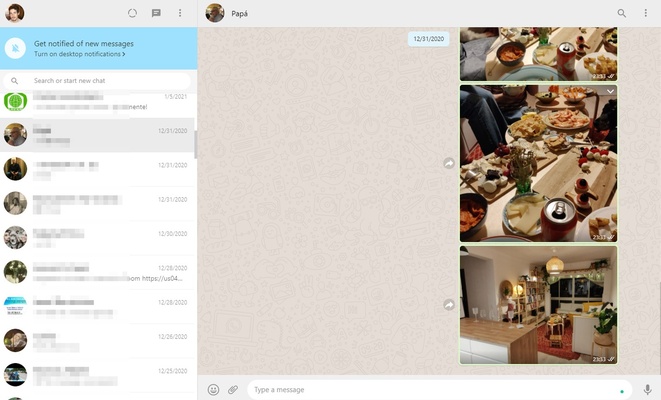
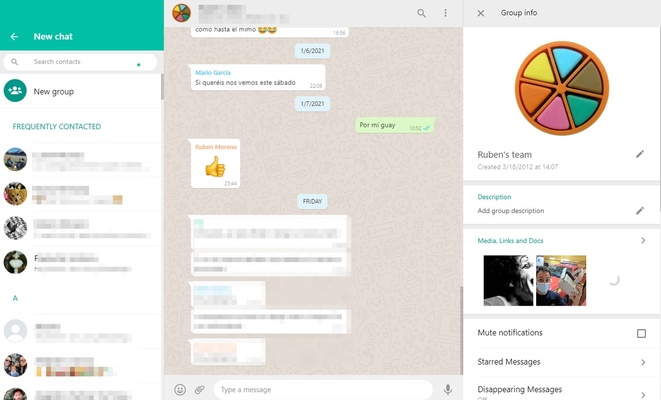
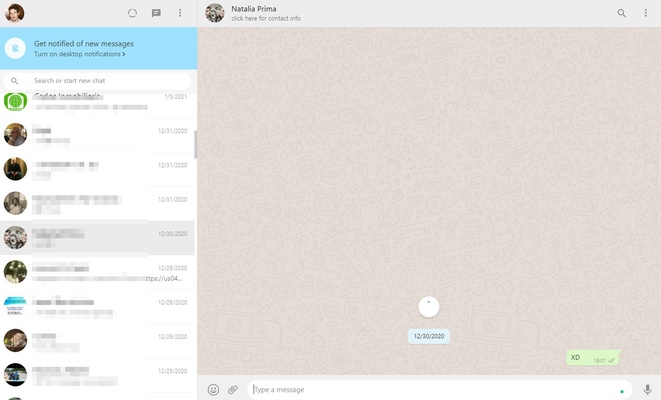
WhatsApp Desktop is the official WhatsApp client for Windows, allowing you to send and receive messages directly from your computer. It makes it easier to manage conversations, share files, and stay connected without constantly checking your smartphone.
A Simple Way to Log In
To get started, link WhatsApp Desktop to your existing WhatsApp account by scanning the QR code displayed on your computer with the WhatsApp app on your smartphone. Once linked, your conversations and groups will sync with the desktop client.
All the Features You Need
WhatsApp Desktop provides the essential messaging features available on mobile devices. You can send and receive text messages, share photos and audio files, use GIFs, exchange links, and participate in group conversations. It also supports voice and video calls, making it a convenient way to communicate from your PC.
Desktop Client vs. Web Version
WhatsApp Desktop offers a similar interface and login process to WhatsApp Web, but runs as a standalone Windows application rather than inside a browser. This means you can access your conversations without keeping a browser tab open. It also integrates with Windows notifications for convenient access to incoming messages.
Privacy Management
The Settings menu provides privacy controls for managing who can see your last seen information, online status, profile photo, and status updates. You can also configure additional account security options, including app locking where supported.
Sending and Receiving WhatsApp Messages from Your PC
WhatsApp Desktop provides a convenient way to keep in touch with friends, family, and colleagues while working on your computer. With messaging, file sharing, group chats, and calling features, it brings much of the mobile WhatsApp experience to Windows.