SoftEther VPN Gate Client Plugin is a free, open-source VPN plugin that extends the SoftEther VPN Client with access to the VPN Gate public relay network. It allows users to connect to volunteer-operated VPN servers around the world without requiring registration or a subscription.
VPN Gate can help users protect their internet traffic on public networks, change their apparent IP address, and access websites that may be unavailable on their local network. Because the relay servers are operated by volunteers, connection speed, availability, and privacy can vary between servers.
Key Features
-
Access to free VPN Gate public relay servers worldwide
-
No registration or subscription required
-
Supports SoftEther SSL-VPN, OpenVPN, L2TP/IPsec, and SSTP
-
AES 256-bit encryption and RSA 4096-bit authentication
-
IPv4 and IPv6 support
-
Server list with location, speed, and latency information
-
Supports connections through many NAT and firewall environments
-
Dynamic server availability
-
GUI-based configuration through SoftEther VPN Client
-
Open-source and completely free to use
User Interface
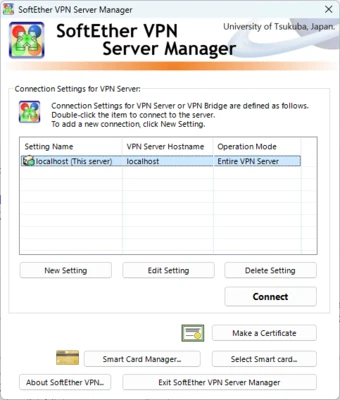
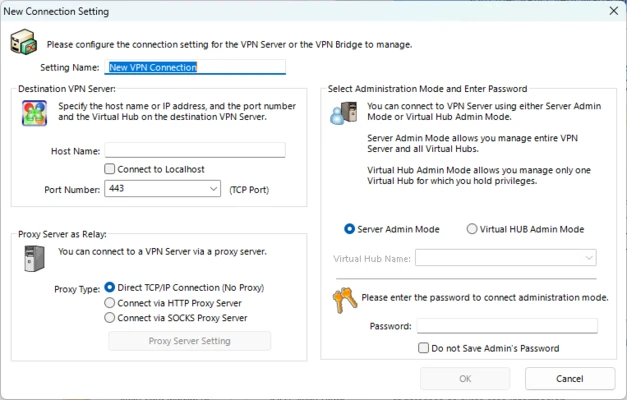
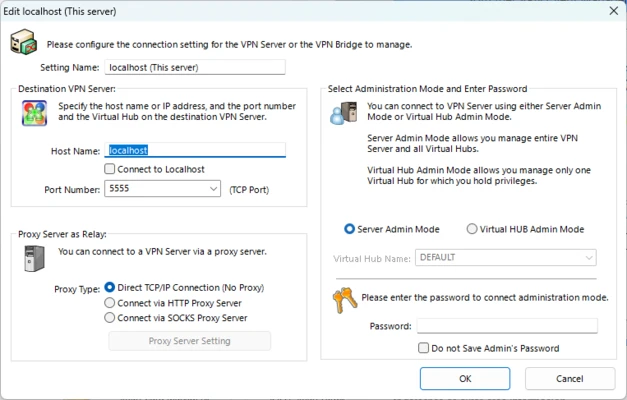
The VPN Gate Client Plugin integrates with the SoftEther VPN Client rather than operating as a completely separate VPN application. The VPN Gate server list displays available relay servers along with information such as country, connection speed, latency, and uptime.
Users can select a server and establish a VPN connection directly from the SoftEther VPN Client interface.
Installation and Setup
-
Install SoftEther VPN Client on your Windows PC.
-
Install the VPN Gate Client Plugin.
-
Launch SoftEther VPN Client Manager.
-
Open VPN Gate Public VPN Relay Servers.
-
Select an available server from the list.
-
Click Connect to the VPN Server.
-
Accept the connection settings and wait for the VPN connection to be established.
How to Use
Open SoftEther VPN Client Manager and select VPN Gate Public VPN Relay Servers. Review the available servers and choose one based on location, latency, and connection speed.
After connecting, your internet traffic will be routed through the selected VPN Gate server. Server availability can change frequently because VPN Gate relies on volunteer-operated relay servers.
FAQ
Is SoftEther VPN Gate Client Plugin free?
Yes. VPN Gate is a free and open-source project and does not require a subscription or user registration.
Does VPN Gate require SoftEther VPN Client?
Yes. The VPN Gate Client Plugin is designed to work with the SoftEther VPN Client.
Can I choose a VPN server location?
Yes. The VPN Gate server list allows you to select available servers based on their location and connection information.
Are VPN Gate servers always available?
No. Servers are operated by volunteers and can appear or disappear at any time. Connection speeds and stability also vary.
Is VPN Gate secure?
VPN Gate uses encrypted VPN protocols, but users should remember that relay servers are operated by third parties. Avoid sending highly sensitive information through an untrusted public VPN server.
Pricing
Free: SoftEther VPN Gate Client Plugin is completely free to use with no subscription or premium plan.
System Requirements
-
Operating System: Windows 7, 8, 10, or 11
-
Processor: 1 GHz or faster
-
RAM: 512 MB or more
-
Storage: 100 MB of free disk space
-
Internet Connection: Required
Pros
-
Free and open-source
-
No registration required
-
Large selection of public VPN servers
-
Supports multiple VPN protocols
-
Server location and connection information available
-
Easy to use with SoftEther VPN Client
Cons
-
Server availability and speed can vary
-
Relay servers are operated by volunteers
-
No guaranteed performance
-
Not ideal for highly sensitive traffic
-
Requires SoftEther VPN Client
Conclusion
SoftEther VPN Gate Client Plugin is a useful free VPN solution for users who need access to public VPN relay servers without a subscription. Its support for multiple VPN protocols and worldwide volunteer-operated servers makes it flexible and easy to use.
However, server performance and trustworthiness can vary, so users handling sensitive information should consider a reputable commercial VPN service instead.