




Google Chrome for Windows Download – Fast, Secure, and Efficient Web Browser
Google Chrome for Windows is a fast, secure, and user-friendly web browser that offers a seamless browsing experience with minimal load times and advanced features. Known for its speed and simplicity, Chrome is designed to provide a smooth and efficient experience when navigating the web. With its powerful rendering engine, robust security measures, and wide range of extensions, Google Chrome is the go-to choice for millions of users worldwide.
Whether you're browsing the web, managing tabs, or accessing web applications, Google Chrome for Windows offers a reliable and efficient platform for all your online activities.
Lightning-Fast Browsing
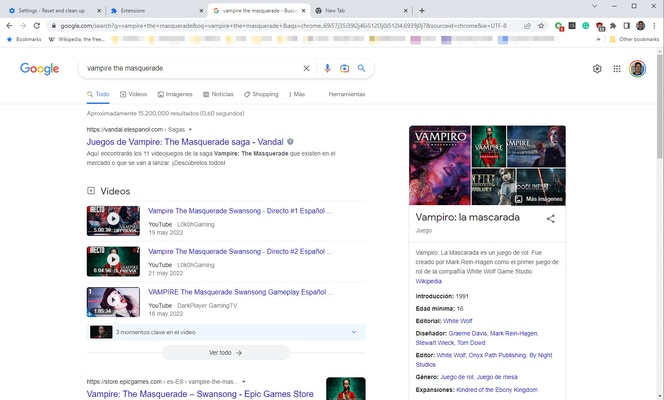
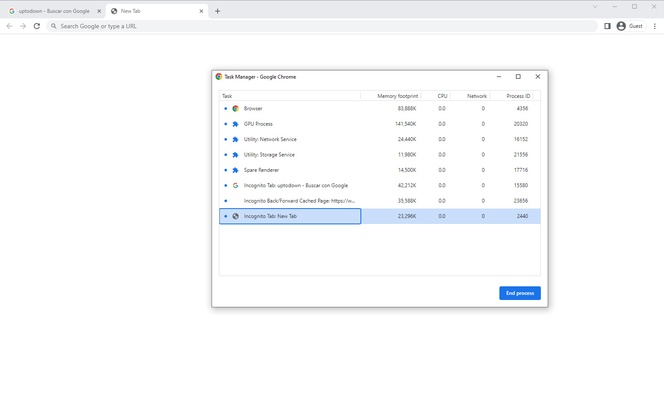
Google Chrome is known for its speed, offering fast page load times and smooth performance even when handling multiple tabs and resource-intensive websites. With its efficient use of system resources, Chrome ensures that users can navigate the web quickly, load heavy content such as videos, and switch between tabs without delays.
Advanced Security Features
Google Chrome is designed with security in mind, offering built-in protections to safeguard your browsing experience. With features like Safe Browsing, automatic updates, and sandboxing, Chrome helps protect you from malicious websites, phishing attempts, and malware. The browser also comes with a powerful password manager and support for HTTPS to ensure a secure connection for all your online activities.
Customizable and User-Friendly Interface
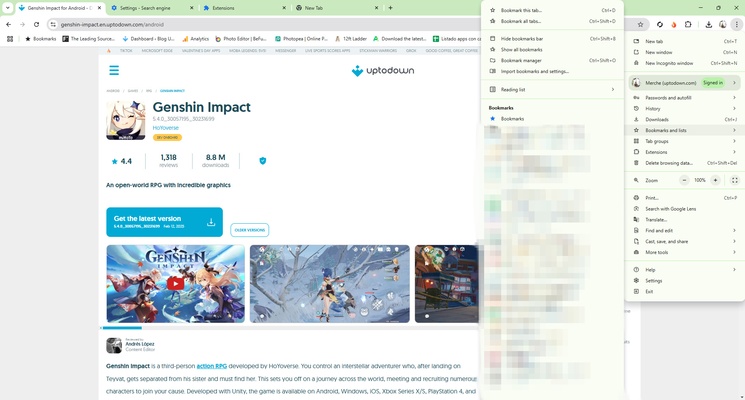
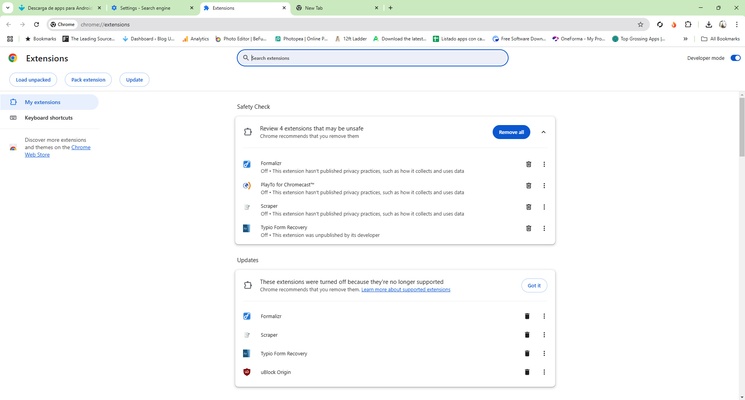
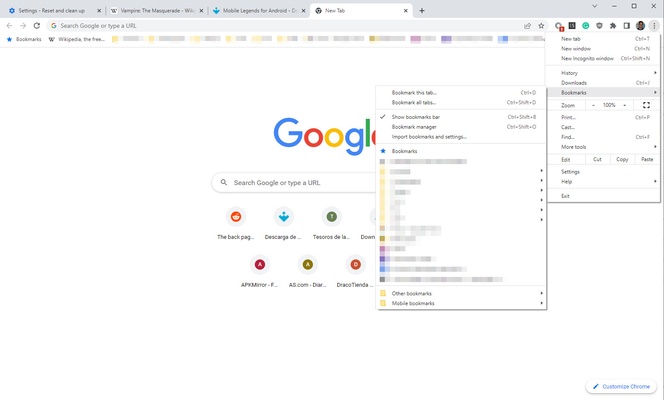
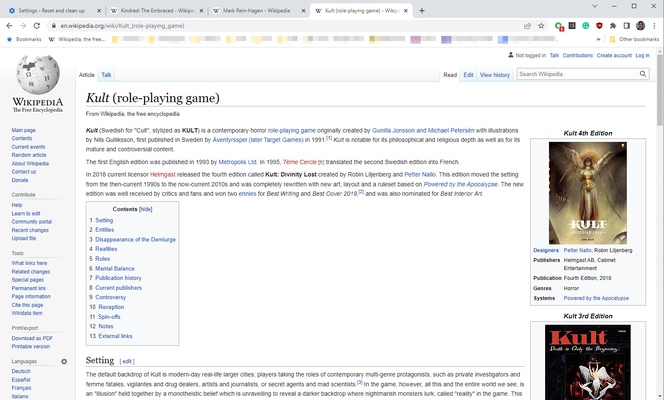
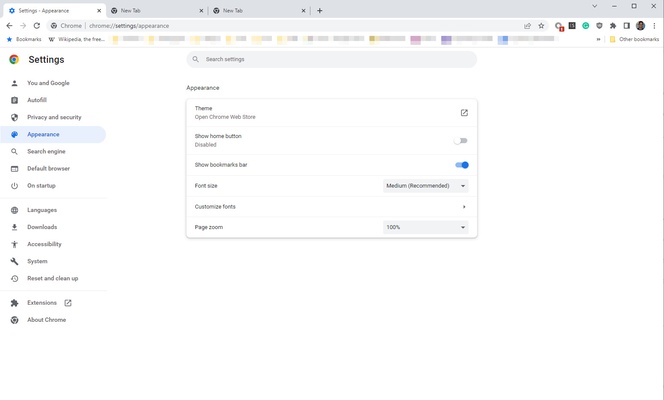
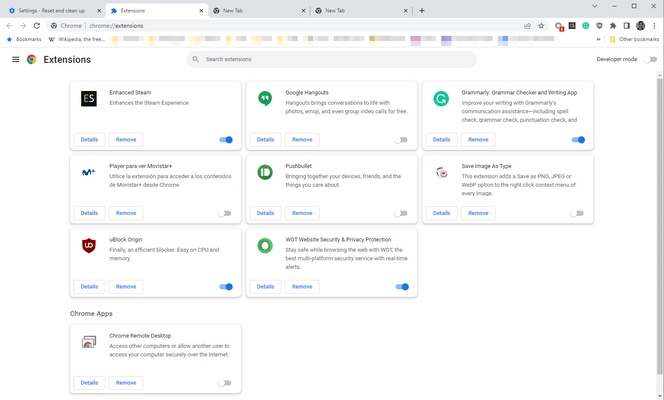
Chrome offers a minimalist and easy-to-navigate interface, putting the focus on content rather than browser controls. The browser allows you to customize your browsing experience with various themes and extensions from the Chrome Web Store. You can personalize the look and feel of your browser, install productivity tools, ad-blockers, or other features to suit your needs.
Synchronization Across Devices
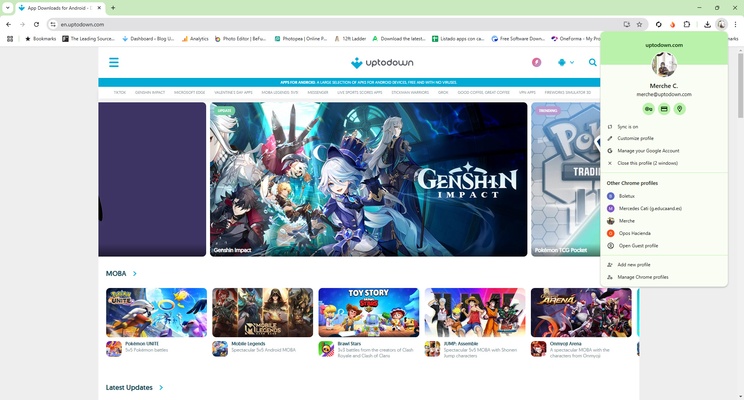
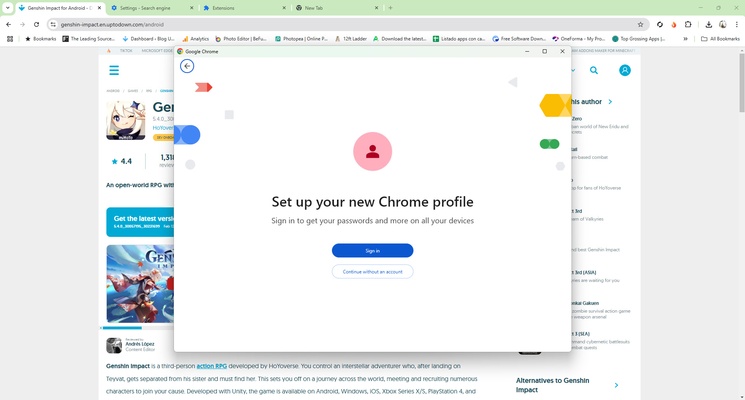
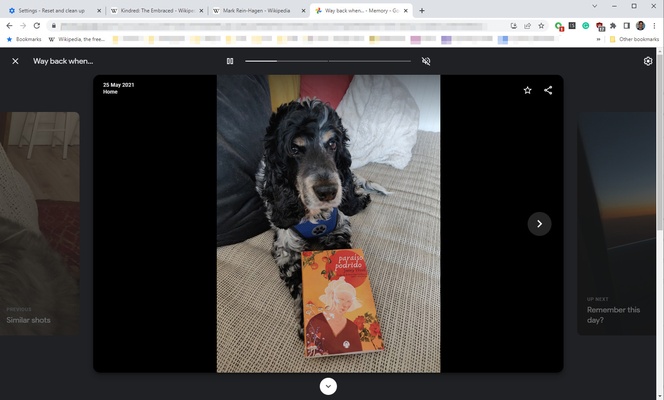
With Google Chrome, you can easily sync your bookmarks, history, passwords, and settings across multiple devices. By signing in with your Google account, your preferences are automatically updated on your desktop, laptop, or mobile device, allowing you to pick up right where you left off, no matter which device you're using.
Final Overview
Google Chrome for Windows is a top-tier web browser that combines speed, security, and ease of use in one powerful package. Whether you're browsing the web, managing your online tasks, or enjoying media, Chrome offers a fast and secure platform for all your browsing needs. With its minimalist design, powerful extensions, and advanced security features, Google Chrome remains one of the most popular and reliable web browsers available.
Frequent questions
When was Google Chrome released?
Google Chrome was released on December 11, 2008. The initial launch of the browser took place on this date, although some preliminary versions had been available since September of the same year.
Is Google Chrome open source?
No, Google Chrome is not open source. Much of the code for Google Chrome comes from the Chromium project, which is open source; but Chrome is a closed source development, which is distributed for free.
How do I use Google Chrome?
Using Google Chrome is quite simple. Just download the installer from any website, including its official website, and run the installer. The process, which is fully guided, will install the browser in less than a minute.
Is Google Chrome compatible with Windows 11?
Yes, Google Chrome is compatible with Windows 11. The compatibility list for Google's browser is extensive and includes: ChromeOS, iOS 14 or higher, Android 6.0 or higher, Linux, MacOS 10.13 or higher, and Windows 7 or higher.
How do I update Google Chrome?
Google Chrome usually displays a notification when an update is available. This notification will appear in the upper right corner of the browser, just to the right of your user profile.