

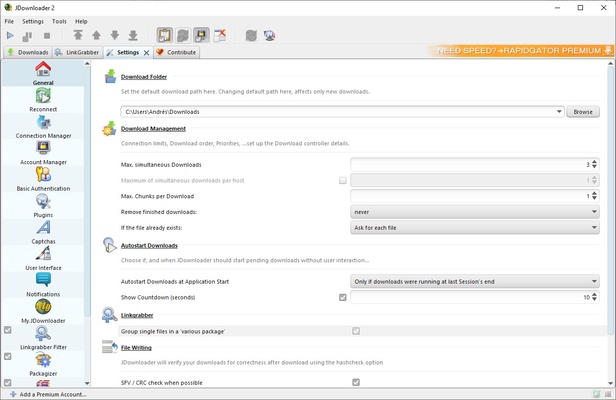
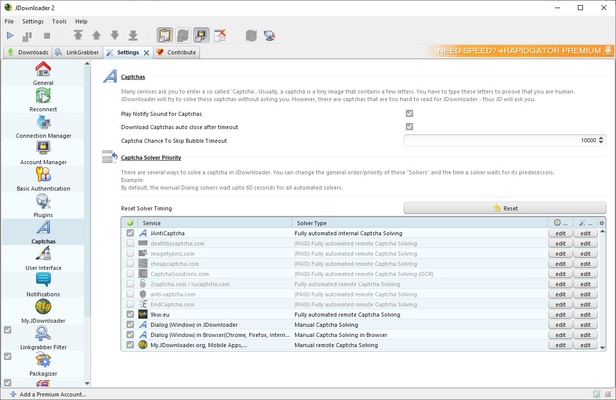
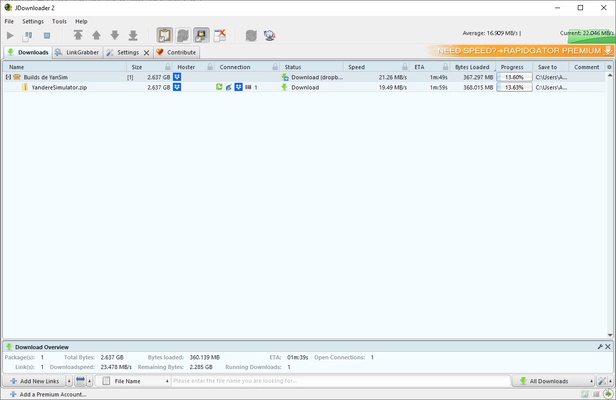
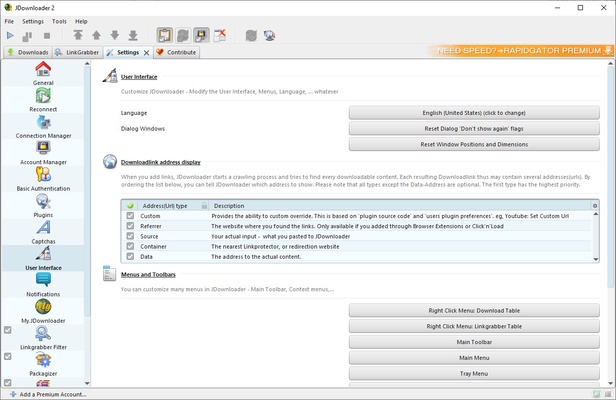
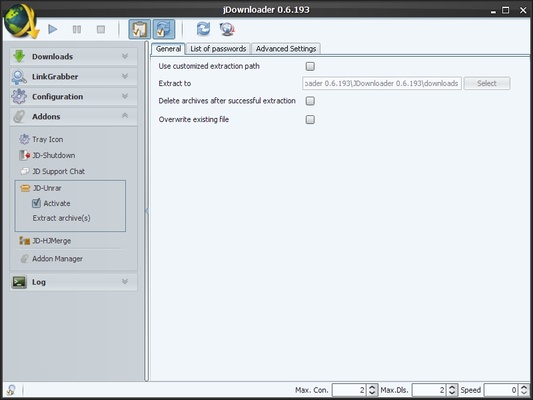
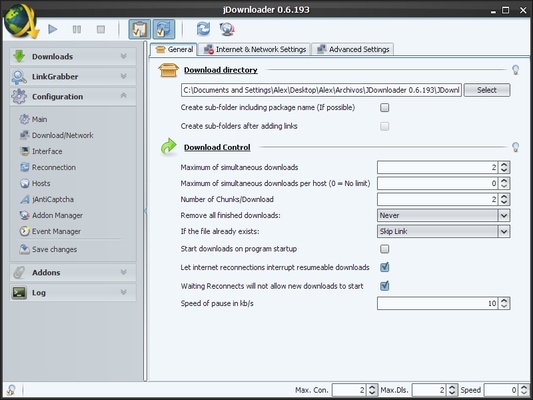
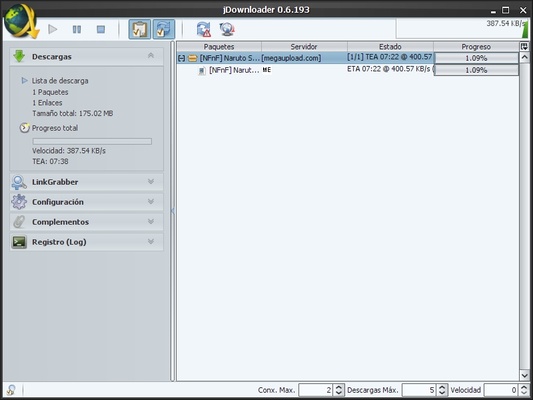
JDownloader is a free and open source program which allows you to manage all your downloads in a comfortable and effective way. Thanks to this app, you can analyze entire web pages for download links, set speed limits, automatically unzip compressed files, pause and resume downloads, manage links to pages from different file hosting services, and much more.
The easiest way to use file hosting services
One of JDownloader's most interesting features, without a doubt, is its ability to download and manage files from hosting services such as Mega, Mixdrop, Krakenfiles, Pixeldrain or Mediafire, among others, automatically and sequentially processing all the files you add to the download queue. Thanks to this, you can add tens or hundreds of links, leave them downloading in the background, and not have to worry about a thing. You will receive a notification when they have all been downloaded.
Download videos from YouTube and other platforms
Another feature that many users are unaware of is JDownloader's ability to download videos from virtually any streaming platform. Downloading a video is the same as any other download: just paste the link of the web page where the video is located into the app's LinkGrabber and, in a matter of seconds, the program will allow you to download the video directly to your hard drive. Normally you can even download the video's thumbnail too.
Analyze entire pages for links
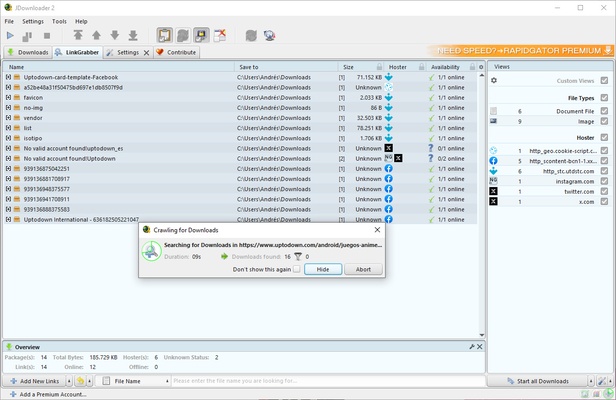
As mentioned above, the standard method for downloading files with JDownloader is to paste a web page link into the LinkGrabber and wait a few seconds for the app to process all available download links. This way, not only can you download videos or files from file hosting sites, but practically any file on a web page. This method allows you to download songs, movies or video games, as long as they are hosted in the link you have pasted.
Benefits of a Premium account
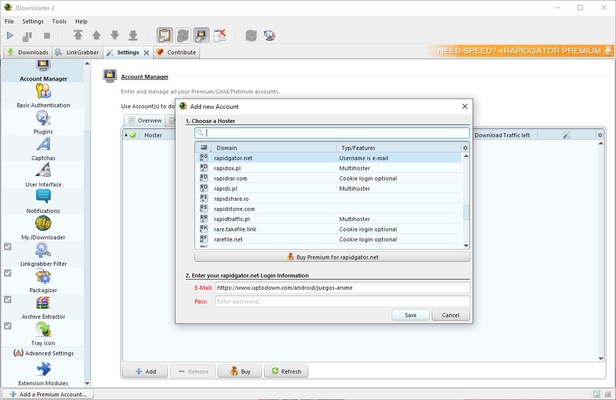
At the bottom of the JDownloader client you will see a link offering you the option to add a Premium account. Premium, Premium Pro and Premium Max accounts offer a series of very interesting advantages, such as higher download speeds from more than 200 partner pages, security scanning of downloaded files, ad removal, exclusive servers with higher speeds, or the possibility of downloading more files simultaneously.
The best way to download files on Windows
Download JDownloader if you typically download a lot of files from your browser or use alternative clients to download them. Thanks to this program you can centralize your downloads and manage them in a more comfortable way. The program is completely free and open source, totally secure, and simply offers optional premium features for anyone who wants to support the project.