
Go to Windows platform Display platforms icon
Go to Windows platform Go to Mac platform Go to Android platform
Softaken MSG Duplicate Remover icon

Softaken MSG Duplicate Remover

1.0
Softaken
0
4.33 MB size

Instantly remove multiple duplicate emails from MSG files.

Softaken MSG Duplicate Remover is the most effective method for removing duplicate emails from MSG files without causing any data to be lost in the process. It is not necessary to install any additional software to eliminate duplicate emails from various MSG files because this software is capable of doing so. The following versions of Microsoft Outlook, including 2021, 2019, 2016, 2013, 2010, 2007, 2003, and more, can be supported by this software. Both technically savvy and non-technical individuals can benefit from using this application.

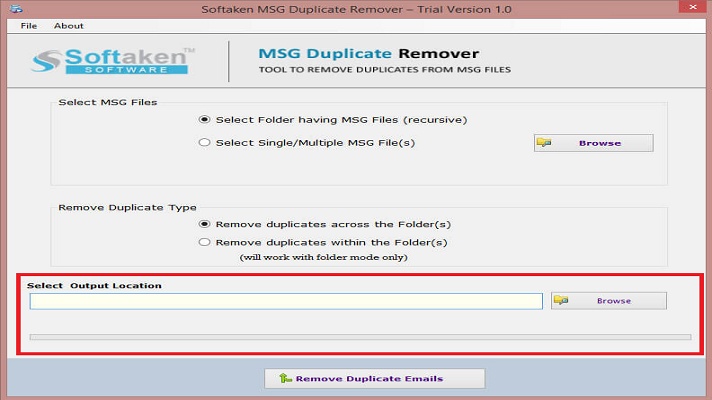
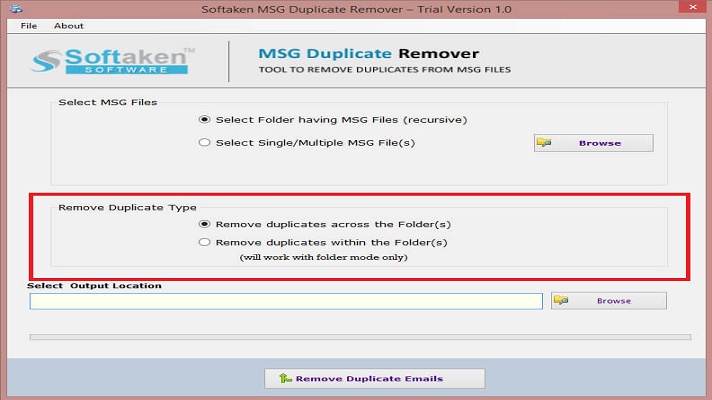
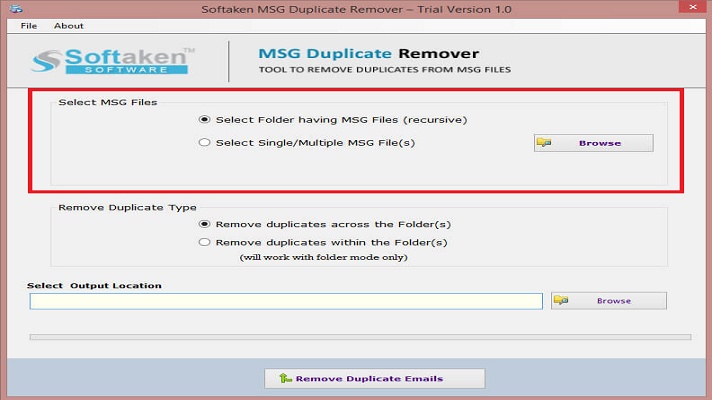
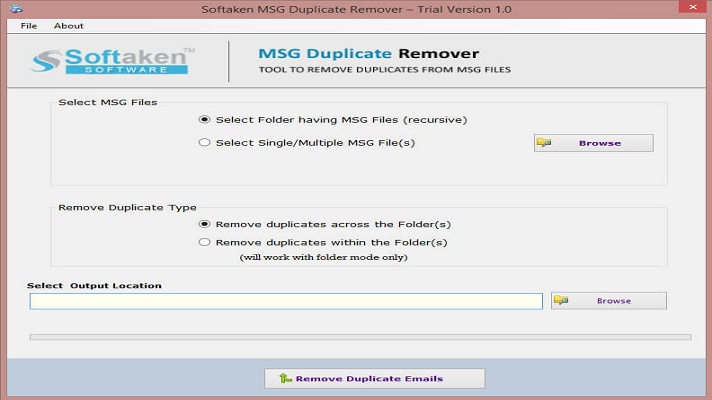
To run this program without having any prior technical experience, it offers a straightforward graphical user interface and features that are easy to use. This piece of software will remove duplicate emails from Outlook MSG files while preserving all of the email data, including cc, bcc, to, from, subject, date, and time. To scan and remove duplicate data from Outlook MSG files, this MSG duplicate remover will include a file filter option that will ensure that only MSG files are scanned and removed. Before deleting duplicate data, this software incorporates a file preview option that displays all of the duplicate data.

The operating systems Windows 11, 10, 8.1, 8, 7, XP, and Vista are all compatible with the installation of this software as well. This duplication remover also offers a free trial version that allows users to test out its features.

Information about Softaken MSG Duplicate Remover

License Free
Op. System Windows
Category Internet
Language English
Author Softaken
permission icon Permissions Not applicable
Date 2026-06-02
Size 4.33 MB
File type EXE

Apps recommended for you

CCleaner Browser icon
Piriform
Viber icon
The desktop version of the popular chat and VoIP app
Opera 134.0 Build 5954.26 (64-bit) icon
Opera browser brings you more speed, more discoveries and more safety
Private Internet Access icon
A VPN connection for your PC
The Dude 7.24.1 icon
Scan your home network, make a layout map and start monitoring!
WhatsApp for Windows 2.2632.100.0 (64-bit) icon
Quickly send and receive WhatsApp messages right from your Windows PC
The Dude 7.24.2 icon
Scan your home network, make a layout map and start monitoring!
HideMy.name VPN icon
Protect your online privacy and access the internet securely with HideMy.name VPN for Windows, the fast VPN software with encrypted connections and anonymous browsing.
NxFilter 4.7.5.5 icon
NxFilter is a DNS filter for blocking harmful or unwanted websites
OkayFreedom VPN 1.9.7.0 icon
Securely surf the web and unlock restricted content
TunnelBear 4.20.0.0 icon
A friendly, secure and private VPN
DataVare NSF to PST Converter Expert 2.0 icon
Smart Way to Export NSF files to PST format on Windows
Maxthon 7.5.3.2400 icon
A suite of state-of-art, cloud-powered web browsers
CloudMounter 3.8.2156 icon
Mount cloud storage as local drive on Windows computers!
PS5 Remote Play 9.5.0.8040 icon
Control your PlayStation 5 console from a Windows PC!
KakaoTalk for Windows 26.8.1.5315 icon
Offers a convenient sync between your Windows PC and mobile device
Q-Dir 12.77 (64-bit) icon
Incredibly and Free multi-panel file explorer for Windows
Gajim 2.6.0 icon
Instant messaging client for the XMPP protocol for Windows PC
X-VPN 77.5.3 icon
Secure and Free VPN tool for online privacy. Unblock all content you like!
Firefox Developer Edition 152.0b8 (64-bit) icon
Get the latest features, fast performance, and the development tools!
Speedify 16.9.1 icon
Securely browse the Internet at the speed of all your connections combined
Samsung Flow icon
Connect your Samsung smartphone and tablet to Windows
V2rayN 7.24.8 icon
A GUI client for PC, support Xray core and v2fly core and others
Google Chrome 153.0.8010.37 (64-bit) icon
The fast, free browser that's built for the modern web