

WhatsApp Desktop for Windows Download – Seamless Messaging & Communication
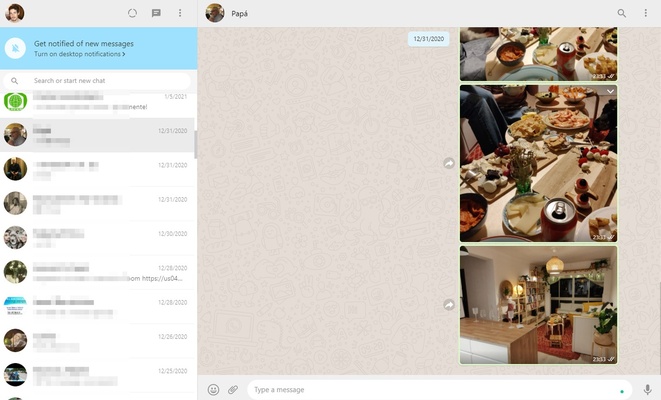
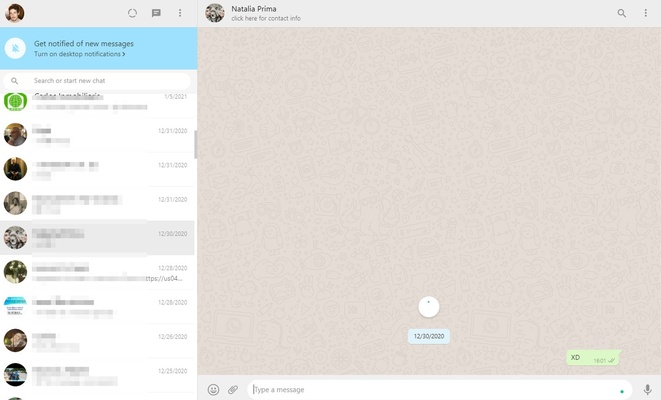
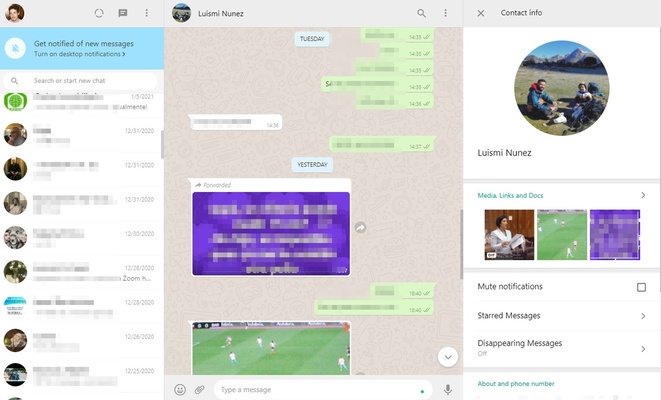
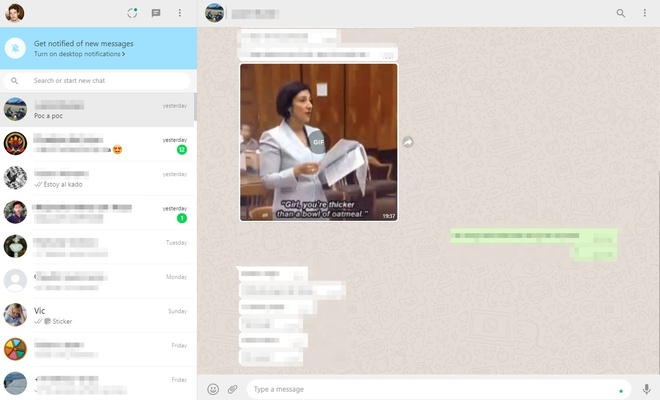
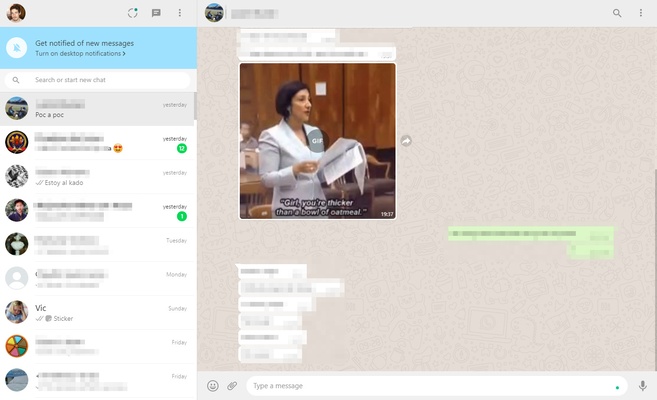
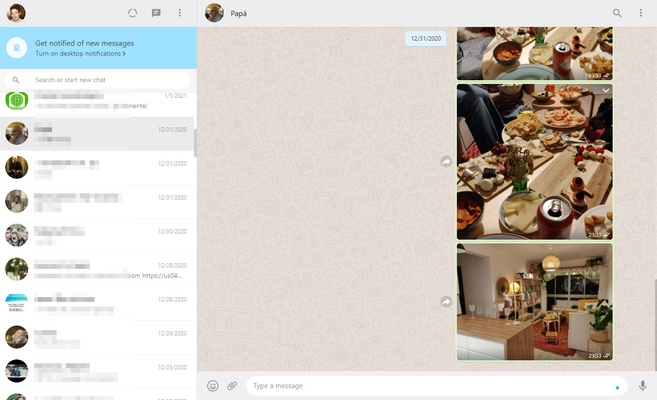
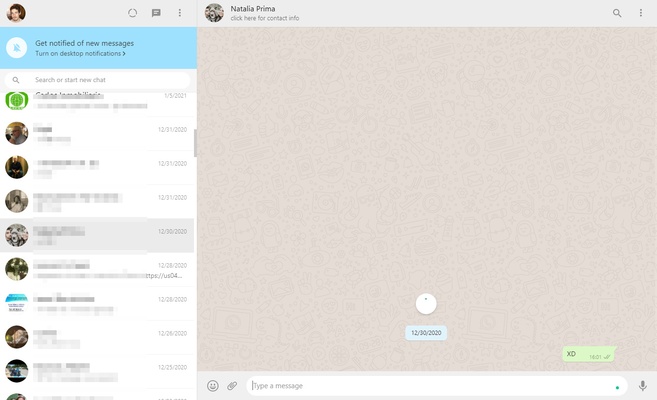
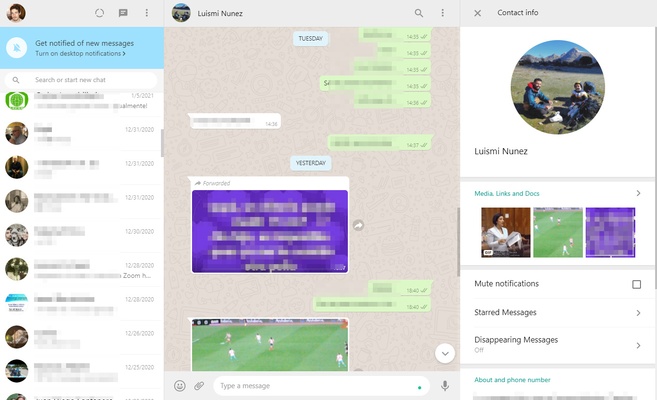
WhatsApp Desktop for Windows is a fast and convenient messaging application that brings the power of WhatsApp to your desktop. With WhatsApp Desktop, you can send messages, make voice and video calls, share media files, and stay connected with friends, family, and colleagues directly from your Windows computer.
Whether you're managing personal conversations or collaborating with work teams, WhatsApp Desktop offers a smooth and efficient communication experience on your PC.
Seamless Synchronization with Mobile
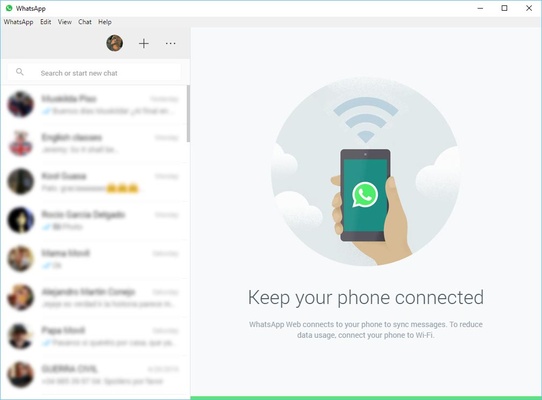
WhatsApp Desktop syncs automatically with your WhatsApp account on your mobile device. This means you can view messages, send replies, and share files on your computer while keeping everything in sync with your phone in real time.
Text, Voice & Video Calls
With WhatsApp Desktop, you can not only send text messages but also make voice and video calls. Stay connected with loved ones or hold virtual meetings with colleagues—all from the convenience of your desktop.
File Sharing & Multimedia Support
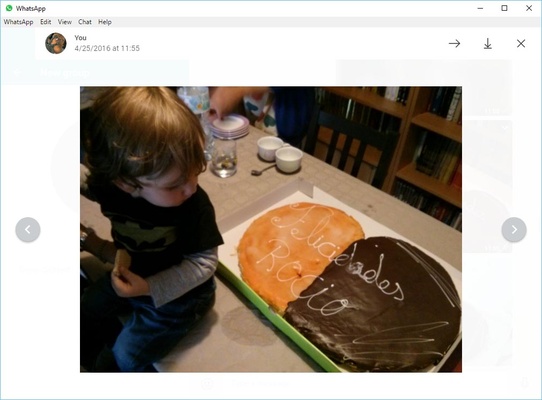
WhatsApp Desktop allows you to send and receive multimedia, including photos, videos, documents, and voice messages. Share files quickly and easily without needing to switch between devices.
Group Chats & Notifications
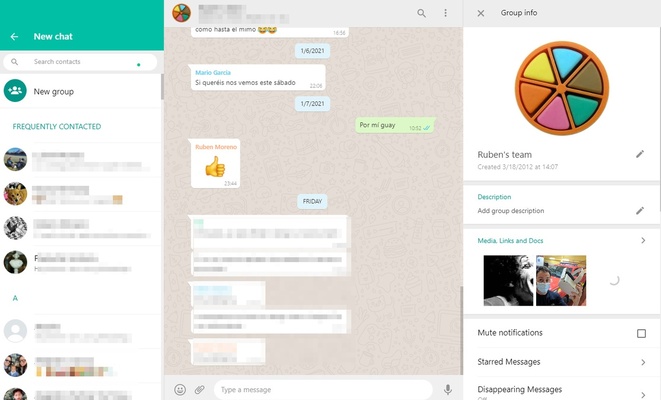
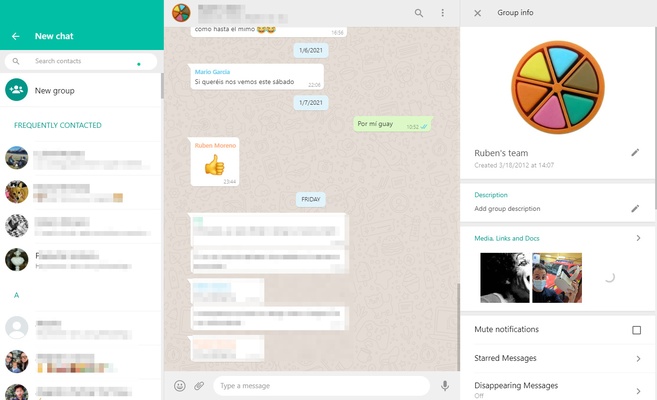
Create and manage group chats directly from your desktop, making collaboration with friends, family, or colleagues easier than ever. WhatsApp Desktop also supports push notifications, so you never miss a message or call.
Final Overview
WhatsApp Desktop for Windows is the perfect messaging solution for anyone who wants to stay connected across devices. With features like real-time synchronization, voice and video calls, and multimedia sharing, WhatsApp Desktop provides an efficient way to manage conversations and stay in touch—all from your Windows PC. Whether for personal or professional use, it offers an easy-to-use platform for seamless communication.
Frequent questions
What is WhatsApp Desktop?
WhatsApp Desktop is a version of WhatsApp Messenger for Windows. With this tool, you can chat with your contacts on your PC. The functions are the same as on Android, and the chats sync in real time.
How do I activate WhatsApp Desktop?
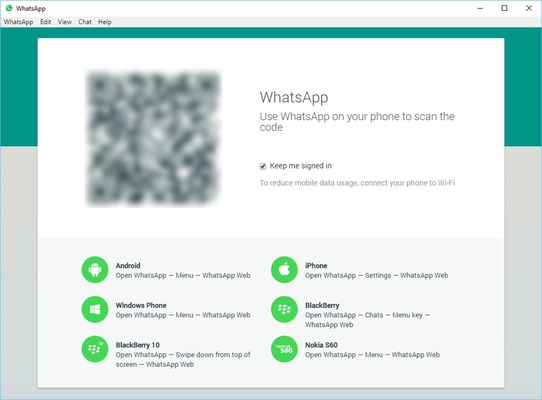
To activate WhatsApp Desktop, open the Android app and tap on the three dots. There, you'll find the option to link devices. After that, just scan the WhatsApp Desktop QR code.
How does WhatsApp Desktop work?
WhatsApp Desktop works exactly like the Android version. Both its appearance and its functions are the same in both versions. Just scan the Windows QR code to open it on your PC.
How do I activate notifications for WhatsApp Desktop on my screen?
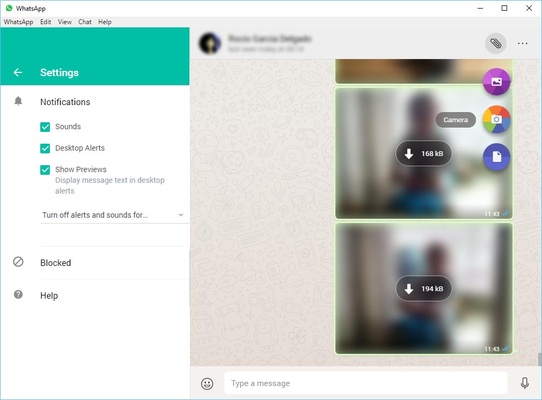
To activate notifications for WhatsApp Desktop on your screen, open Menu > Settings. From there, tap Notifications to customize your alerts. Here, you can activate or deactivate silence, sounds, alerts, and message previews.
How do I get notifications for WhatsApp Desktop on my PC?
To get notifications for WhatsApp Desktop on your PC, open the settings, then go to notifications. There, you can check the message preview box or activate visual or sound alerts.
How can I download WhatsApp Desktop?
You can download WhatsApp Desktop from Uptodown in a really easy way. From here, you can download the latest available version or any of its previous versions for free.