

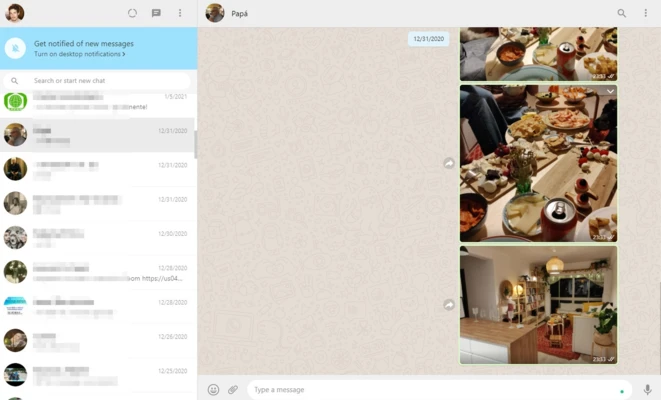
WhatsApp for Windows is a desktop messaging application that allows users to stay connected with friends, family, and colleagues directly from a PC. It syncs with your mobile WhatsApp account, enabling seamless access to chats, calls, and media without needing to constantly check your phone.
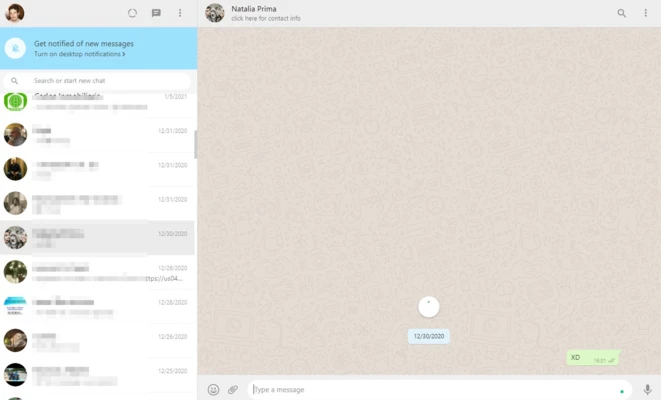
The app works as an extension of the mobile version, mirroring conversations in real time. Once connected, users can send and receive messages, share files, and make voice or video calls directly from the desktop interface.
WhatsApp is one of the most widely used messaging platforms worldwide, with over 2 billion users across more than 180 countries. The desktop version maintains the same core experience, with added convenience for keyboard input, multitasking, and desktop notifications.
The application requires an active WhatsApp account on a mobile device for initial setup and synchronization. It is available as a 64-bit installer for Windows 11, Windows 10, Windows 8, and Windows 7.
Key Features
Instant Messaging
Send and receive messages in real time using your existing mobile WhatsApp account. Messages are synced across devices automatically.
Group Chats
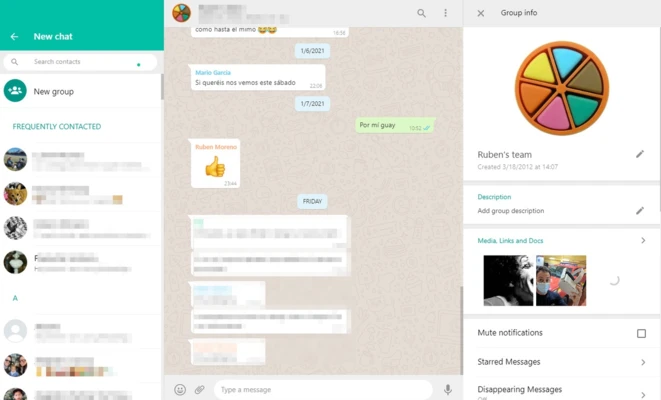
Create and manage group conversations with up to 256 participants. Customize group settings, mute notifications, or share media with ease.
Desktop Sync
All chats are mirrored from your phone to your PC, allowing you to continue conversations across devices without interruption.
Voice & Video Calls
Make free voice and video calls directly from your desktop using your internet connection.
End-to-End Encryption
All messages and calls are secured with end-to-end encryption, ensuring only you and the recipient can access the content.
File Sharing
Send documents, PDFs, spreadsheets, slides, images, and videos up to 100 MB per file.
Media Sharing
Quickly share photos and videos with fast transfer speeds, even on slower networks.
System Requirements
- OS: Windows 11 / 10 / 8 / 7 (64-bit)
- Internet connection required
- Active WhatsApp mobile account
Conclusion
WhatsApp for Windows brings the full messaging experience to the desktop, making it easier to chat, share files, and take calls while working on your computer. It’s a lightweight companion app designed for users who want continuous communication across devices.