


Brave Browser for Windows Download – The Privacy-Focused Web Browser
Brave Browser for Windows is a fast, privacy-centric web browser that prioritizes user security and privacy by blocking ads, trackers, and other unwanted content. Designed to provide a seamless browsing experience, Brave ensures that your online activity is protected from prying eyes, while also improving page load times by reducing unnecessary data consumption. With built-in features like ad-blocking, enhanced privacy settings, and support for cryptocurrency rewards, Brave offers a unique browsing experience that's both secure and efficient.
Whether you're concerned about online tracking, tired of intrusive ads, or simply looking for a faster browsing experience, Brave Browser for Windows provides a comprehensive solution with a focus on privacy, speed, and user control.
Enhanced Privacy and Security
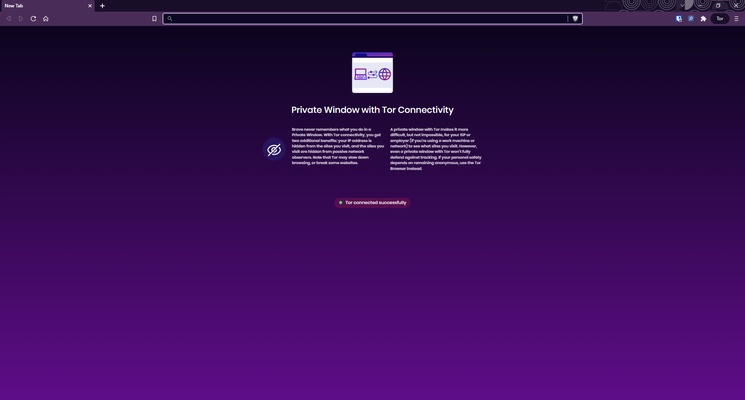
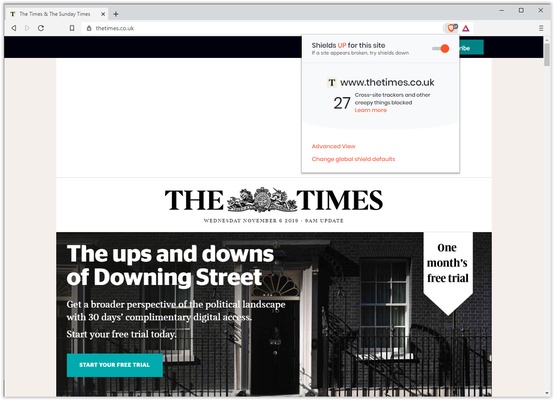
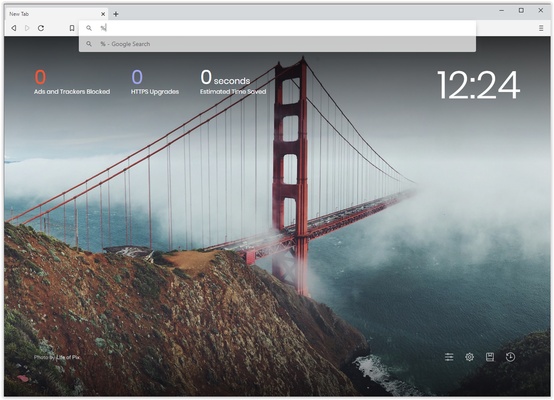
Brave Browser automatically blocks third-party ads and trackers, which helps prevent your data from being collected by advertisers and other parties. This feature protects your online privacy by ensuring that your browsing history remains private. Additionally, Brave comes with HTTPS Everywhere built-in, ensuring that your connections are secure by default, and it offers the option to use the Tor network for anonymous browsing.
Faster Browsing with Built-In Ad-Blocking
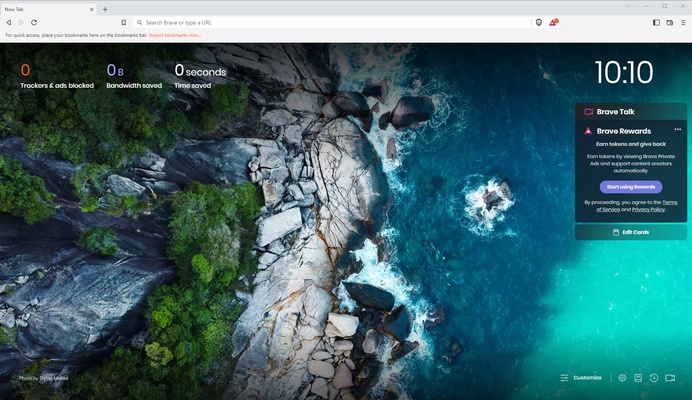
One of the key features of Brave is its built-in ad-blocking technology. By eliminating intrusive ads and trackers, Brave not only protects your privacy but also speeds up your browsing experience. Pages load faster, and you save data by not downloading unwanted content. This makes Brave an ideal choice for users who want a cleaner, faster, and more efficient web browsing experience.
Earn Cryptocurrency Rewards with BAT
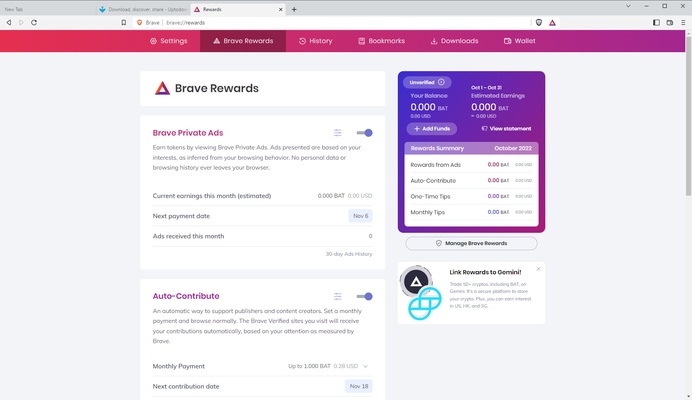
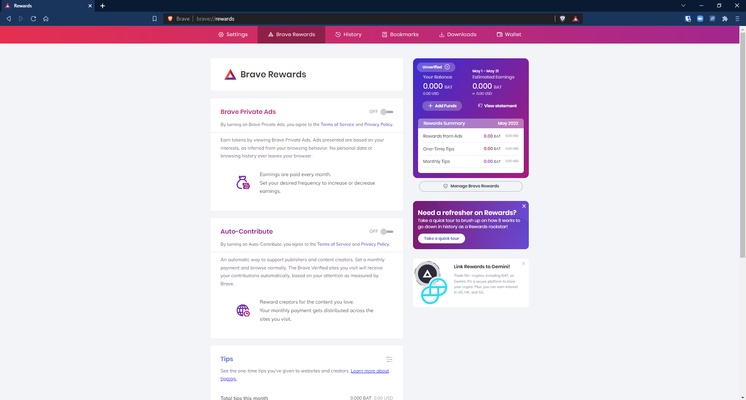
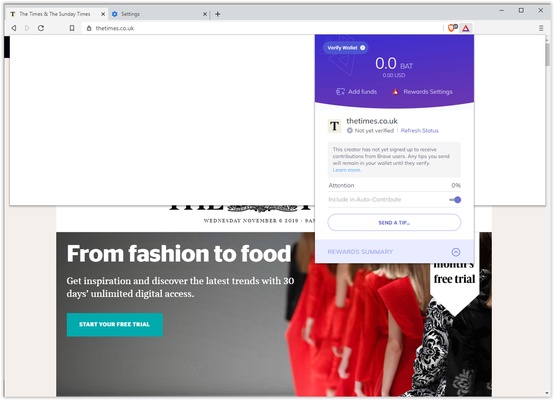
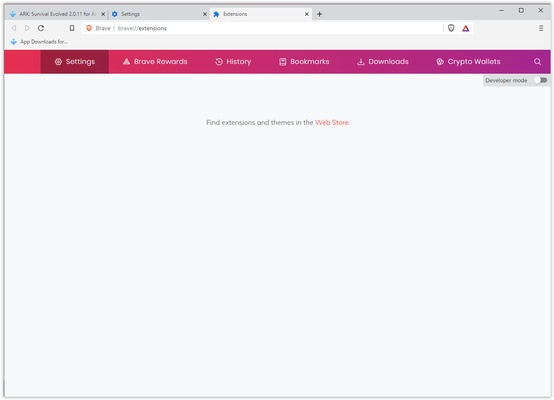
Brave Browser allows you to earn Basic Attention Tokens (BAT) by opting into privacy-respecting ads. Instead of seeing invasive ads, users can choose to view privacy-friendly ads in exchange for BAT rewards. These rewards can be used to support your favorite websites, donate to content creators, or even redeemed for various goods and services. This innovative model offers a way for users to get rewarded for their attention while protecting their privacy.
User-Friendly Interface and Customization
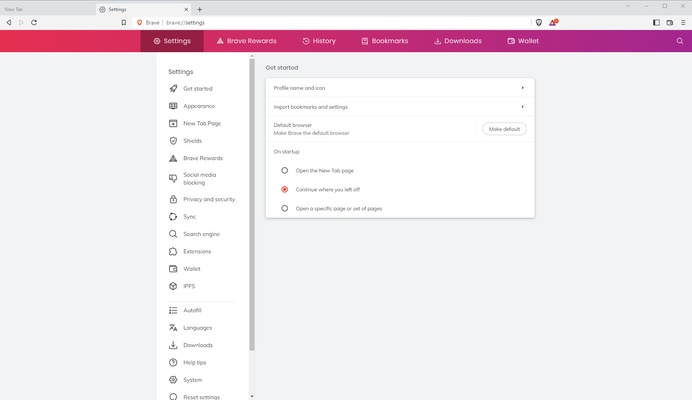
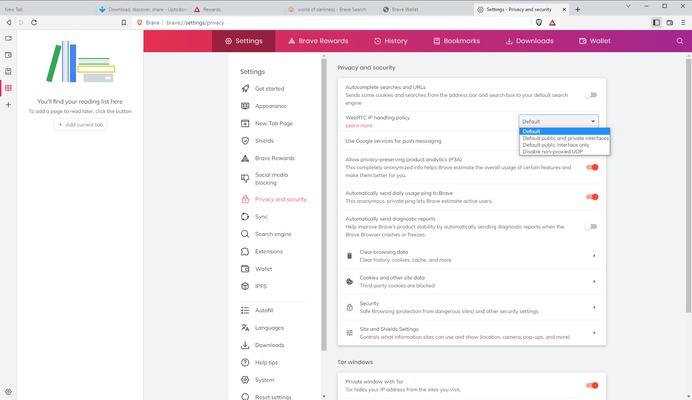
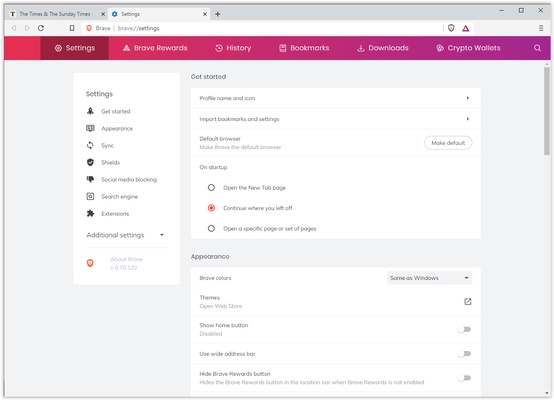
Brave Browser offers a clean, user-friendly interface that makes it easy to navigate and customize according to your preferences. With features like tab groups, dark mode, and customizable settings for blocking ads and trackers, Brave provides an intuitive browsing experience that's tailored to your needs. Whether you’re a privacy-conscious user or just someone looking for a faster browser, Brave offers flexible options to suit your browsing habits.
Cross-Platform Syncing
Brave supports syncing your bookmarks, history, and settings across multiple devices, ensuring that your browsing experience is consistent no matter where you are. Whether you’re using Brave on your Windows PC, Mac, or mobile device, the sync feature ensures that all your data is seamlessly available across platforms.
Final Overview
Brave Browser for Windows is an excellent choice for users looking for a secure, fast, and privacy-focused browsing experience. With automatic ad-blocking, enhanced security features, and the ability to earn cryptocurrency rewards, Brave provides a modern solution for internet browsing. Whether you’re concerned about privacy, want to speed up your browsing experience, or wish to support your favorite websites through BAT rewards, Brave is the perfect browser to help you navigate the web safely and efficiently.
Frequent questions
Is Brave Browser safe?
Yes, Brave Browser is a fully secure browser. In fact, Brave Browser has received several awards for the most secure browser of the year over several years, from different websites specializing in technology and security.
What are Brave Browser rewards?
The Brave Browser rewards the so-called BAT (Basic Attention Tokens), a proprietary cryptocurrency of Brave, which you will receive simply for browsing the Internet without disabling ads. These BATs can be used to buy prepaid cards, make donations, invest, etc.
Can I import my bookmarks to Brave Browser?
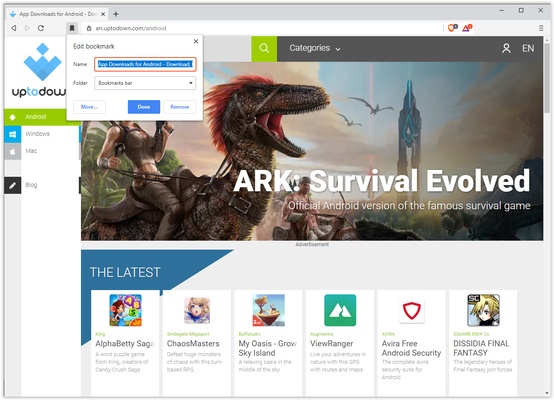
Yes, it is possible to import your bookmarks to Brave Browser. The first time you open the browser, a pop-up window will ask you which browser you want to import your information from, and you can choose between Edge, Chrome, Firefox, Opera, etc.
Does Brave Browser block ads?
Yes, Brave Browser blocks ads by default. From the configuration options, you can disable the ad blocker to benefit from Brave's reward system and earn BAT, but this is completely optional.
Do I have to pay to have Brave Browser without ads?
No, you do not have to pay to remove ads in Brave Browser. The ad blocker is enabled by default, and no purchase is necessary, although Brave's developers encourage using rewards to support your favorite content creators.