

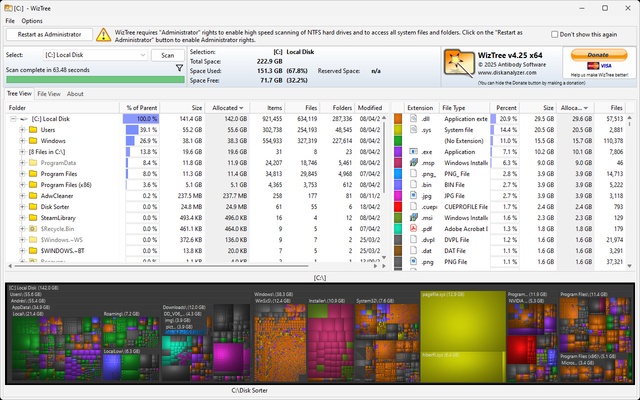
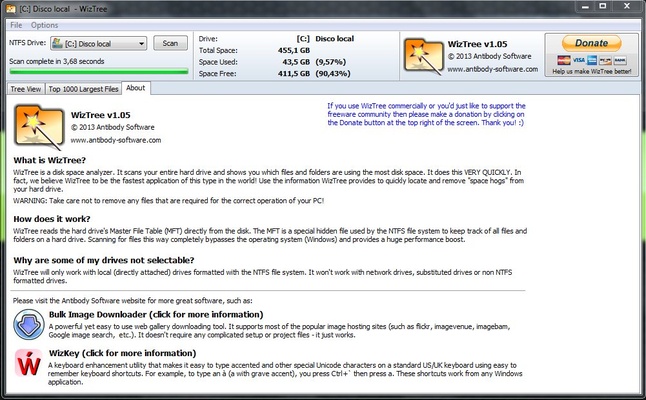
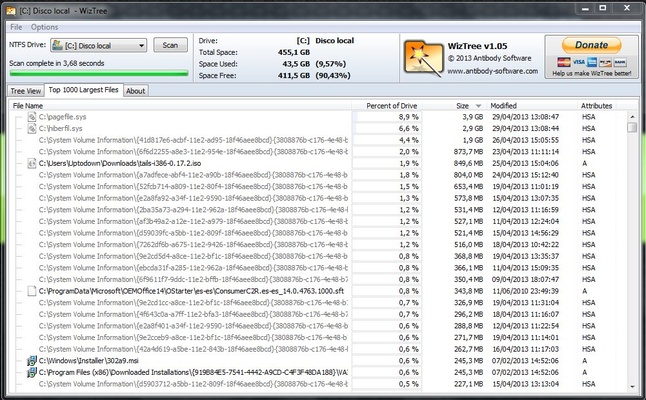
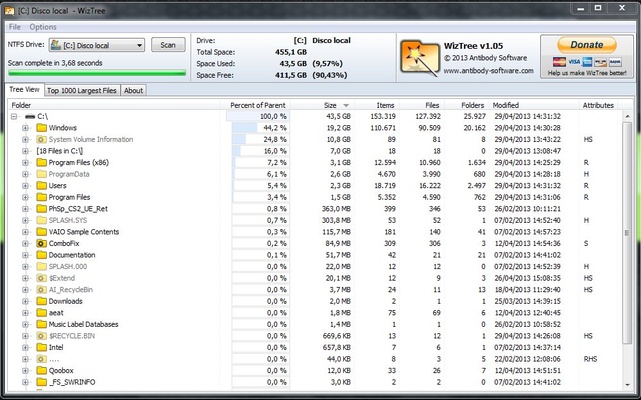
WizTree is a program that will allow you to analyze your hard drive for the files and folders that are taking up the most space. The app also offers a high analysis speed, showing you the results in just a few seconds. This is possible because the app directly accesses and reads the drive's Master File Table (MFT), saving a lot of time compared to other similar tools.
Compatible with many file systems
Besides working very fast, WizTree is able to scan all hard drives supported by Windows (NTFS, FAT, FAT32, and so on). The program can even scan MTP/PTP devices such as smartphones and cameras. Basically, you can scan any storage drive that can be connected to a PC via a USB cable.
The easiest way to view your storage
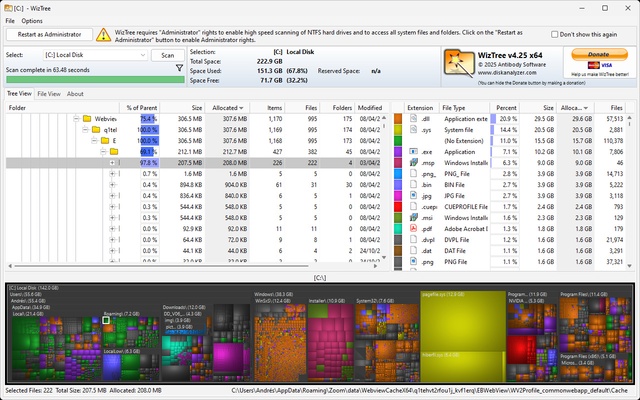
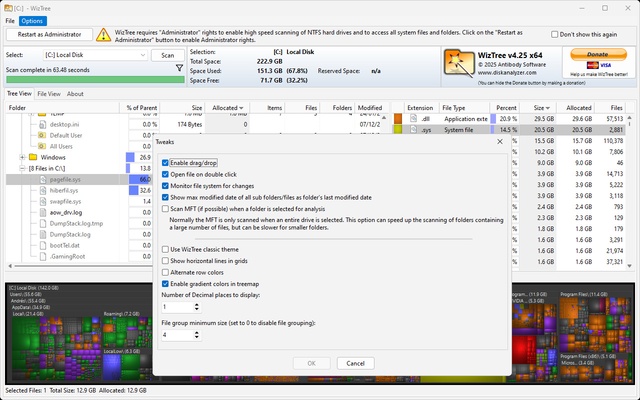
One of the strong points of WizTree is that it provides a very visual representation of your disk drive, with all your storage represented by different colored blocks whose size depends on the amount of space they are taking up. This way you can find out which folders, programs and video games take up the most space on your PC. You can also click on any displayed item to quickly access its folder.
Easily export information
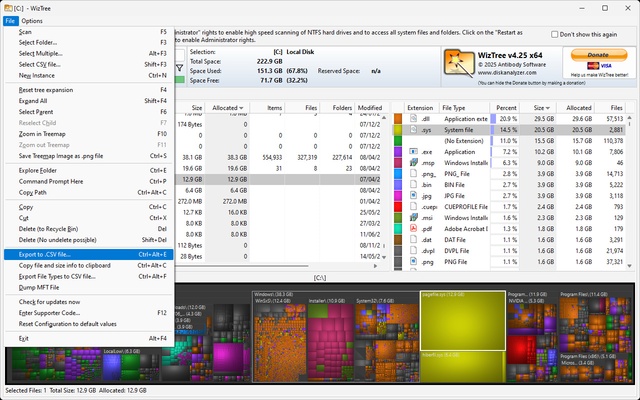
Thanks to WizTree, you can quickly export all the information you get when you analyze your drive. In less than five seconds you'll be able to generate a CSV file with all the data regarding the drive's contents. And the best part? You'll also be able to import this information back. This means that you can ask another user to export their information and then import it yourself to be able to view it remotely.
Differences between the Free and Pro versions
WizTree is entirely free. The free version of the program will allow you to perform all the actions mentioned so far, including tree view, file searching by name, or analysis of shared drives. However, WizTree also has a Pro version, which will remove the donation button from the program interface, let you use it commercially and, above all, allow you to support the project.
The best way to analyze your hard drives
Download WizTree if you want to know which folders and files are actually taking up the most space on your hard drive. Thanks to this program, you can also find any duplicate files you have. In short, this is a very useful tool to keep your PC healthy and free of files and folders that are taking up unnecessary space.