Go to Windows platform Display platforms icon
Go to Mac platform Go to Windows platform Go to Android platform
Arduino IDE icon

Arduino IDE

2.3.6
Arduino
0
194.91 MB size

The official app for programming on Arduino

Arduino IDE is the official Arduino app for macOS, designed as an Integrated Development Environment (IDE) for programming a wide range of apps on Arduino boards. It uses a simplified C++ dialect to write the code, allowing you to verify, compile, and upload your programs directly to the board.

Start your programming journey with Arduino

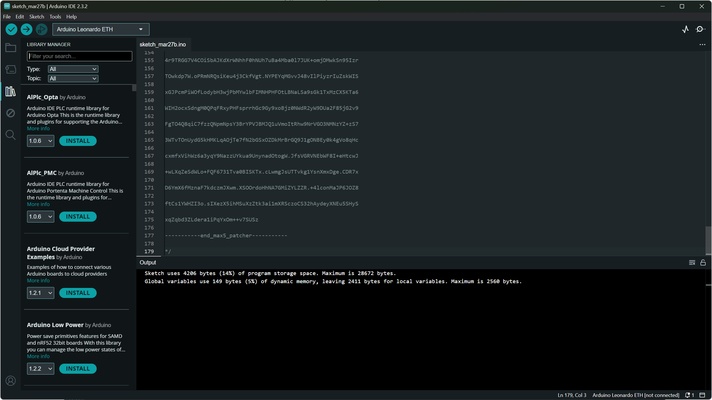
With Arduino IDE, you'll have access to a free and open source development environment that allows you to dive into numerous DIY projects. On the official Arduino website, you'll find a variety of basic projects to help you get familiar with programming on Arduino. From there, you can move onto more complex projects. Likewise, you can install additional libraries and plug-ins, as well as sync your projects with Arduino Cloud.

Organize your projects into tabs

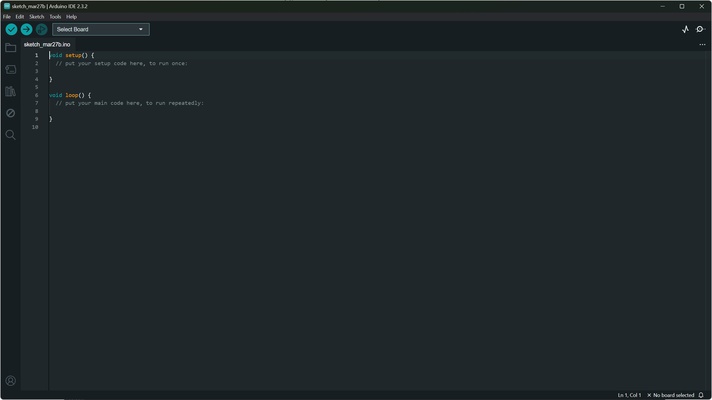
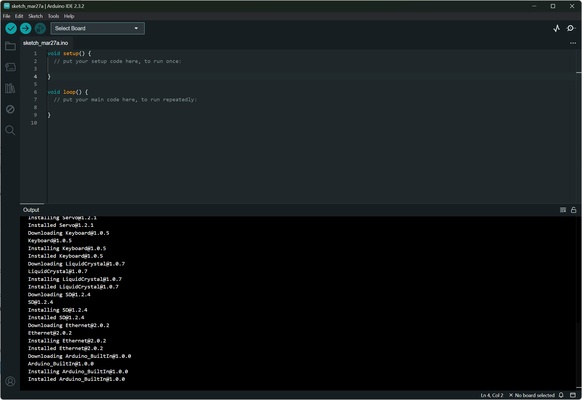
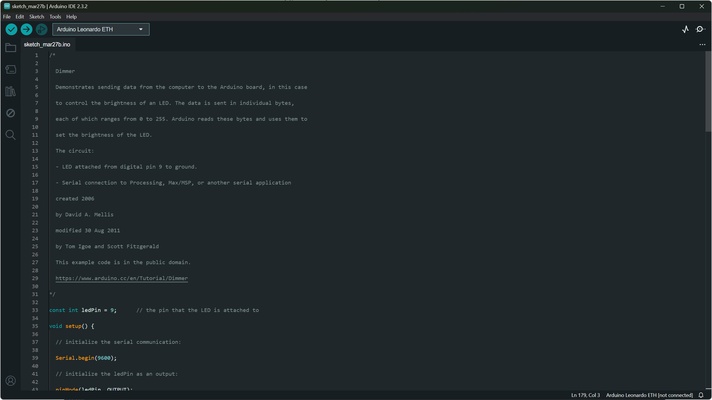
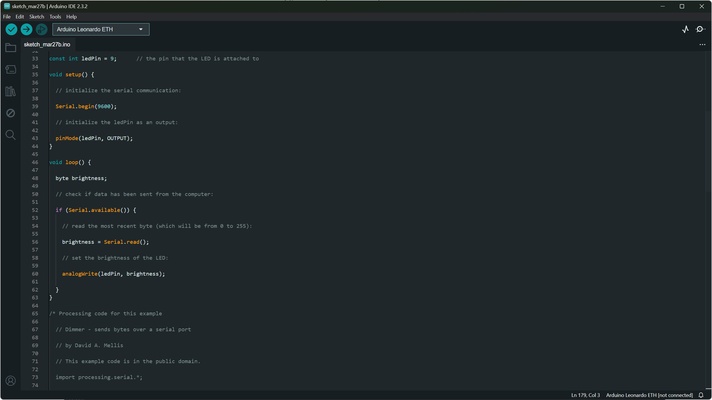
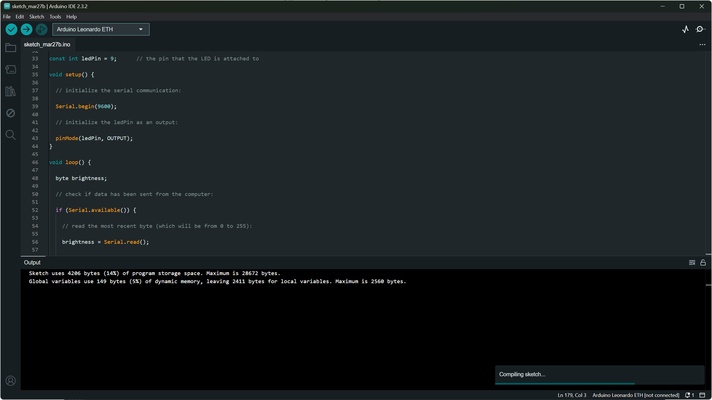
Arduino IDE's interface is intuitive and easy to use. At the top, you'll find tabs that allow you to keep several projects open simultaneously. Each Arduino program is called a "Sketch." The code editor includes syntax highlighting, auto-completion and error-checking tools, which will help you reduce errors while programming.

Compile, verify, and upload projects to your board

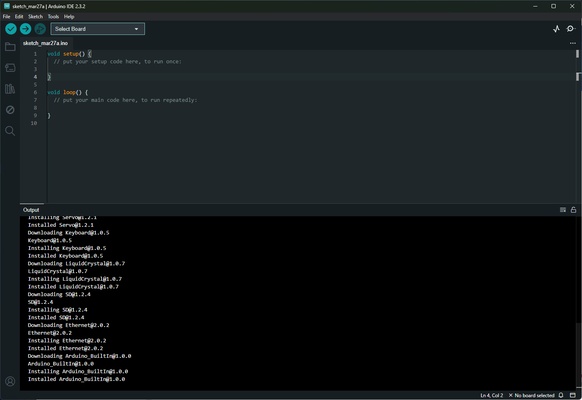
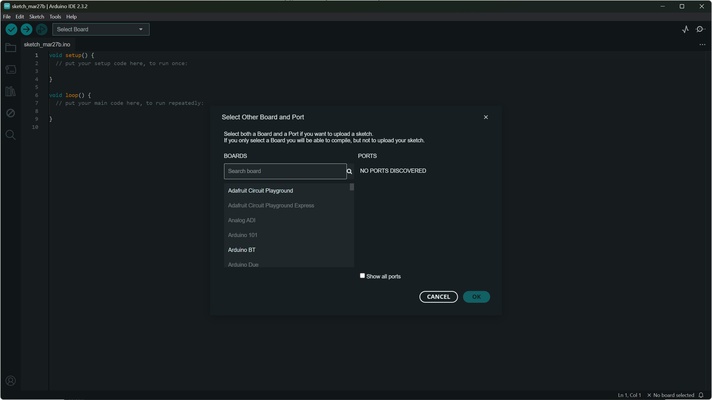
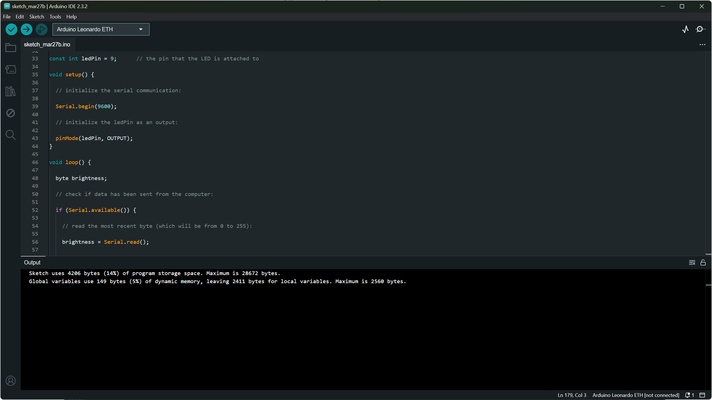
At the bottom of the screen, you'll find the code's output, where you can check if there are any programming errors or if the verification and compilation process has been completed correctly. Once you've compiled your program, you can upload it directly to your Arduino board if it's connected and configured on Arduino IDE. This app also allows you to monitor your board in real time, which is useful for debugging your projects.

Download Arduino IDE and get started programming on Arduino.

Information about Arduino IDE

License Free
Op. System Mac
Category Development
Language English 47 more
Author Arduino
permission icon Permissions Not applicable
Date 2026-06-03 02:33:59
Size 194.91 MB
File type DMG

Apps recommended for you

Kate icon
KDE Community
Code::Blocks icon
DE for C++ that includes the MinGW compiler.
curl icon
cURL
Joomla icon
Easy to install and configure content manager
Coda icon
One of the best code editors for web developers
Unity 6000.4.11 for Mac icon
Powerful 3D and 2D gaming development software for Mac
MongoDB 8.3.4 for Mac icon
Building on the Best of Relational with the Innovations of NoSQL!
Kompozer icon
A visual webpage editor based on NVU
OmniFocus 4.8.12 for Mac icon
Personal task management software for Mac with iOS companion app
MongoDB Compass 1.49.9 for Mac icon
Amazing and Free GUI (Graphical User Interface) for MongoDB
Unity 6000.4.11 for Mac icon
Powerful 3D and 2D gaming development software for Mac
Python 3.14.6 for Mac icon
A remarkably powerful dynamic programming language
Postman 12.14.4 for Mac icon
Developing APIs is hard Postman makes it easy!
MongoDB 8.3.4 for Mac icon
Building on the Best of Relational with the Innovations of NoSQL!
Eclipse SDK 4.40 for Mac icon
An open-source Java IDE and platform for rich client applications
OpenSSL 4.0.1 for Mac icon
Embed SSL and TLS protocols support into your great projects
Eclipse SDK 4.40 for Mac icon
An open-source Java IDE and platform for rich client applications
Flipper icon
Visualize, inspect and control your applications
Kate icon
KDE Community
OmniFocus 4.8.12 for Mac icon
Personal task management software for Mac with iOS companion app
OpenSSL 4.0.1 for Mac icon
Embed SSL and TLS protocols support into your great projects
FutureBasic icon
FutureBasic
Samsung SSD Magician icon
Samsung Electronics Co., Ltd.
Solar2D icon
Corona