


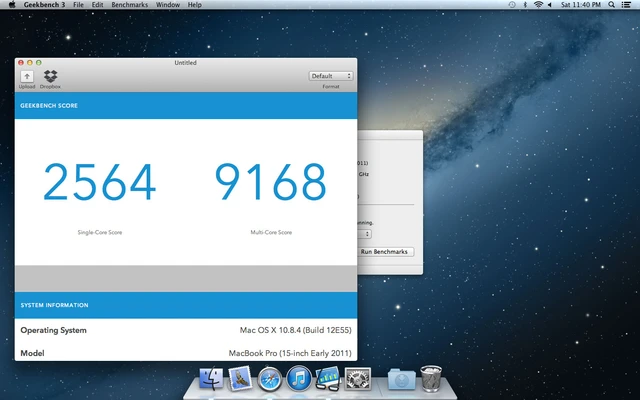
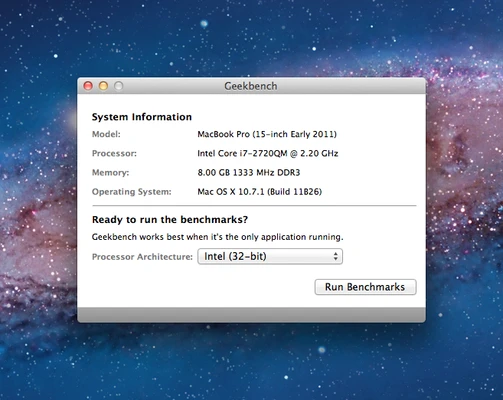
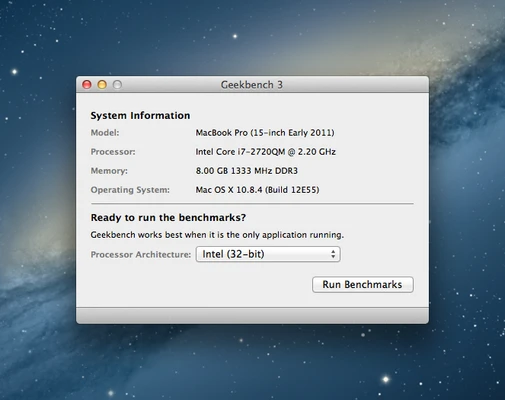
Geekbench for Mac is a powerful cross-platform benchmarking tool designed to measure the performance of macOS computers.
It allows users to test CPU and GPU performance with real-world workloads and compare results across different devices, operating systems, and processor architectures.
Geekbench supports Apple Silicon and Intel-based Macs, making it a popular choice for evaluating system performance, hardware upgrades, and device comparisons.
Features and Highlights
- CPU benchmark for single-core and multi-core performance
- GPU compute benchmark with Metal, OpenCL, and Vulkan support
- Real-world workload testing for daily tasks and professional applications
- Cross-platform comparison across macOS, Windows, Linux, Android, and iOS
- Support for Apple Silicon and Intel processors
- Online Geekbench Browser for sharing benchmark results
- Simple one-click performance testing
How to Use
- Install Geekbench on your Mac.
- Launch the application.
- Select CPU or GPU benchmark mode.
- Run the benchmark test.
- View your performance score and compare results online.
System Requirements
- Operating System: macOS 11.0 or later
- Processor: Apple Silicon or Intel CPU
- RAM: 4GB or more
- Storage: Around 100MB free disk space
- Internet connection required for online result sharing
PROS
- Accurate CPU and GPU performance testing
- Supports Apple Silicon Macs
- Cross-platform benchmark comparison
- Easy-to-use interface
- Detailed performance reports
CONS
- Free version has limited features
- Not designed for long-term stress testing
- Requires paid version for advanced functions
Conclusion
Geekbench for Mac is a reliable benchmarking application for users who want to measure and compare Mac performance.
With support for modern Apple processors, GPU testing, and cross-platform comparisons, it is an excellent tool for checking system capability and hardware performance.