

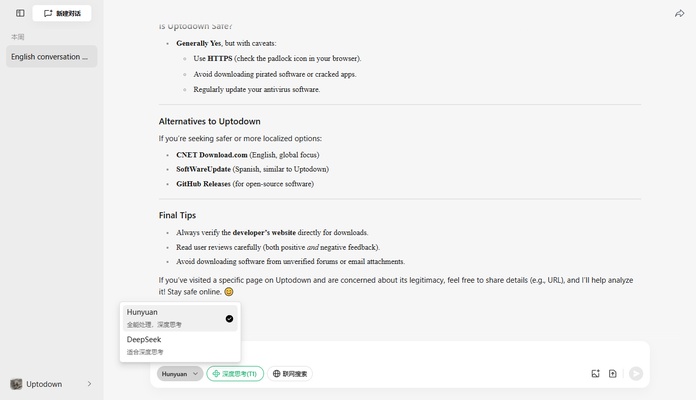
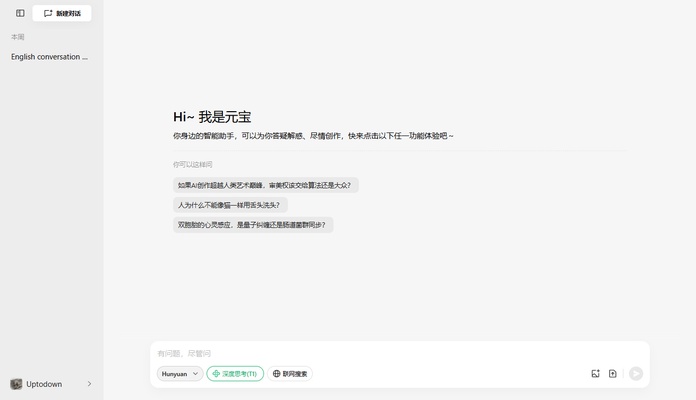
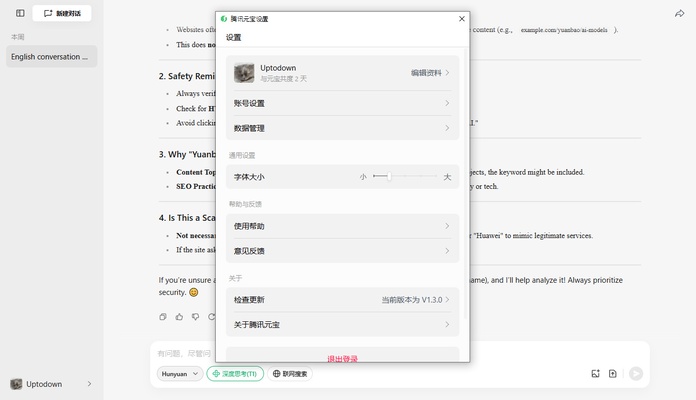
Yuanbao is Tencent's official AI app for Mac. It is based on Hunyuan-T1 model technology, developed by the Chinese giant Huawei. Thanks to this app, which offers similar features to the ChatGPT client for Mac, as well as a similar interface, you can find the answer to any question in a matter of seconds. Just interact with the AI organically, as if you were talking to a person.
Easy login with WeChat or QQ
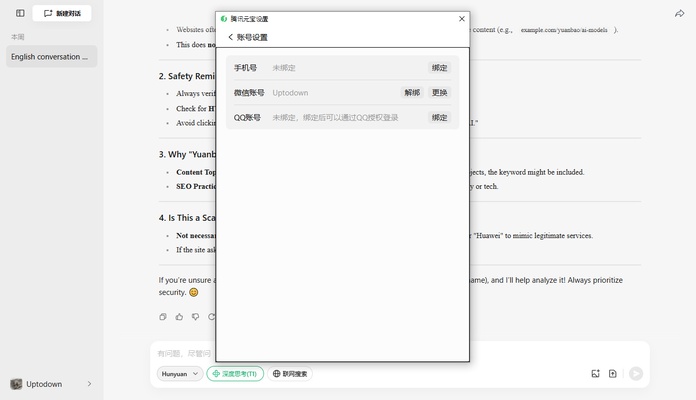
As is typical of this type of app, in order to use Yuanbao you will need to have a user account. The easiest way to log in is through the official WeChat app for iOS or Android, which allows you to scan a QR code to automatically access the app. Once you have scanned the QR code, there is no need to do anything else. You can start using the app without a hitch. Alternatively, you can also use your QQ account directly.
AI with lots of additional resources
As well as being able to exchange text messages and ask questions from the client interface, Yuanbao allows you to upload your own files. When you upload a file, the AI can analyze and work on it. You can upload images up to 30 MB and text documents and PDF files up to 100 MB. The app can analyze any photo or document and offer recommendations, corrections, advice and even translations.
Quick translation into any language
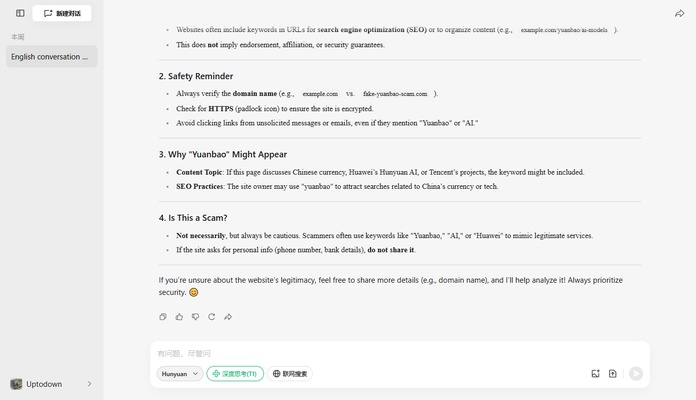
A very interesting feature of Yuanbao is that it allows you to instantly translate any text, whether on a web page or in a document. You can translate a document into any language in a matter of seconds (or minutes if it is very long). If you like, you can also practice languages with the help of the AI. You can engage in coherent conversations with the AI, being able to ask for advice and assessments on any topic.
The most convenient way to use Tencent AI on Mac
Download Yuanbao and start using an AI model with features capable of making your day-to-day life much more comfortable. Thanks to this desktop app, which takes up very little disk space, you can find the answer to any question in a matter of seconds. If you want it to analyze any text, document or image, just upload it and you will get back a comprehensive analysis in minutes.