

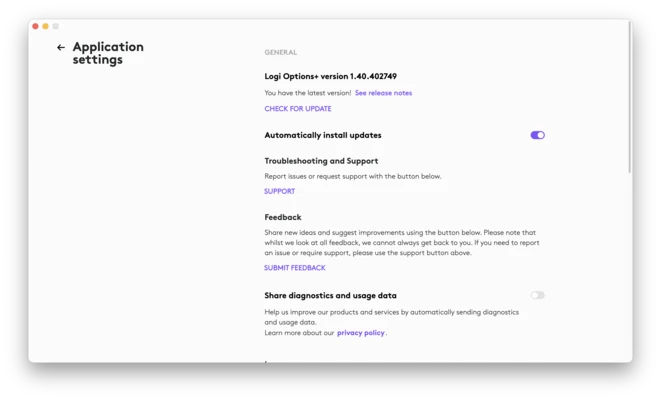
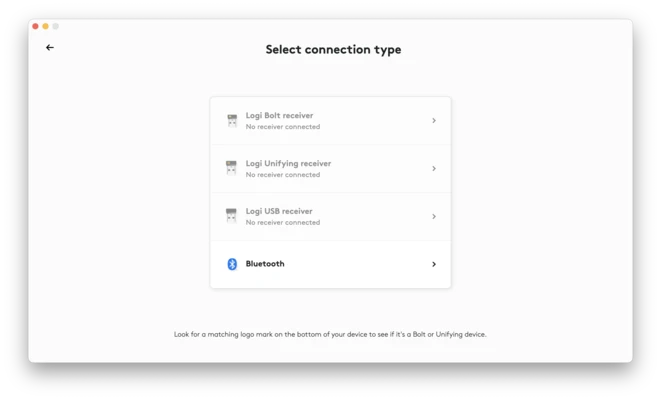
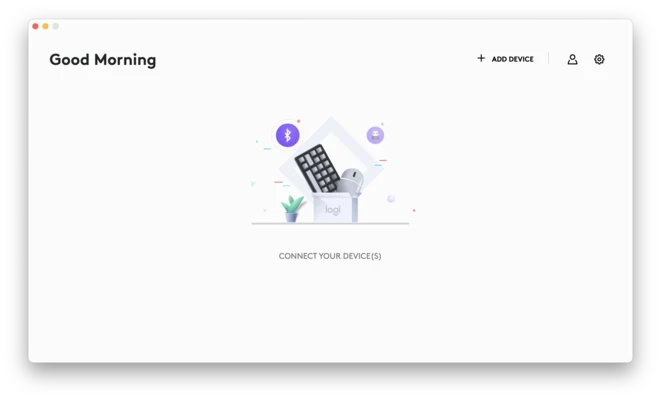
Logi Options+ for Mac is Logitech’s next-generation configuration software designed to customize and enhance the functionality of Logitech mice, keyboards, and other compatible input devices.
It replaces the older Logitech Options software with a more modern interface and improved performance, giving users deeper control over device behavior and workflows.
Key Features
- Advanced button customization for Logitech devices
- Application-specific profiles that change settings automatically per app
- Flow technology for controlling multiple computers with one mouse/keyboard
- Custom gestures for supported devices (e.g., MX Master series)
- Smart Actions to automate multi-step workflows with one click
- Battery status monitoring for wireless devices
- Cloud sync and backup for settings and profiles
- Multi-device switching and management
- macOS-optimized interface with smooth performance
Why Choose Logi Options+?
It is designed for users who want full control over Logitech hardware. Instead of basic driver settings, it enables advanced workflows like app-based customization, cross-device control, and automation, making it especially useful for productivity-heavy environments.
Best For
- Office and productivity users
- Designers and creatives using Logitech MX series
- Multi-device workflows (Mac + Windows setups)
- Power users who rely on shortcuts and automation
Pros
- Powerful device customization
- Clean and modern interface
- Flow support for multi-device control
- Smart automation features
- Cloud backup and sync
Cons
- Requires Logitech devices
- Some features depend on supported hardware
- Occasional background resource usage
- Internet required for sync features
System Requirements
- macOS 11 or later
- Supported Logitech devices
- Internet connection for cloud features (optional but recommended)
Conclusion
Logi Options+ for Mac is a powerful configuration tool for Logitech users, offering advanced customization, automation, and cross-device control. It is best suited for users who want to maximize productivity and fully unlock the capabilities of their Logitech peripherals.