

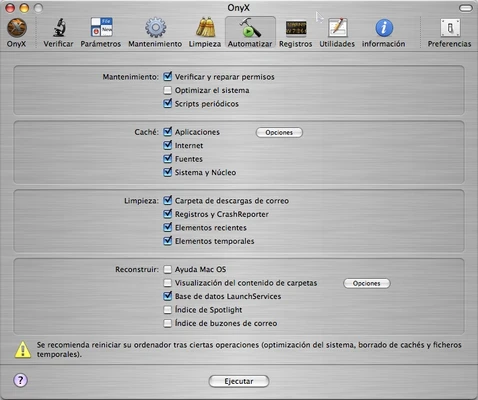
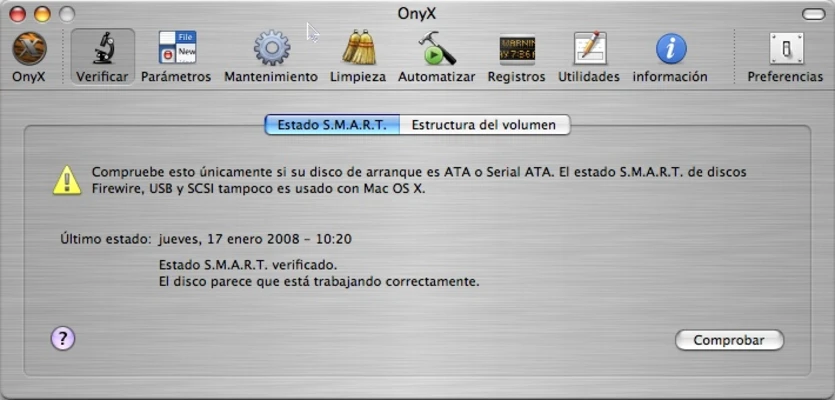
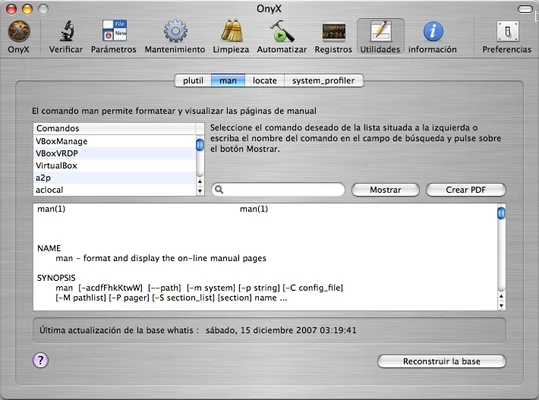
OnyX for Mac is a free system maintenance, optimization, and customization utility designed specifically for macOS. It provides users with a comprehensive set of tools to verify system files, clean unnecessary data, optimize performance, and access advanced macOS settings that are normally hidden from standard system preferences.
Suitable for both casual users and advanced administrators, OnyX helps keep macOS running efficiently while offering extensive control over system behavior and appearance.
Key Features
- System maintenance and optimization tools
- Verify startup disks and system files
- Clean caches, logs, temporary files, and unused data
- Access hidden macOS settings and preferences
- Customize Finder, Dock, Safari, and other system components
- View and manage system logs and crash reports
- Run automated maintenance tasks
- Access advanced system utilities from a single interface
- Execute maintenance scripts and system repairs
- Detailed hardware and software information reporting
- Built-in automation tools for routine system management
Why Choose OnyX?
OnyX combines multiple maintenance and customization utilities into one application, eliminating the need for separate tools. It provides easy access to advanced macOS settings while also offering automated maintenance functions that help improve system stability and performance.
The software is particularly useful for users who want deeper control over their Mac without relying on command-line tools.
Best For
- Mac power users
- System administrators
- Advanced macOS users
- Troubleshooting system issues
- Routine Mac maintenance
- Performance optimization
Pros
- Completely free to use
- Extensive maintenance and cleaning tools
- Access to hidden macOS settings
- Supports both Intel and Apple Silicon Macs
- Regularly updated for new macOS releases
- Detailed system information and diagnostics
Cons
- Advanced options may overwhelm beginners
- Incorrect settings can affect system behavior
- Interface feels dated compared to modern macOS apps
- No real-time performance monitoring
- Separate version required for each macOS release
System Requirements
- macOS Sonoma, Ventura, Monterey, Big Sur, Catalina, and earlier supported versions
- Intel or Apple Silicon (M1/M2/M3) processor
- Administrator privileges required
- Specific OnyX version required for each macOS version
Conclusion
OnyX for Mac remains one of the most powerful free maintenance utilities available for macOS. With its combination of system cleaning, optimization, customization, and diagnostic tools, it provides everything needed to maintain and fine-tune a Mac from a single application. It is an excellent choice for users who want greater control over their macOS environment while keeping their system running smoothly.