

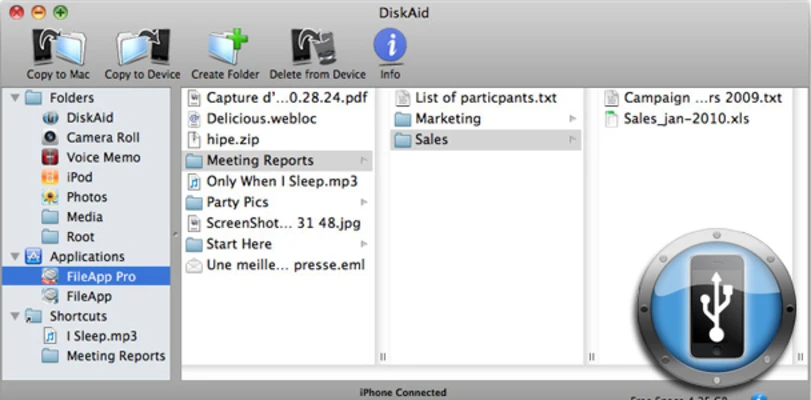
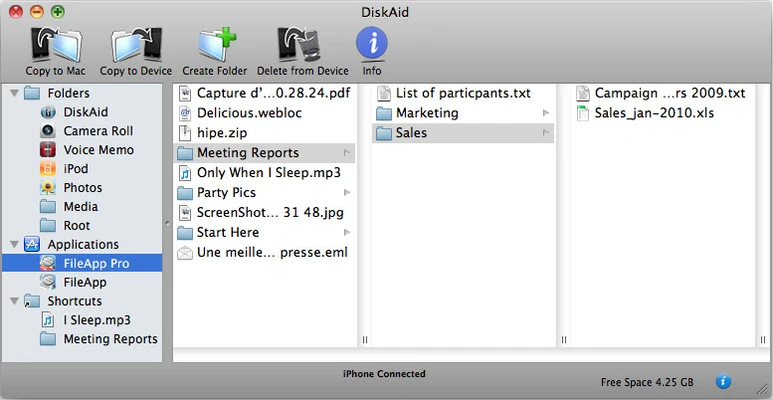
iMazing for Mac is an iOS device management software that allows users to manage data on iPhone, iPad, and iPod from a Mac computer without using iTunes or jailbreaking.
It provides tools for data transfer, backup management, file access, and device control, making it suitable for both personal and professional iOS device management.
Key Features
- Transfer files between iOS devices and Mac
- Manage iPhone, iPad, and iPod backups
- Export and import music, photos, and videos
- Extract messages (SMS, iMessage, WhatsApp)
- Manage contacts, call history, notes, and voicemails
- Restore or clone iOS devices from backups
- Transfer data without iTunes or iCloud dependency
- Wi-Fi and USB device connection support
- Full device data browsing and export tools
How to Use
- Install iMazing on your Mac
- Connect iPhone or iPad via USB or Wi-Fi
- Allow device access permissions
- Select the data type you want to manage
- Transfer, backup, or export files as needed
- Create or restore device backups
Pros
- No iTunes required
- Supports full iOS data management
- Easy backup and restore system
- Works with latest iOS devices
- Clean and organized interface
Cons
- Full features require paid license
- Large backups may take time
- Advanced functions may require learning
System Requirements
- macOS 10.13 or later
- Intel or Apple Silicon Mac
- Minimum 4 GB RAM recommended
- USB or Wi-Fi connection for iOS devices
Note
Free version available with limited features. Full functionality requires a paid license.