
Go to Windows platform Display platforms icon
Go to Mac platform Go to Windows platform Go to Android platform
Logi Options+ icon

Logi Options+

1.88.697541
Logitech
5
20.35 MB size

Conveniently manage your Logitech peripherals

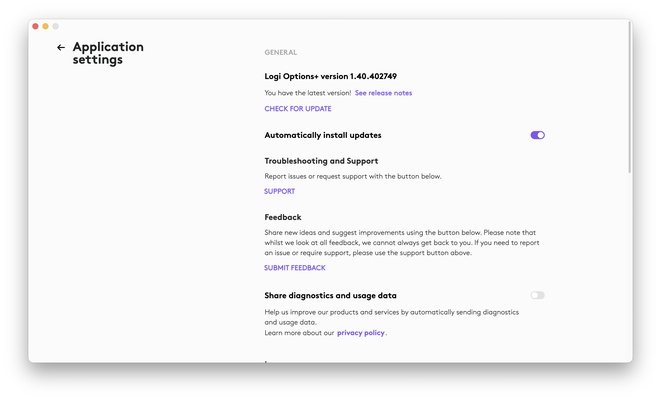
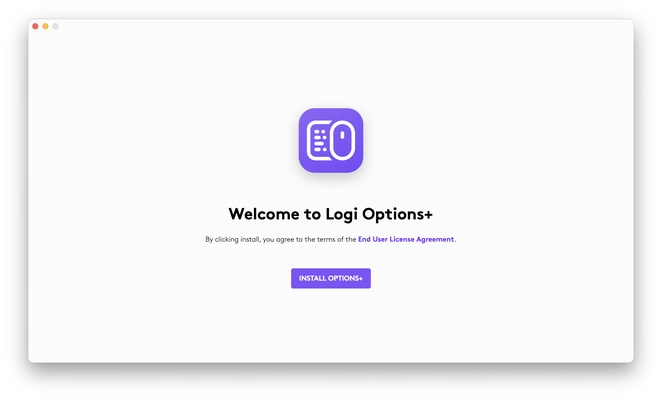
Logi Options+ is the official Logitech tool for Mac that allows users to configure all their peripherals in great detail. If you have a mouse, keyboard or trackpad from this brand and want to configure it easily and comfortably, this tool is capable of recognizing any of these devices in seconds to help you configure all their functions.

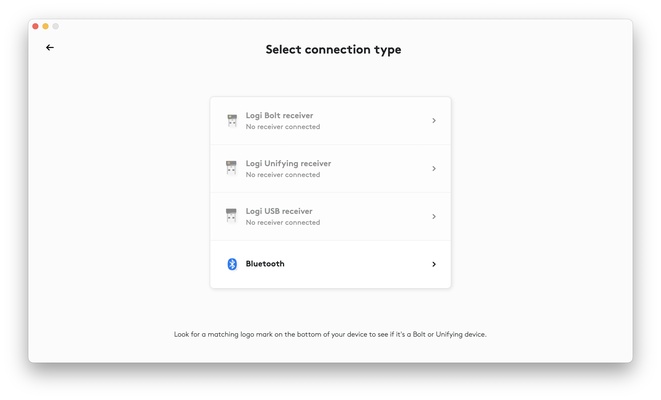
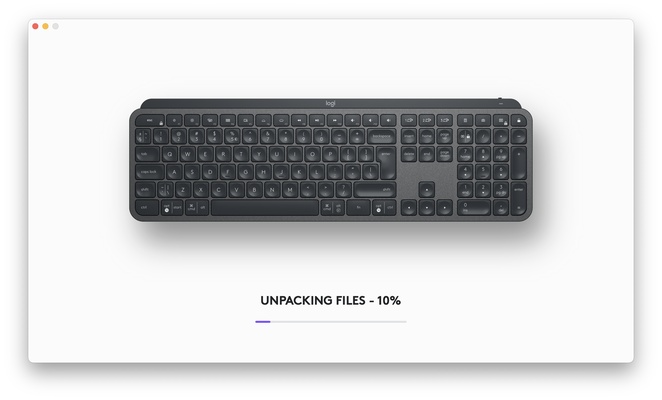
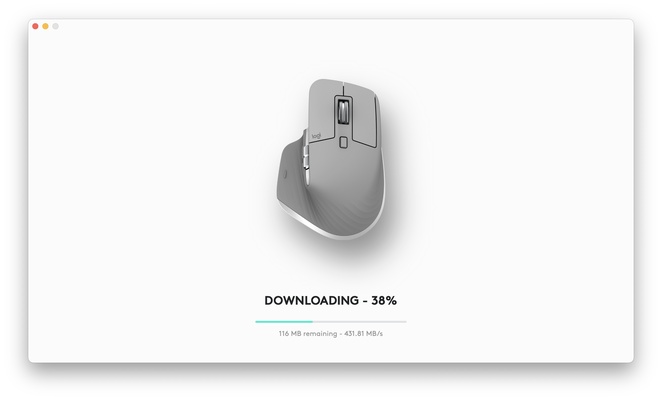
Once you have downloaded this tool, the first thing you need to do is start the linking process. One of Logi Options+'s strengths is that it will recognize the devices you might want to link instantly, so you won't have to waste time with configuration or connection errors. Once you have registered all your peripherals, you can customize their macros and adjust cursor speed, scroll sensitivity, button assignment, backlighting of supported devices and many other functions.

If you are not sure how to configure your keyboard or mouse, you can load default configurations that will make your life much easier. What's more, you can access additional functions and advanced settings to customize these standard configurations. As an added bonus, and once you have added all your peripherals, Logi Options+ will provide you with a shortcut to the complete list of settings to change anything you want to change in a matter of seconds.

Logi Options+ is, in short, the perfect tool for managing and configuring your Logitech devices. Download the program for free and easily customize your configuration thanks to all the functions on offer. Enjoy your Logitech products and all their benefits with Logi Options+.

Information about Logi Options+

License Free
Op. System Mac
Category Utilities
Language English 1 more
Author Logitech
permission icon Permissions Not applicable
Date 2026-06-03 01:08:35
Size 20.35 MB
File type ZIP

Apps recommended for you

MEGASync icon
Mega Limited
Podman Desktop icon
podman desktop
WhatSize icon
Displays used space on hard drive numerically
Cocktail 19.8.1 for Mac icon
Lets you clean, repair and optimize your Mac
ZOC Terminal icon
Securely connect to hosts and mainframes
Yuhan Blu-ray DVD Creator icon
It is an all-in-one DVD, Blu-ray, and 4K UHD authoring software
WhatPulse icon
WhatPulse
FreeFileSync icon
Compare and sync the contents of your folders on Mac
OnyX 5.0.1 for Mac icon
You can use to verify the startup disk and the structure of its system files
Syncovery 11.15.15 for Mac icon
Syncovery will copy your files the way you need it!
Tresorit 3.5.3467.4810 for Mac icon
Work with your team without worrying about hacker attacks
Cocktail 19.8.1 for Mac icon
Lets you clean, repair and optimize your Mac
TinkerTool 11.6 for Mac icon
Access to additional preference settings Apple has built into OS X
Deeper 3.3.0 for Mac icon
Enable and disable the hidden functions of the Finder, Dock, Safari, iTunes..
Logi Options+ 2.4.903778 for Mac icon
It enables even more customization of all your supported devices
Tenorshare ReiBoot iOS for Mac 9.5.8 icon
Put iPhone/iPad/iPod touch in/out of Recovery Mode Easily without iTunes
WhatPulse icon
WhatPulse
Ant Commander Personal icon
Personal file manager with tabs support
iDrive icon
Save a backup of your files in the cloud
Treesheets icon
aardappel
1Password icon
Password management with auto-complete function
Yuanbao icon
Tencent AI client for Mac
NetWorx icon
SoftPerfect Research
Tresorit 3.5.3467.4810 for Mac icon
Work with your team without worrying about hacker attacks