


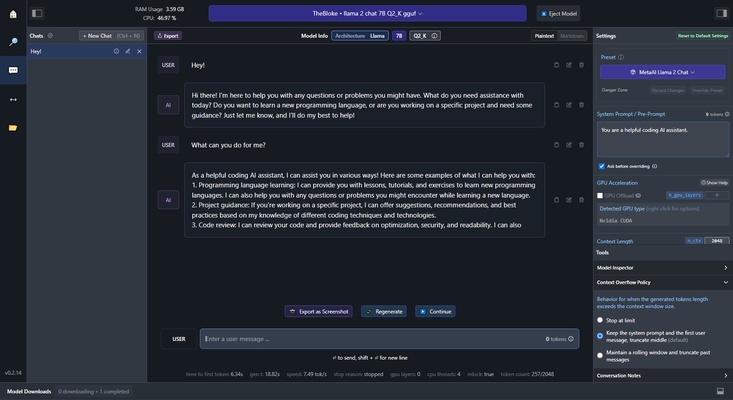
LM Studio is an app that allows you to download and run LLMs so that you can use them locally, without needing to be connected to the Internet, in a completely secure environment, avoiding possible leaks or someone getting hold of your data. All the information you access will be 100% private and stored exclusively on your Mac.
What exactly is an LLM?
An LLM, short for Large Language Model, is a language model consisting of a neural network with thousands or millions of parameters trained on large amounts of unlabeled text, which is capable of semi-supervised learning, and can generate coherent conversations. Some of the best known examples of LLMs are OpenAI's GPT, Google's Gemini and Meta's LLaMA. LM Studio allows you to download all these language models and many others, so that you can run them comfortably in a local and secure environment.
Easy to use and navigate
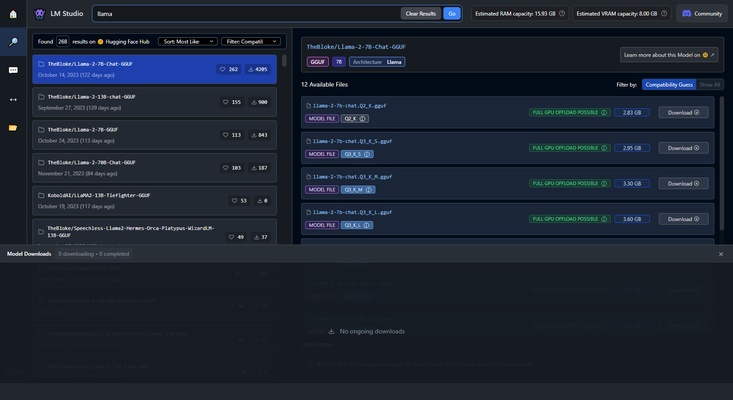
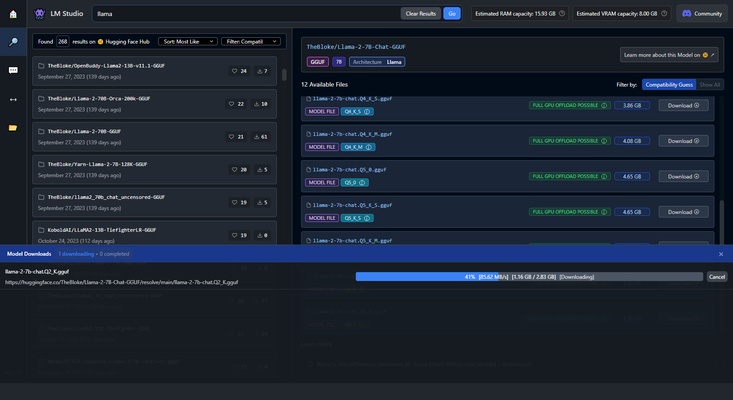
To get started with LM Studio, simply enter the name of the model you want to download (such as any of those mentioned above), wait a few seconds for the search results to come back and, finally, choose between any of the different available versions, all of them coming from HuggingFace repositories. Do bear in mind that all LLMs are relatively large. Each one can take up between 2.5GB and 5GB, so make sure you have enough free space on your hard drive and a fast Internet connection.
Your LLM, your questions
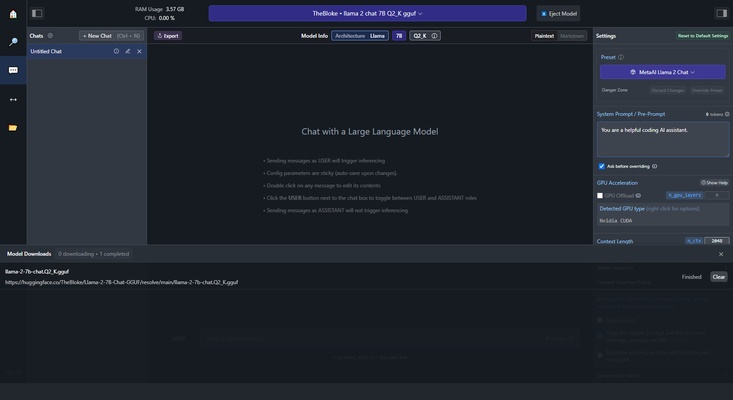
Once you have downloaded your chosen LLM, you can start asking it questions in much the same way you would ask ChatGPT or any other Artificial Intelligence. The key difference is that this AI, instead of being in the cloud, on a page you have no control over, is stored directly on your Mac's hard drive, so anything you enter will remain in your control: locally. As a result, your information will always be yours. LM Studio doesn't collect any data and, of course, will therefore not be able to share it with anyone.
Download LM Studio and run your favorite artificial intelligence language models locally, from your Mac, offline, without sharing any data or information, and completely free of charge. And all of this has been encapsulated in an easy-to-use app that allows any user to download and run an LLM in a matter of seconds.