Go to Windows platform Display platforms icon
Go to Mac platform Go to Windows platform Go to Android platform
LosslessCut icon

LosslessCut

3.65.0
Mikael Finstad
4
2.34 MB size

Cut your videos to create the perfect clip

LosslessCut is a very useful tool for editing any videos that just need to be cut in some parts. Suppose you have recorded something very long and you want only part of the video or bits removed from the final recording. In that case, this tool will allow you to remove any part of the total video to get the perfect recording without unusable or empty seconds.

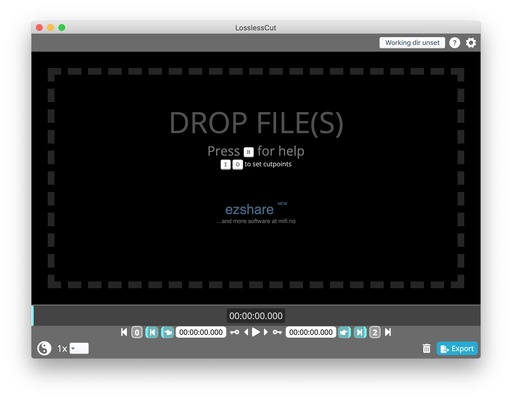
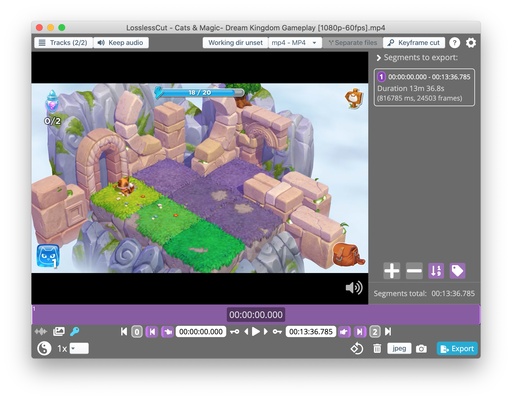
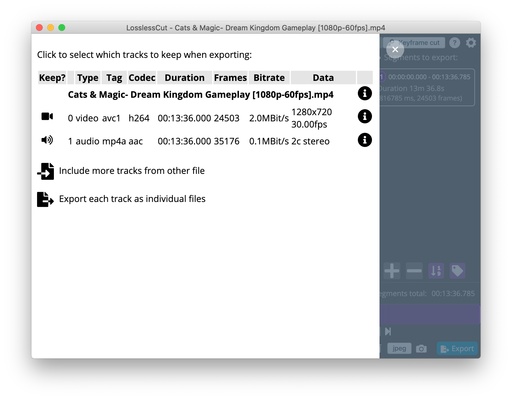
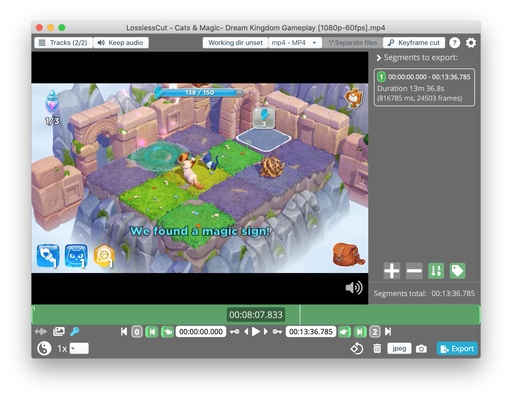
To start working with any of your recordings just select the file from the folder browser or select the item and drag it to the main window. Once the whole video has loaded you'll see its length and number of frames, so you can cut any part down to the split second.

At the bottom of the screen, you'll find all the tools you need to start cutting video clips. Click on the frame bar to go to the exact point in the video you want to edit or use the forward or backward buttons to go to a second near it. One of the advantages of LosslessCut is that you can zoom in up to 4096x to display your frame bar in milliseconds.

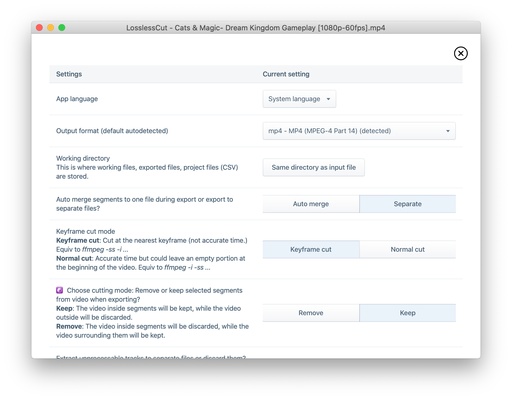
Another advantage of LosslessCut is that it supports MP4, MOV, WebM, MKV, OGG, WAV, MP3, AAC, H264, Theora, VP8 and VP9 extensions, so you won't run into any compatibility problems when working with your recordings. Additionally, you can also take full-resolution JPEG or PNG photos of videos, and even remove the audio.

Information about LosslessCut

License Free
Op. System Mac
Category Multimedia
Language English
Author Mikael Finstad
permission icon Permissions Not applicable
Date 2026-06-03 01:41:54
Size 2.34 MB
File type ZIP

Apps recommended for you

Wirecast 16.5.3 for Mac icon
Turn your laptop or Desktop computer into a television studio
Dragonframe icon
DZED Systems
foobar2000 icon
A classic music player
Getscreen icon
Get Screen Software
muffon icon
Listen to music from various sources for free
iDealshare VideoGo 6.8.2 for Mac icon
Amazing Video/Audio Converter App, Player and Editor for macOS
FreeTube icon
Enjoy YouTube anonymously on macOS
TunesBank Audible Converter icon
Convert audible audiobooks to MP3/M4A/WAV/FLAC
ffWorks 5.1.2 for Mac icon
Making High Quality Video Encoding Accessible for Everyone
Wondershare Filmora 15.6.4 for Mac icon
Use Filmora amazing video editor to express your creativity!
ffWorks 5.1.1 for Mac icon
Making High Quality Video Encoding Accessible for Everyone
iDealshare VideoGo 6.8.2 for Mac icon
Amazing Video/Audio Converter App, Player and Editor for macOS
Wirecast 16.5.3 for Mac icon
Turn your laptop or Desktop computer into a television studio
Pianoteq 9.2.1 for Mac icon
Virtual Mac Desktop Piano and Physically Modelled Acoustic
MuseScore 4.7.3 for Mac icon
Create, play back and print beautiful sheet music for Mac
Audacity 3.7.8 for Mac icon
Easy-to-use, multi-track audio editor and recorder for Mac
Dragonframe icon
DZED Systems
qView icon
A lightweight image viewer for macOS
HitPaw VikPea icon
Fix the blur in videos, make portrait clear
Canon EOS Webcam Utility icon
Use your Canon camera as a webcam
foobar2000 icon
A classic music player
Ocenaudio icon
A simple audio editor very similar to Audacity
Spotube icon
Enjoy your favorite music in an alternative way