


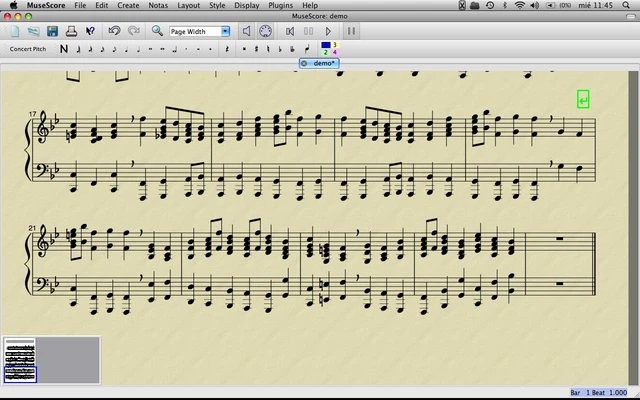
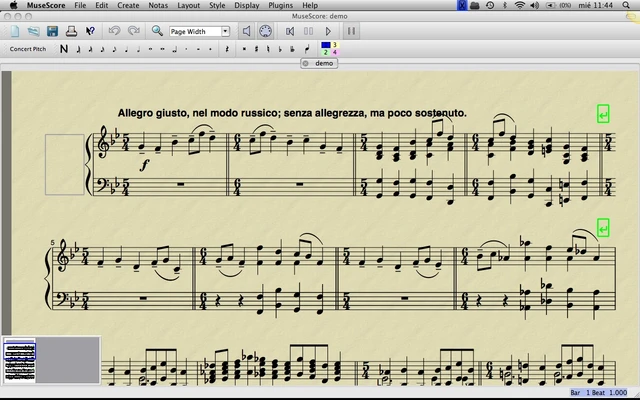
MuseScore is a free and open-source music notation software for macOS that enables users to create, edit, play back, and print professional-quality sheet music. It supports music composition using a keyboard, mouse, or MIDI device, making it suitable for students, educators, composers, arrangers, and musicians of all skill levels.
The software provides a WYSIWYG score editor, allowing users to see their sheet music exactly as it will appear when printed. In addition to notation editing, MuseScore supports audio playback, transposition, PDF export, MIDI export, and MusicXML compatibility for seamless score sharing and collaboration.
Key Features
- Professional music notation editor with WYSIWYG interface
- Create scores using mouse, keyboard, or MIDI devices
- Unlimited staves and up to four voices per staff
- Real-time score playback with built-in audio engine
- Import and export MusicXML files
- Support for standard MIDI file import and export
- Export sheet music as PDF, PNG, audio, and MIDI
- Transpose scores instantly
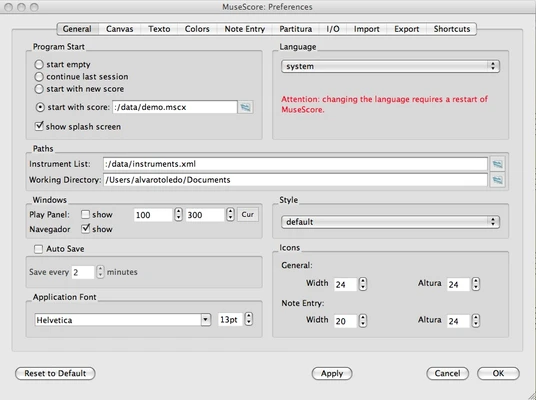
- Available in more than 50 languages
- Large online score-sharing community
Why Choose MuseScore
MuseScore combines powerful music notation capabilities with an intuitive interface and completely free licensing. It is widely used for composing, arranging, music education, and score preparation, offering many features typically found in premium notation software.
Best For
- Music composers
- Arrangers and orchestrators
- Music students and teachers
- Choir and band directors
- Songwriters
- Music notation beginners
Pros
- Free and open-source
- High-quality sheet music output
- Supports MusicXML and MIDI formats
- Easy note entry with multiple input methods
- Large community and extensive learning resources
- Regular updates and feature improvements
Cons
- Playback may occasionally experience glitches
- Advanced engraving features are less extensive than premium alternatives
- Performance can slow with very large orchestral projects
- Some online features require an internet connection
System Requirements
- macOS 10.13 High Sierra or later
- Intel or Apple Silicon processor
- 4 GB RAM minimum (8 GB recommended)
- 300 MB available storage space
- OpenGL-compatible graphics hardware
Conclusion
MuseScore is one of the most popular free music notation applications available for macOS. With comprehensive score-editing tools, MIDI and MusicXML support, high-quality sheet music output, and an active user community, it provides an excellent solution for music composition, arrangement, and education without requiring a paid subscription.