


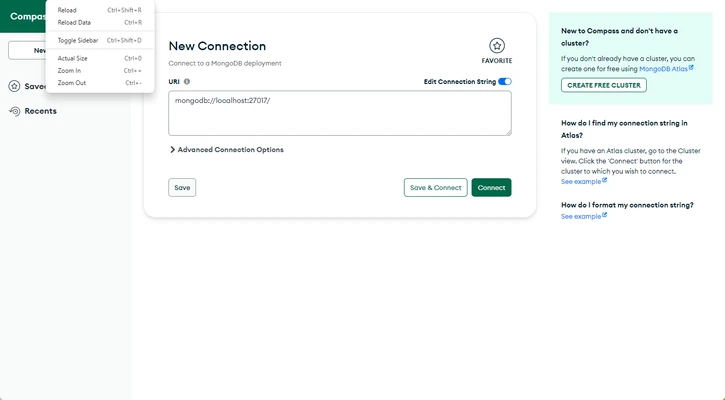
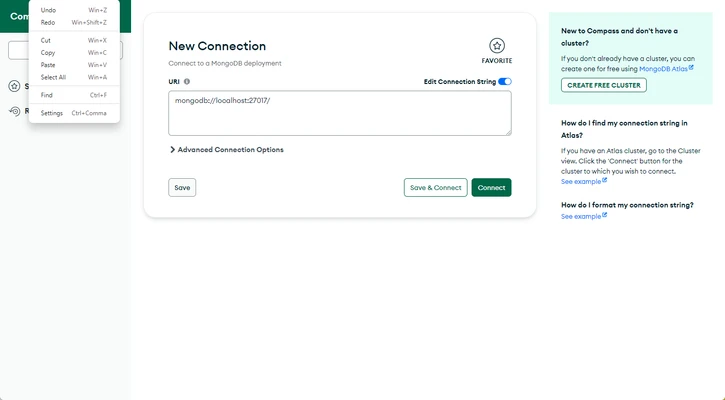
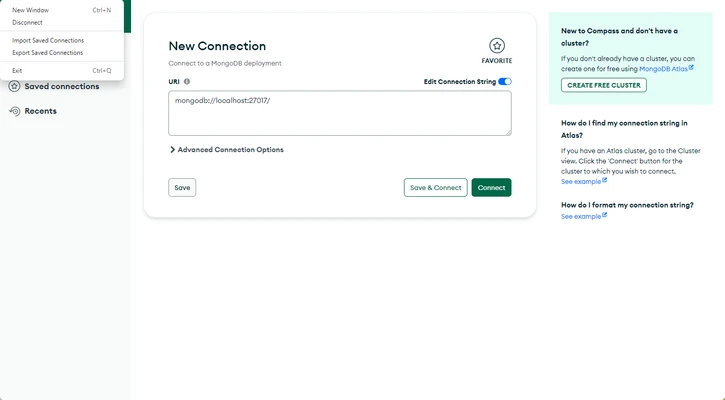
MongoDB Compass for Mac is the official graphical user interface (GUI) for MongoDB, designed to help developers visualize and manage data with ease. It allows users to explore document structure, run queries, optimize performance, and manage indexes without needing deep knowledge of MongoDB query syntax.
This tool is ideal for developers, database administrators, and analysts who want a visual and intuitive way to work with MongoDB databases.
Editions Overview
Compass Community
A free edition designed for development use, offering a subset of Compass features.
Compass (Full Version)
A complete version with all features available through MongoDB subscription plans.
Compass Readonly
A restricted edition that allows only read operations, with write and delete functions disabled.
Compass Isolated
A secure edition that only connects to the configured MongoDB instance, with all other network activity disabled. Designed for high-security environments.
Features and Capabilities
- Full CRUD operations on documents, collections, and databases
- Visual query builder and aggregation pipeline editor
- Index creation, management, and deletion
- Query performance analysis with visual explain plans
- Schema exploration and data structure visualization
- Real-time server statistics monitoring
- Support for authentication methods such as Kerberos, LDAP, and x.509
- Document validation rule management
- Error tracking and crash reporting tools
How to Use
- Open the downloaded
.dmgfile and install MongoDB Compass - Launch the application from the Applications folder
- Enter a MongoDB connection string or use a local instance
- Click Connect to access your database
- Browse databases and collections in the interface
- Use the Schema tab to analyze data structure
- Run queries using the built-in query bar
- Create, update, or delete documents directly
- Monitor performance using server statistics tools
System Requirements
- macOS 10.14 (Mojave) or later
- Intel or Apple Silicon (M1/M2) Mac
- Minimum 4 GB RAM
- At least 200 MB of free disk space
- Internet connection required for updates and authentication
Pros
- Clean and intuitive graphical interface
- Powerful visual query and aggregation tools
- Real-time schema and performance insights
- Secure authentication support
- Cross-platform compatibility
Cons
- Performance may slow with very large datasets
- Limited advanced administrative features
- Can become unstable under heavy load
- No mobile version available
- Requires occasional manual updates
Conclusion
MongoDB Compass for Mac provides a powerful and user-friendly way to interact with MongoDB databases. With its visual tools for querying, schema analysis, and performance monitoring, it simplifies database management for both beginners and professionals.