

NoMachine for Mac is a free remote desktop application that allows users to securely access and control remote computers from their Mac.
With NoMachine, users can connect to another computer, access files and applications, stream high-quality audio and video, and collaborate remotely. It supports smooth remote sessions with low latency, making it suitable for personal use, remote work, technical support, and media access.
The application supports connections between multiple platforms, including macOS, Windows, and Linux, providing a flexible remote access solution.
Features
Remote Desktop Access
Connect to remote computers from anywhere and control them as if you were sitting in front of the machine.
High-Quality Audio & Video Streaming
Stream videos, music, and desktop content with support for high-resolution display and smooth playback.
File Access & Transfer
Access remote files and folders and transfer data between connected devices.
Remote Collaboration
Allow other users to connect to your desktop for collaboration, troubleshooting, or technical assistance.
Screen Recording
Record remote sessions for tutorials, demonstrations, presentations, or troubleshooting.
Cross-Platform Support
Works with macOS, Windows, and Linux systems.
USB Device Support
Supports remote USB devices, allowing users to connect compatible peripherals during remote sessions.
How to Use
- Download and install the NoMachine package on your Mac.
- Launch NoMachine from the Applications folder.
- Allow required system permissions.
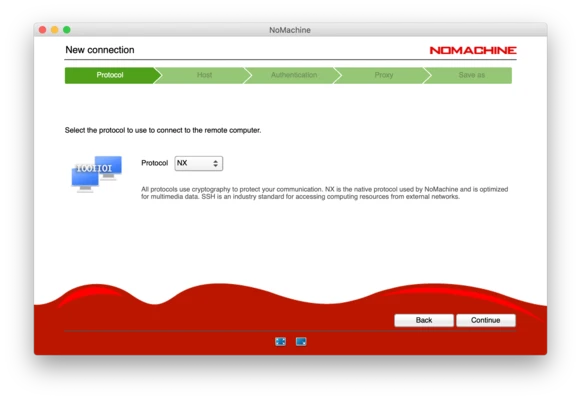
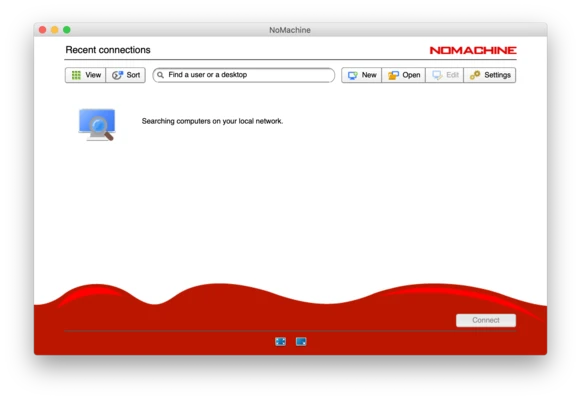
- Enter the remote computer IP address or hostname.
- Log in with your account credentials.
- Use the session toolbar to manage display, audio, and connection settings.
- Disconnect when the remote session is complete.
System Requirements
- OS: macOS 10.12 Sierra or later
- Processor: Intel or Apple Silicon (Rosetta 2 supported)
- RAM: 2 GB minimum
- Storage: 150 MB free disk space
- Network: Internet or local network connection
- Permissions: Administrator access required for installation
PROS
- Free remote desktop solution
- Easy setup and simple interface
- High-quality audio and video streaming
- Supports multiple operating systems
- Secure encrypted connections
CONS
- Performance depends on network quality
- Advanced features require paid versions
- Long sessions may increase battery usage
- Remote access may require network configuration
Conclusion
NoMachine for Mac is a powerful remote desktop tool that provides fast and secure access to computers from anywhere.
With support for file access, multimedia streaming, remote collaboration, and cross-platform connections, it is a reliable choice for users who need remote control capabilities for work, support, or personal use.
Note: Requires a 64-bit processor.