

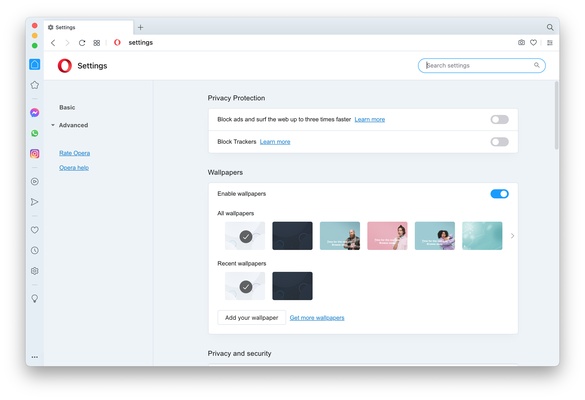
Opera is a free web browser developed by Opera Software for macOS. Launched in 1995, this browser is one of the most widely used browsers in the world, thanks to its many features. Opera focuses on speed, privacy, security, and productivity. Opera is based on the Chromium engine, just like Google Chrome and Microsoft Edge, so it's compatible with many of their extensions and offers an excellent online browsing experience.
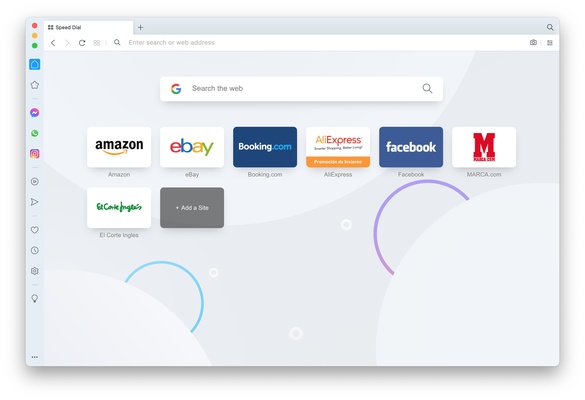
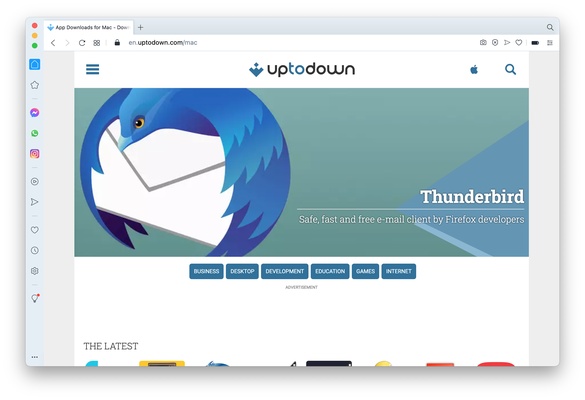
Like other web browsers, Opera allows you to open websites in tabs, save bookmarks, add extensions, and much more. It's also possible to integrate apps natively with shortcuts, such as WhatsApp, Messenger, and TikTok, from an accessible panel on the left side of the app.
Speed Dial
Opera displays the Speed Dial screen whenever you open it, which is basically a home screen where you can add shortcuts to all your favorite websites. Popular websites are automatically added to this screen, but you can customize it by adding and removing whatever you want.
Integrated VPN
Opera also offers a built-in VPN service. To use it, click the "VPN" button next to the address bar and then the activation one. After that, you can surf the Internet with an external IP address, allowing you to access websites that are blocked in your country, as well as browse with better privacy. Using this VPN is free and has zero limitations.
Opera Turbo: save data while browsing the Internet
Another interesting feature offered by Opera is "Opera Turbo." If you activate it, the browser compresses website data before loading them on your device. Thanks to this, the loading time is reduced if you have a slow connection, and you can also save data if you don't have an unlimited plan.
Smartphone and desktop browsers sync
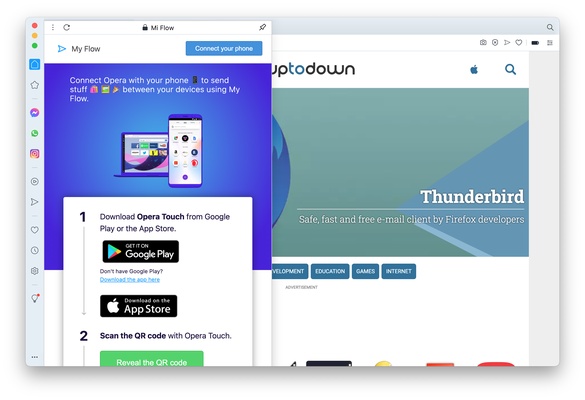
If you use Opera on other devices, the "My Flow" feature allows you to send files, notes, and links between the Opera apps you've installed, as well as sync your history. This makes the transition between devices much easier and faster.
Aria: Opera's AI for everyday use
Opera also offers integrated AI with Aria, its AI-powered assistant. This tool is free to use and can answer all kinds of questions related to your searches. It can also help you write emails, make presentations, or even optimize your social media posts.
Workspaces: keep your tabs organized
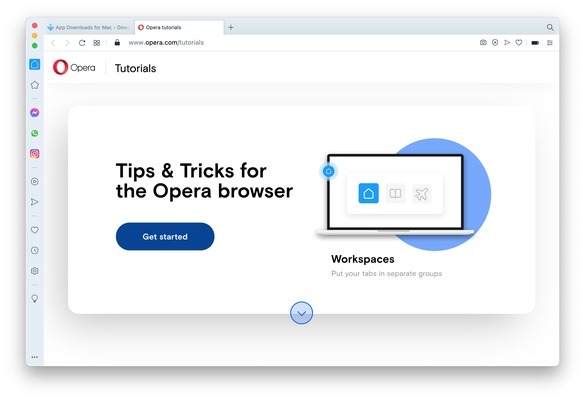
Finally, Opera has a feature called "Workspaces" that allows you to organize tabs into different workspaces. Thanks to this, you can manage several tasks or projects at once and speed up your workflow.
Download Opera to enjoy one of the most comprehensive web browsers out there on your Mac.