


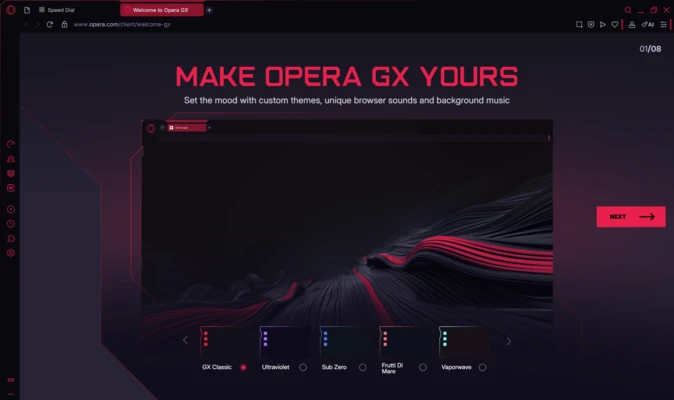
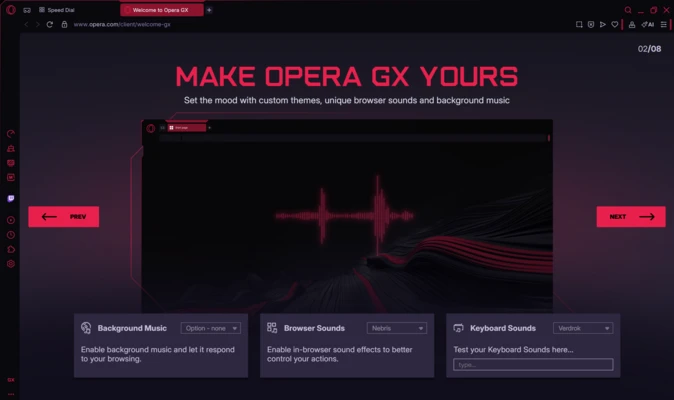
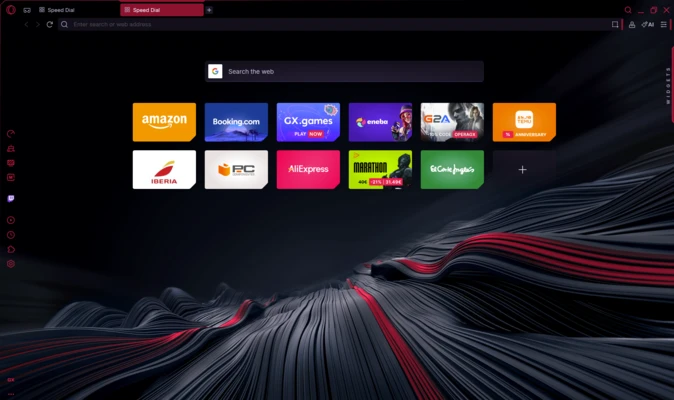
Opera GX for Mac is a gaming-focused web browser based on Chromium, designed to provide users with enhanced control over system resources while browsing. It is tailored for gamers and power users who want to run a browser alongside resource-intensive applications such as games or streaming software.
The browser combines performance control tools, built-in integrations, and customization features to create a more efficient browsing experience on macOS.
Key Features
GX Control (CPU & RAM Limiter)
Opera GX includes built-in system resource controls that allow users to limit CPU and RAM usage. This ensures the browser does not interfere with gaming or other high-performance tasks.
Gaming-Oriented Interface
Designed with a customizable gaming-style UI, including themes, colors, and visual effects tailored for a more immersive experience.
Twitch Integration
Built-in Twitch sidebar allows users to follow streams, receive live notifications, and watch content directly within the browser.
GX Corner
A dedicated hub for gaming news, upcoming releases, deals, and industry updates in one centralized location.
Built-in Ad Blocker
Integrated ad blocker helps reduce page clutter and improves browsing speed by blocking ads and trackers.
Free Browser VPN
Includes a built-in VPN feature for improved privacy and secure browsing without requiring external extensions.
Messenger Integration
Supports popular messaging platforms such as WhatsApp, Telegram, Facebook Messenger, and others directly from the sidebar.
Video Pop-Out Mode
Allows videos from platforms like YouTube and Twitch to play in a floating window while users continue browsing or gaming.
Chrome Extension Support
Based on Chromium, Opera GX supports most Google Chrome extensions for additional functionality and customization.
Tab and Workspace Management
Provides tab organization features designed to improve multitasking and reduce clutter during extended browsing sessions.
Why Choose Opera GX?
Opera GX is designed specifically for users who want more control over browser performance while gaming or multitasking. Its resource-limiting tools and built-in integrations make it suitable for users who run multiple applications simultaneously.
Best For
- Gamers
- Streamers
- Power users
- Multi-tasking users
- Users with low-to-mid performance systems
- Chrome alternative seekers
Pros
- Built-in CPU and RAM control tools
- Gaming-focused design and features
- Supports Chrome extensions
- Free VPN and ad blocker included
- Twitch and messaging integrations
- Lightweight compared to some mainstream browsers
Cons
- Gaming-focused UI may not suit all users
- Limited advanced productivity tools
- Some features are ecosystem-dependent
- Can still consume significant resources with heavy usage
System Requirements
Minimum Requirements
- macOS 10.15 Catalina or later
- Intel or Apple Silicon Mac
- Internet connection required for updates and services
Conclusion
Opera GX for Mac is a Chromium-based gaming browser that combines performance control, customization, and built-in integrations for streaming and communication platforms. It is ideal for users who want to balance browsing with gaming or other resource-intensive tasks while maintaining control over system performance.