


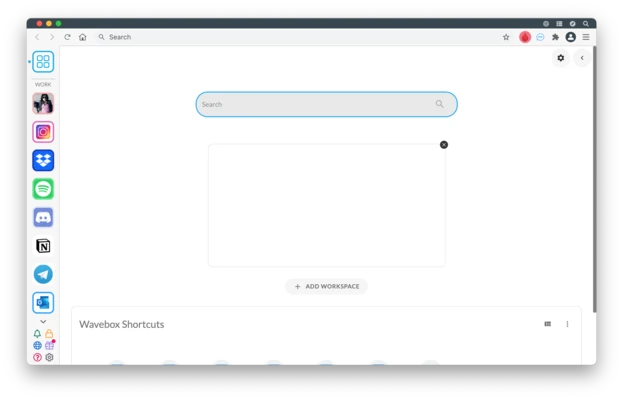
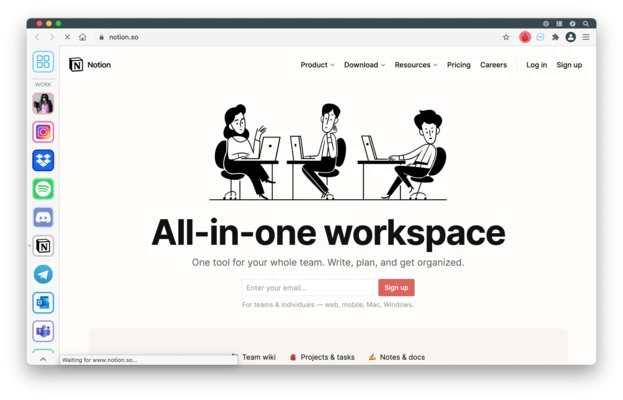
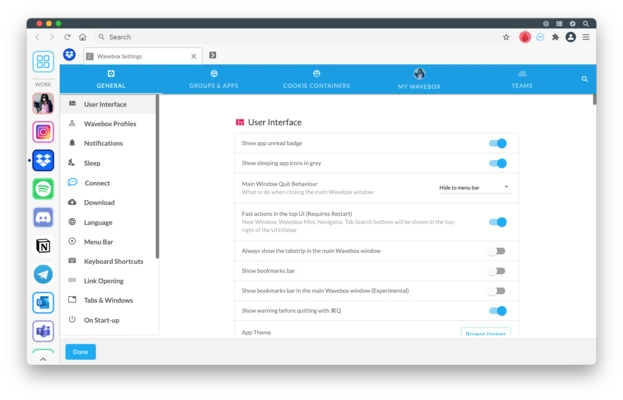
Wavebox for Mac is a desktop workspace that consolidates multiple web apps, accounts, and services into a single unified interface for more efficient workflow management.
It is designed to replace switching between browser tabs by allowing users to run web tools like email, messaging, and cloud services inside organized workspaces with full notification support.
Key Features
- Unified workspace for multiple web apps and services
- Supports multiple accounts for the same platform
- Chrome extension compatibility
- Custom workspaces, dashboards, and app grouping
- Built-in notifications for all connected services
- Split-screen and multi-app view support
- Cloud sync across devices (Pro/Teams)
- Lightweight background operation with app sleep mode
- Cross-platform support (macOS, Windows, Linux)
Why Choose Wavebox?
Wavebox is built for users who rely heavily on web-based tools and want to reduce browser clutter. It centralizes communication, productivity, and SaaS apps into a single structured environment, improving speed and organization.
Best For
- Remote workers using multiple SaaS tools
- Digital marketers and online operators
- Developers managing cloud services
- Teams handling multiple accounts
- Productivity-focused professionals
Pros
- Combines many web apps in one place
- Strong multi-account support
- Reduces browser tab overload
- Works with Chrome extensions
- Highly customizable workspace layout
Cons
- Subscription required for full features
- Can consume significant memory with many apps
- Learning curve for workspace setup
- Not ideal for lightweight users
System Requirements
- macOS 10.12 or later
- Intel or Apple Silicon Mac
- Minimum 2 GB RAM
- Stable internet connection required
Conclusion
Wavebox for Mac is a productivity-focused workspace tool that brings multiple web applications into a single interface. It is best suited for professionals who manage many online tools and want a more organized and efficient desktop workflow.