


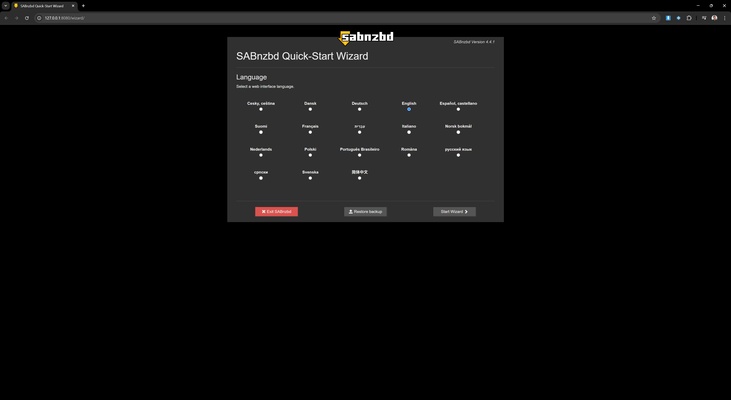
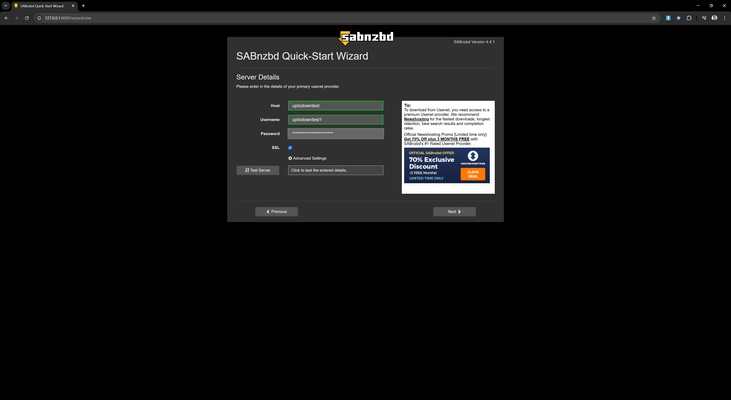
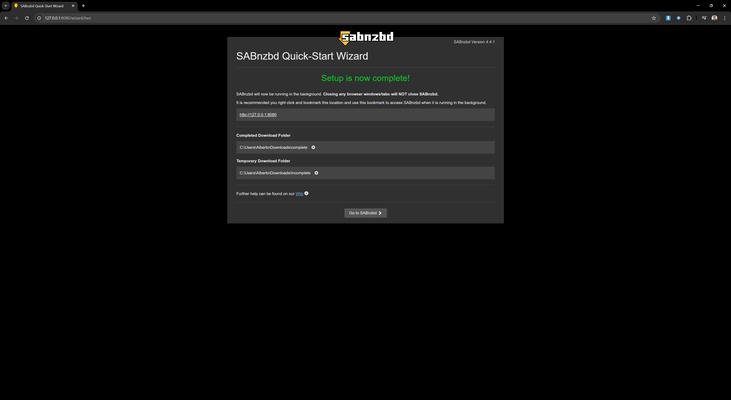
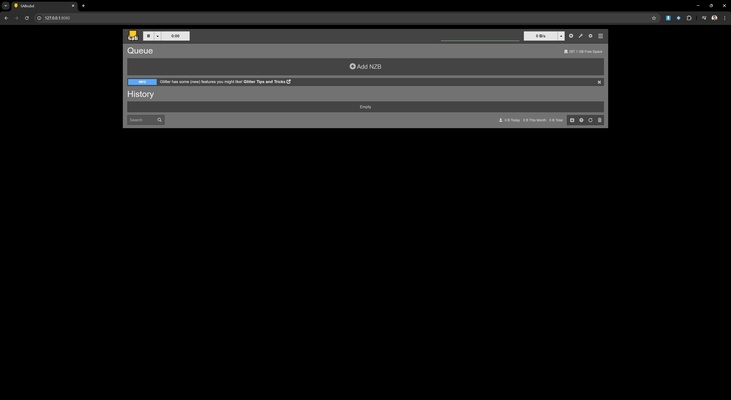
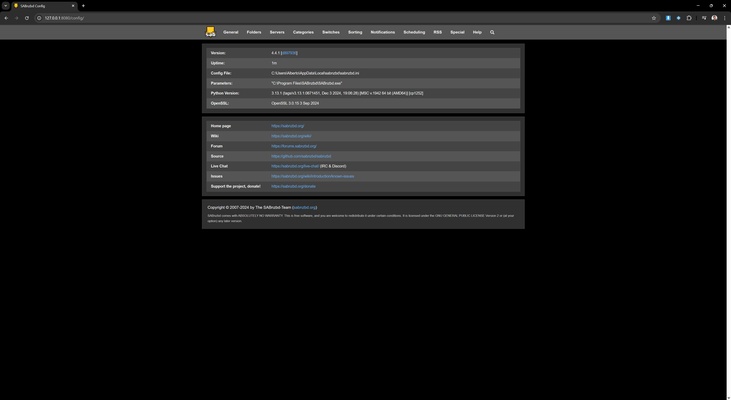
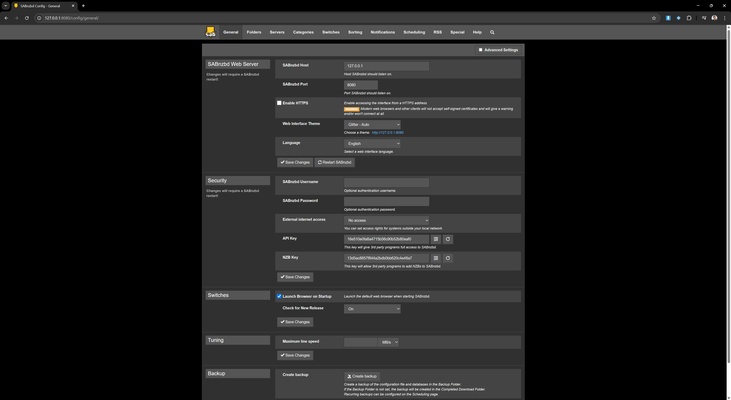
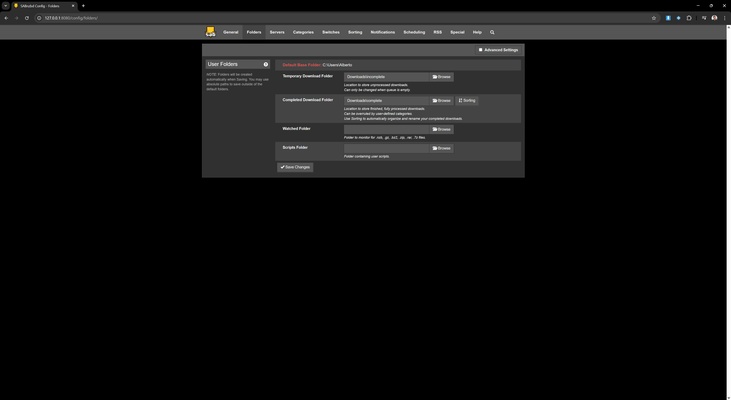
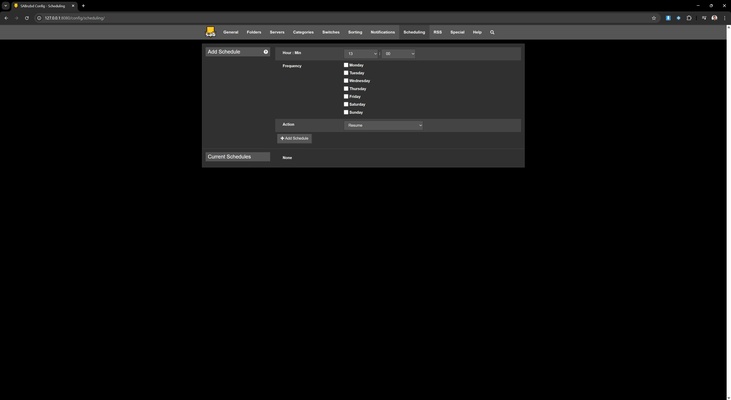
SABnzbd is an app designed to allow you to download files from Usenet servers efficiently and automatically. Thanks to its support for NZB files, you can manage all your downloads without the need for manual intervention, as the app automatically processes, verifies and extracts the content.
Hassle-free downloads on macOS
Using SABnzbd on macOS only requires an NZB file, and the app will handle the rest. One of its main functions is the verification of the integrity of downloaded files, ensuring that the data is complete and error-free. If any faults are detected, the system will attempt to repair them automatically. It can also decompress files and organize them according to the configuration you have previously chosen.
Advanced automation for an effortless experience
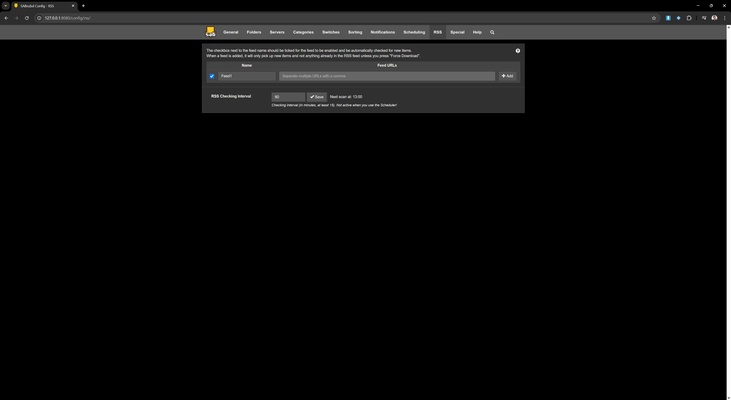
SABnzbd integrates seamlessly with various third-party apps and services, enabling complete automation of the download process. It is compatible with download managers like Sonarr, Radarr, CouchPotato and SickChill, allowing you to find episodes of series, movies and other files without you having to intervene. It also supports RSS feeds, which means that you can configure the app to automatically detect and download new content as soon as it becomes available.
Access the download manager from any browser
Unlike other similar apps, SABnzbd has a web interface that is accessible from any browser, providing a great deal of flexibility. Whether you are on your MacBook, iMac, iPhone or iPad, you can always manage your downloads from any device with an internet connection. This feature allows you to monitor the status of your downloads anytime, anywhere, with no limitations.
Advanced configuration for demanding users
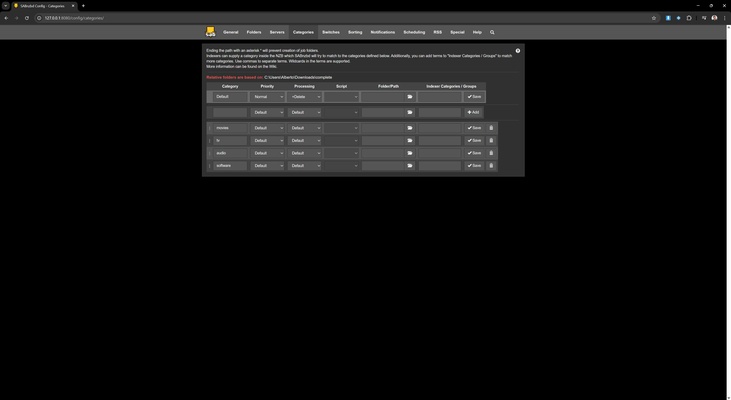
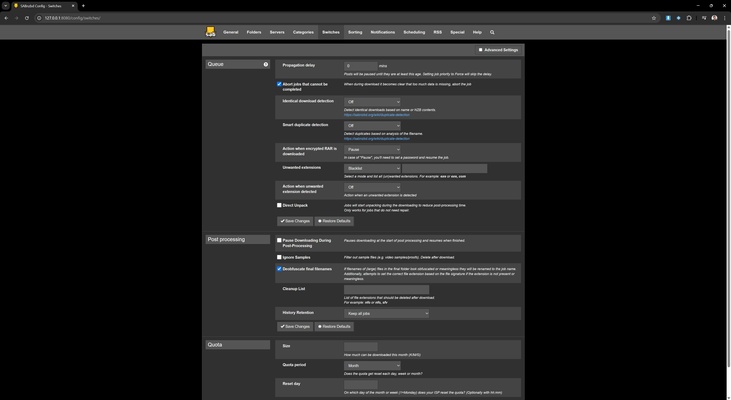
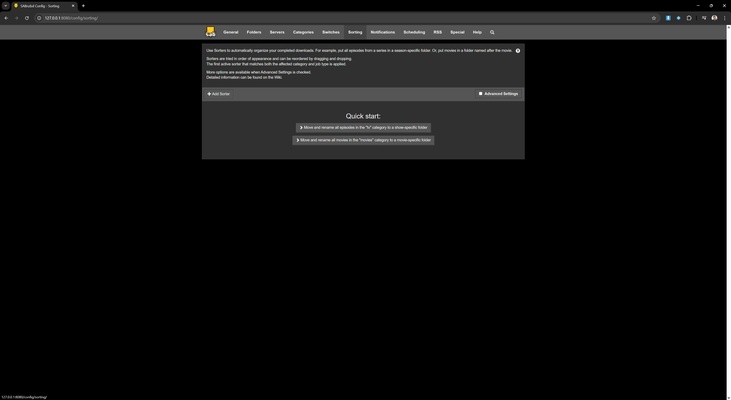
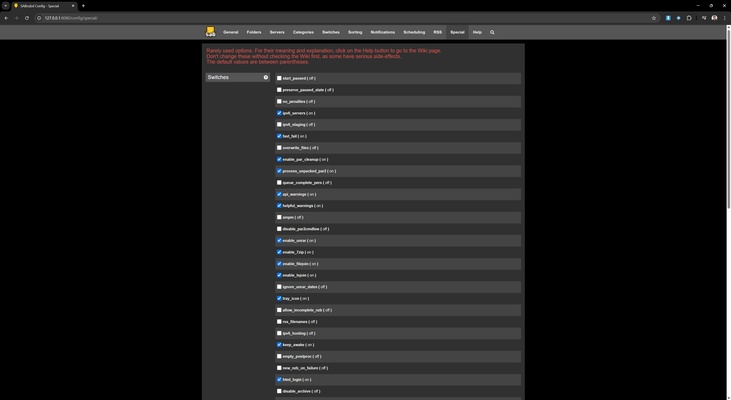
SABnzbd offers you a wide variety of options to customize your download experience. You can adjust the file priority list, set speed limits to avoid excessive bandwidth consumption and define custom rules to optimize content management. Multiple simultaneous connections are also supported, allowing you to take full advantage of your Internet speed to speed up the download process.
Security and privacy guaranteed
Downloading content from Usenet is one of the safest ways to get files, and SABnzbd reinforces this security with advanced privacy options. With its support for SSL connections, all downloads are encrypted, preventing unauthorized data access. What's more, the app can be configured to automatically delete temporary files and activity logs, ensuring greater discretion.
Support for multiple Usenet servers
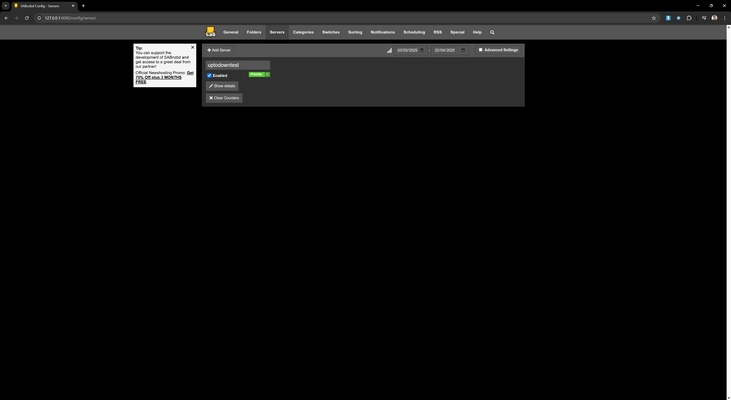
To ensure fast and efficient downloads, SABnzbd allows you to connect to multiple Usenet servers at the same time. This maximizes content availability and ensures that the files are accessible even if a server goes down. You can set up primary and backup servers to avoid outages and ensure a constant data flow.
Notification system so you can be in the know
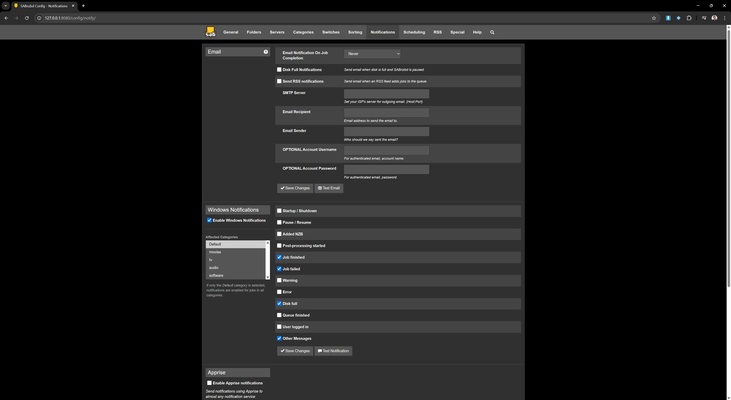
The SABnzbd notification system allows users to be aware of the status of their downloads at all times. You will receive a notification when a download is completed, if an error occurs or if any manual action is required. In addition, these alerts can be sent via email or integrated into messaging apps like Telegram and Pushover, offering you full control over the download process.
Download SABnzbd on macOS and enjoy a fully automated, secure and efficient Usenet download management experience.