

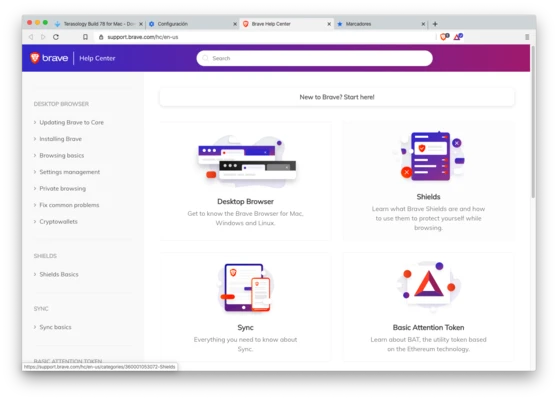
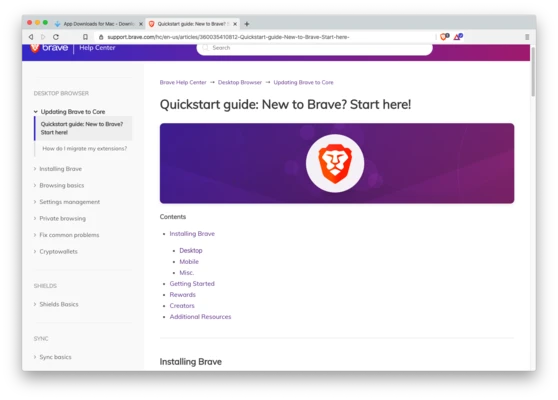

Brave Browser for Mac is a free and open-source web browser based on the Chromium engine developed by Brave Software, Inc.
It is designed to provide a fast, secure, and privacy-focused browsing experience by blocking ads, trackers, and other background scripts that monitor user activity. This helps improve page loading speed and reduces unwanted data tracking.
Brave also includes an optional rewards system that allows users to earn tokens by viewing privacy-respecting ads and support content creators.
Features
- Built on Chromium engine
- Built-in ad and tracker blocking
- Anti-fingerprinting protection
- Faster page loading performance
- HTTPS upgrade enforcement
- Private browsing mode
- Brave Rewards system (optional ads)
- Built-in crypto wallet support
- Tor-enabled private browsing mode
- Tab grouping and vertical tabs support
- Cross-platform sync (Mac, Windows, Linux, iOS, Android)
- Social media blocking controls
Privacy & Security
Brave focuses heavily on privacy protection:
- Blocks third-party trackers by default
- Prevents browser fingerprinting
- Reduces cross-site tracking
- Secure DNS support
- HTTPS upgrade automatically enabled where possible
Brave Rewards
Brave includes an optional reward system:
- Users can opt in to view privacy-friendly ads
- Earn BAT (Basic Attention Token)
- Tip supported content creators
- Manage wallet directly in browser
Performance
Because ads and trackers are blocked by default, Brave generally provides:
- Faster page loading
- Lower data usage
- Reduced CPU and memory usage compared to standard browsers
Installation
- Download Brave Browser from the official website
- Open the installer package
- Drag Brave to Applications folder
- Launch and import bookmarks/settings from other browsers if needed
Setup is fast and requires minimal configuration.
System Requirements
- macOS (latest and recent versions supported)
- Intel or Apple Silicon (M1/M2/M3) compatible
- Internet connection required for download and updates
Pros
- Strong built-in privacy protection
- Fast browsing performance
- No need for extra ad-block extensions
- Built on stable Chromium base
- Optional rewards system
- Cross-platform support
Cons
- Some websites may break due to strict ad blocking
- Rewards system may not be relevant for all users
- Fewer customization options than some competitors
Alternatives
- Google Chrome
- Mozilla Firefox
- Microsoft Edge
- Opera Browser
Note
Brave Browser is completely free to use. Optional Brave Rewards features can be enabled for users who want to earn tokens while browsing.