


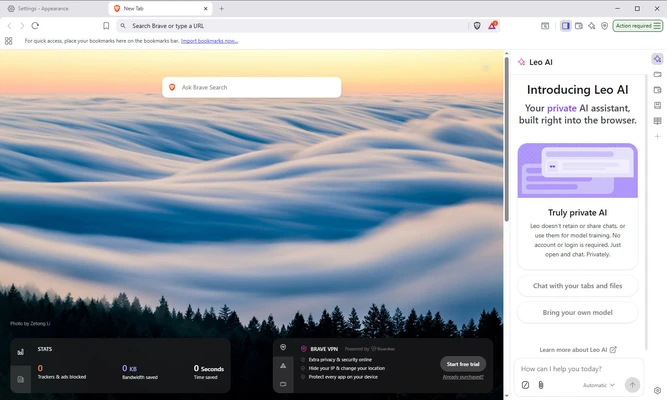
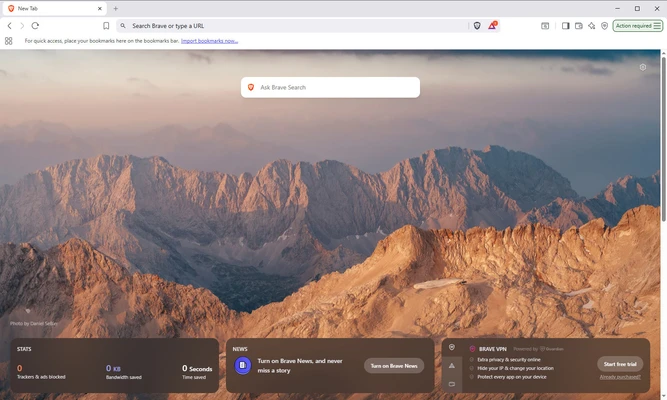
Brave Browser for Mac is a free and open-source web browser developed by Brave Software, based on the Chromium engine. It focuses on speed, privacy, and security by blocking intrusive ads, trackers, and background scripts by default.
With built-in privacy protection tools, Brave provides a cleaner browsing experience while improving page loading speed and reducing unnecessary data collection.
Features and Highlights
Built-in Ad and Tracker Blocking
Brave Shields automatically blocks advertisements, trackers, fingerprinting scripts, and other online tracking technologies.
Faster Browsing Experience
By removing unwanted ads and trackers, Brave can load websites faster while reducing bandwidth usage and improving performance.
Enhanced Privacy Protection
The browser includes anti-tracking features, cookie blocking, fingerprint protection, and private browsing options to help protect user data.
Brave Rewards
Users can optionally enable Brave Rewards to earn BAT tokens by viewing privacy-respecting ads and support content creators.
Tor Private Browsing
Private windows with Tor integration provide additional anonymity for users who need enhanced privacy.
Chrome Extension Support
Since Brave is based on Chromium, it supports most extensions available from the Chrome Web Store.
Cross-Platform Sync
Bookmarks, settings, and browser data can be synchronized across macOS, Windows, Linux, Android, and iOS devices.
Built-in Crypto Wallet
Brave includes a native wallet for managing digital assets without installing additional browser extensions.
Installation and Setup
Download the Brave installer and follow the installation wizard. After installation, users can import bookmarks and settings from other browsers such as Chrome, Firefox, or Safari.
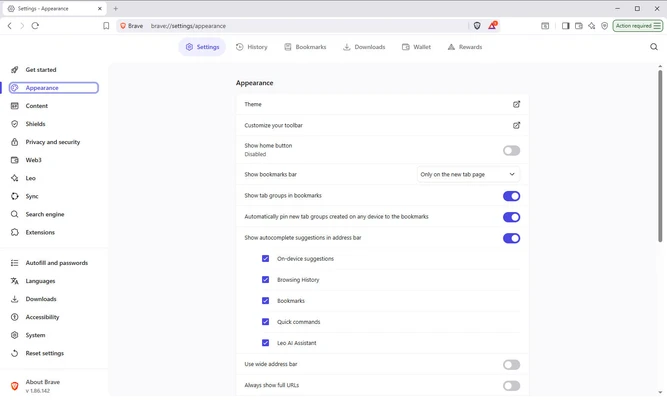
The default settings already provide strong privacy protection, but users can customize Shields, search engines, appearance, and rewards options according to their needs.
How to Use
- Open Brave Browser and enter a website address or search query.
- Use the Shields icon in the address bar to manage blocking settings.
- Install Chrome-compatible extensions when additional features are needed.
- Enable private browsing modes for enhanced privacy.
- Customize themes, bookmarks, and browser settings.
Alternatives
Google Chrome – A popular Chromium-based browser with extensive extension support and Google service integration.
Mozilla Firefox – A privacy-focused browser with strong customization options.
Microsoft Edge – A fast Chromium-based browser with Microsoft ecosystem integration.
System Requirements
- macOS 10.15 Catalina or later
- 64-bit Intel or Apple Silicon processor
- 2 GB RAM or higher
- Approximately 500 MB free disk space
PROS
- Free and open-source
- Strong privacy protection
- Built-in ad and tracker blocking
- Supports Chrome extensions
- Fast browsing performance
- Available on multiple platforms
CONS
- Some websites may require Shields to be disabled
- Fewer customization options than Firefox
- Some users may not need built-in crypto features
Conclusion
Brave Browser for Mac is an excellent choice for users who want a faster and more private web browsing experience. With built-in ad blocking, tracker protection, Chromium compatibility, and strong security features, it provides a powerful alternative to traditional browsers.
For users who value privacy while maintaining compatibility with modern websites and extensions, Brave is one of the best browser choices available.
Note: Requires a 64-bit processor.