
Go to Windows platform Display platforms icon
Go to Mac platform Go to Windows platform Go to Android platform
Noi icon

Noi

0.4.0
lencx
0
112.06 MB size

Access AI tools through this browser

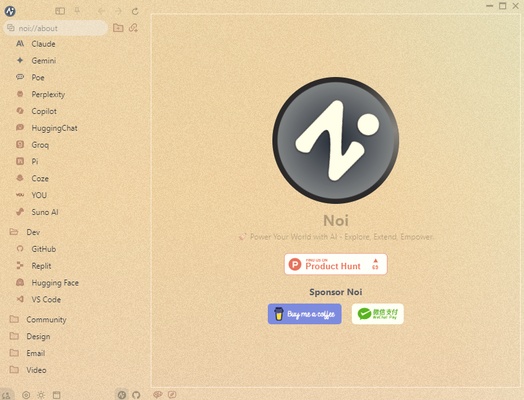
Noi allows you to take advantage of this innovative browser designed to integrate artificial intelligence into your daily workflow on macOS. With its intuitive and minimalistic interface, this tool gives you shortcuts to multiple AI resources with the intention of helping you manage your tasks efficiently from a single platform.

Integrate your favorite tools effortlessly

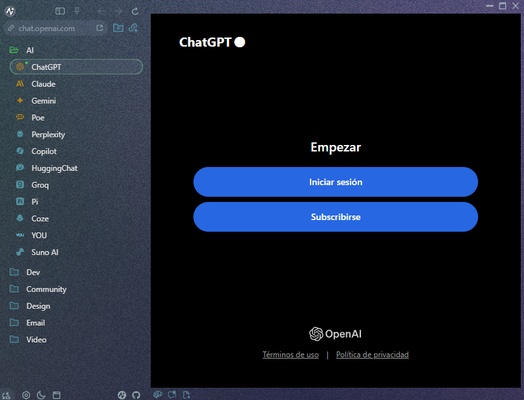
With the Noi Configs option, you can customize your browsing experience by adding any URL you want. In addition, Noi provides you with access to a preset selection of AI-based sites, such as ChatGPT. From the program's sidebar, you'll find various shortcuts, which you can organize as you wish, through which you can access each AI-based model without having to invest much time in the selection process.

Edit, sort, and sync each prompt

Noi also excels at managing prompts by allowing you to easily add, sync, and tag your interactions in batches. When you no longer need a prompt, you can delete it in a matter of seconds. In addition, by using the Noi Ask feature, you can send messages to different AI chats simultaneously, saving everything locally to review or reference later on.

Customize Noi's interface

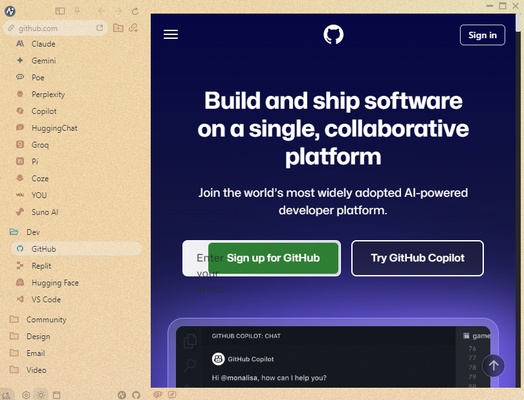
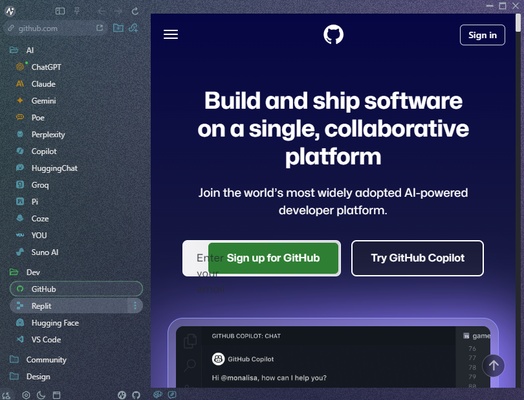
Noi's design offers several different options for maximum customization. By choosing between light, dark, and monochromatic themes or even custom textures, you can enjoy a visual experience tailored to your needs. In addition, thanks to the Noi Cache Mode, you can forget about traditional tabs by quickly switching between cached links.

Download Noi for Mac to enjoy this modern and efficient solution for optimizing your tasks. Take advantage of this versatile browser and get the most out of all its features, especially if you're looking for a way to simplify your life from a single interface.

Information about Noi

License Free
Op. System Mac
Category Internet
Language English
Author lencx
permission icon Permissions Not applicable
Date 2026-06-03 01:55:23
Size 112.06 MB
File type DMG

Apps recommended for you

Chromium icon
The open-source version of Google Chrome
Mullvad VPN icon
Securely access restricted content in your area
WebKit for 26.0 icon
The web browser engine used by Safari, Mail, App Store...
Proton Mail icon
A very secure email client
AnyDesk icon
Remotely access your devices
JDownloader icon
The best way to manage downloads from Mega, rapidshare and more
Opera GX icon
OperaGX for Mac is a gaming-focused web browser that offers customizable features, performance optimization, and a unique design for an enhanced browsing experience.
Windscribe VPN icon
A powerful VPN for secure browsing
KDE Connect 26.08.1 icon
Pair multiple devices
WhatsApp for Mac 26.33.19 icon
Quickly send and receive WhatsApp messages right from your Mac
ForkLift 4.7.4 icon
Advanced file manager and FTP + SFTP + Amazon S3 + WEBDav for Mac
Vivaldi 8.1.4087.68 icon
An advanced browser made with the power user in mind
Tor Browser 15.0.20 icon
Defend yourself against network surveillance and traffic analysis
Brave Browser 1.93.132 icon
Load web pages 3x to 6x faster, better privacy and protection!
Firefox 153.0.3 icon
One of the World's Most Popular Web Browsers for Mac
Telegram for Desktop 7.0.7 icon
Speedy alternative to WhatsApp. Send Telegrams from any device!
Opera icon
Much more than just a web browser
BitComet icon
Download torrent files in this popular P2P manager
Telegram for Desktop 7.0.7 icon
Speedy alternative to WhatsApp. Send Telegrams from any device!
WhatsApp for Mac 26.23.15 icon
Quickly send and receive WhatsApp messages right from your Mac
Brave Browser for Mac icon
Load web pages 3x to 6x faster, better privacy and protection!
Yandex.Browser icon
Yandex, the most popular browser in Russia
Zen Browser icon
A Firefox-based web browser that respects your privacy
QQ Browser icon
A fast and secure browser for Mac