




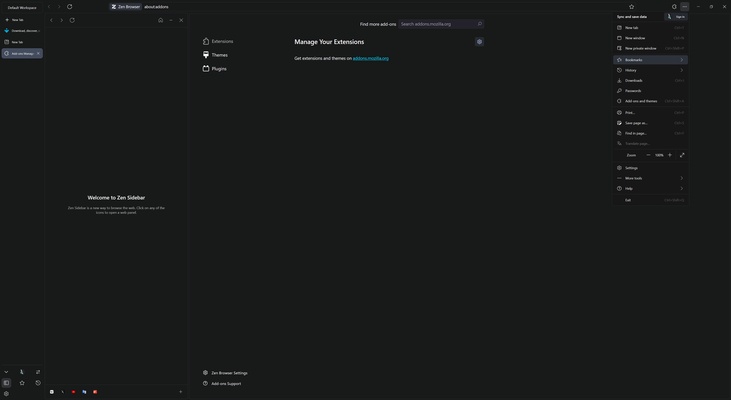
Zen Browser is a Firefox-based web browser that includes a wide range of additional features not found on Mozilla's browser. It is designed to offer a fast, light, secure, and private browsing experience without any distractions. As it is based on Firefox, this browser inherits constant security updates and performance improvements. As an open-source browser, users can review the code and contribute to the app's development.
Interface
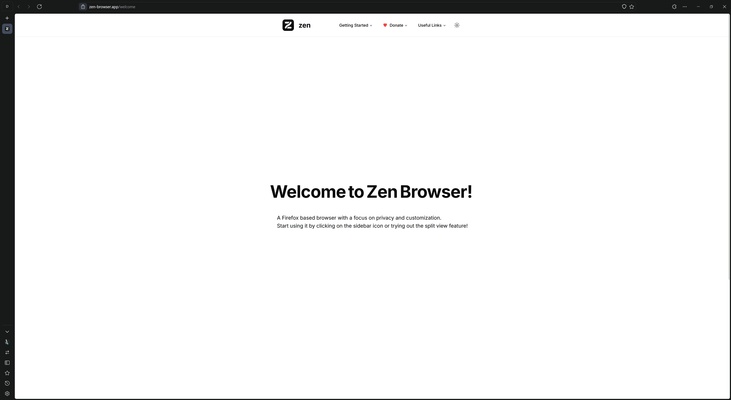
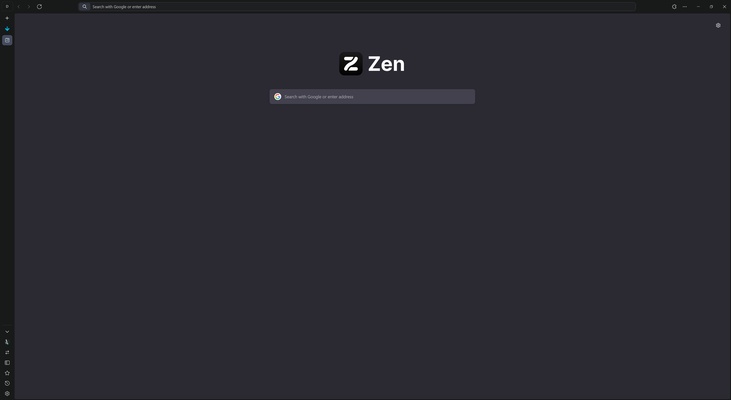
One of Zen Browser's most notable features is its user interface. When you open the app for the first time, you can customize the appearance by choosing between a light or dark theme. Once configured, the browser has an intuitive design with tabs on the left of the screen, making organizing and quickly accessing them easy. The address bar is at the top, where you can manage multiple workspaces. These separate spaces allow you to group tabs to improve productivity and make it easier to manage various tasks.
The Zen Theme Store with advanced customization
Zen Browser is home to the Zen Theme Store, where users can customize not only the appearance of the browser but also add additional functionalities. The themes available are not limited to simple color or background changes; some include practical enhancements, such as adding a visible shadow to a tab that is playing audio, helping users easily identify which tabs are active in that respect. The store is also collaborative, allowing users to create and share themes.
Safety and privacy
Zen Browser has a strong focus on user privacy. Unlike other browsers, it does not track or monitor your online activity. This means that it does not collect or sell user data to third parties. An added security measure involves forcing HTTPS connections on websites, ensuring that even non-secure pages can be navigated in a safer manner.
Screen management and multitasking
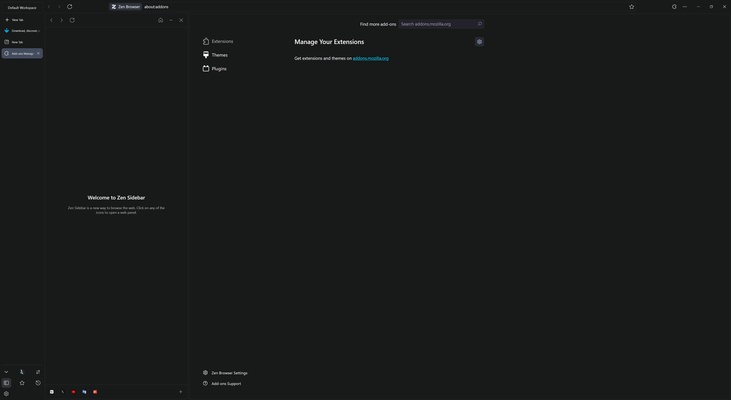
Tab management is another of Zen Browser's strengths. This browser incorporates a unique feature that allows you to split the screen and integrate multiple tabs into a single view. This is particularly useful if you work on a single screen, enabling smoother multitasking. Moreover, the workspace management system ensures you can quickly switch between different groups of tabs, improving productivity. If you want to maximize the available space on a smaller screen, Zen Browser also includes a compact mode that hides the top bar, offering more browsing space.
Download Zen Browser on macOS and enjoy a highly customizable, privacy-focused browser.