


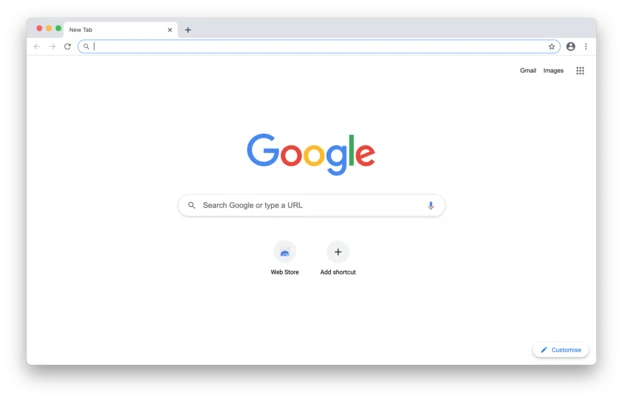

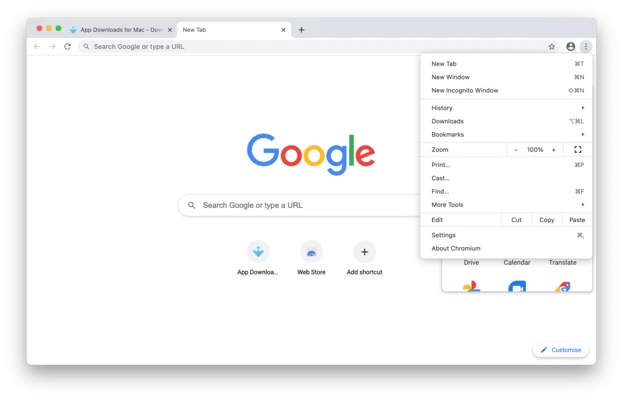
Chromium is an open-source web browser project that serves as the foundation for Google Chrome. It is designed to provide a fast, secure, and stable browsing experience while remaining free from many proprietary Google components.
Unlike Google Chrome, Chromium does not include Google branding, automatic updates, built-in Google services, usage tracking, or bundled proprietary media components. It is widely used by developers, privacy-conscious users, and software vendors who build custom browsers based on the Chromium engine.
Chromium vs Google Chrome
- Chromium is fully open-source
- Google Chrome is built using Chromium source code
- Chromium does not include Google branding
- Chromium does not contain Google Update services
- Chromium does not send usage statistics by default
- Chromium receives experimental features earlier
- Chrome includes additional proprietary codecs and services
Main Features
- Open-source browser platform
- Fast page loading and rendering performance
- Clean and lightweight user interface
- Advanced privacy controls
- Built-in developer tools
- Chrome extension compatibility
- Frequent updates and feature testing
- Sandboxed security architecture
- Support for modern web standards
- Cross-platform availability
Developer Features
- Integrated Developer Tools (DevTools)
- JavaScript debugging
- Network monitoring
- Performance profiling
- CSS inspection and editing
- Console access for testing and troubleshooting
- Extension development support
Security Features
- Sandboxed process isolation
- Site isolation technology
- Regular security patches
- Secure browsing architecture
- Enhanced protection against malicious websites
- Advanced permission controls
Extension Support
Chromium supports most extensions available through the Chrome ecosystem, allowing users to expand browser functionality with productivity tools, ad blockers, password managers, developer utilities, and more.
Privacy Advantages
- No built-in Google account integration
- No Google usage tracking by default
- Greater transparency through open-source code
- More control over browser behavior
- Reduced background communication with external services
How to Use
- Install Chromium on your Mac
- Launch the browser from Applications
- Sign in to supported services if desired
- Install extensions for additional functionality
- Customize privacy and security settings
- Use Developer Tools for web development and debugging
Best For
- Web developers
- Privacy-focused users
- Open-source enthusiasts
- Software testing environments
- Users who prefer minimal browser installations
- Developers building Chromium-based applications
Pros
- Completely free and open-source
- Fast and lightweight performance
- Access to latest web technologies
- Strong developer toolset
- Extensive extension support
- Enhanced privacy compared to Chrome
- Frequent updates from the Chromium project
Cons
- No automatic update system
- May be less stable than Chrome builds
- Missing some proprietary media codecs
- No built-in Google services
- Some websites may work better in Chrome
System Requirements
- macOS 10.13 High Sierra or later
- Intel or Apple Silicon processor
- 2 GB RAM minimum
- 300 MB available storage space
- Internet connection required
Summary
Chromium is a powerful open-source browser that provides the core technology behind Google Chrome while offering greater transparency, customization, and privacy. Its lightweight design, modern web standards support, and advanced developer tools make it an excellent choice for developers and users seeking a clean, Google-free browsing experience.