

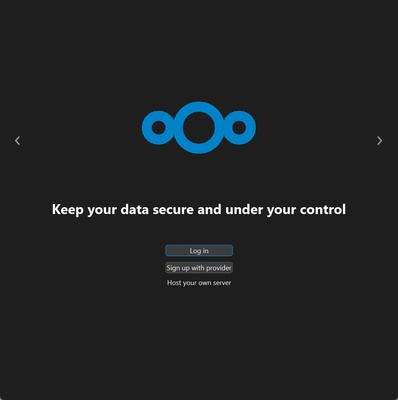
Nextcloud is a cloud storage platform that allows you to create your own private server to sync and manage your files, offering a secure and customizable alternative to commercial services such as Google Drive or Dropbox. Nextcloud is the macOS desktop client for this platform, specifically designed to enable seamless file syncing between the cloud server and local devices. With Nextcloud, users can host their files on their own computer on an NAS (Network Attached Storage) or connect to an existing cloud server. Nextcloud also offers self-hosted server options, albeit with limited storage.
Automatically sync your files
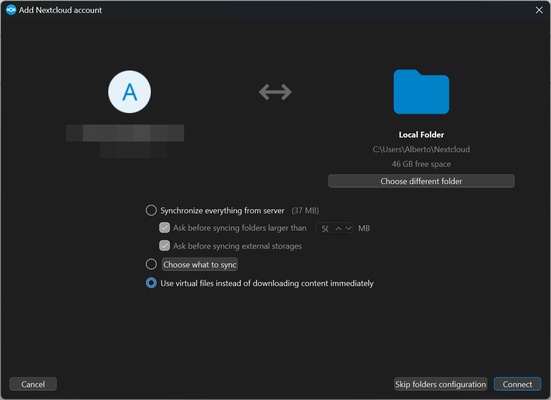
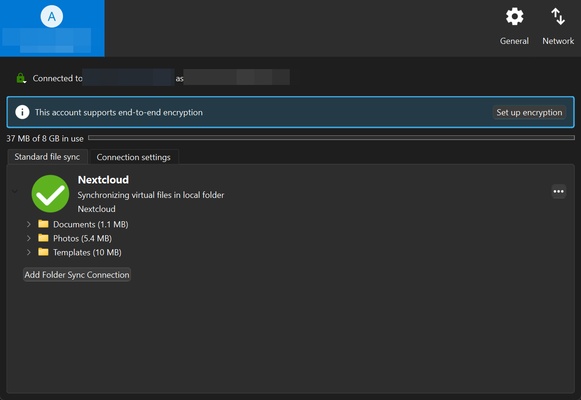
One of the most prominent features of Nextcloud on macOS is that it automatically syncs files between the device and the cloud server. Once the app is installed and the server is configured, you can select the specific folders or files you want to sync. Every time you make a change to one of these folders, whether you change or delete a file or add new documents, these changes will be automatically reflected on your Nextcloud server. This ensures that you always have access to the latest version of your files, both in the cloud and on your Mac.
The Nextcloud macOS interface
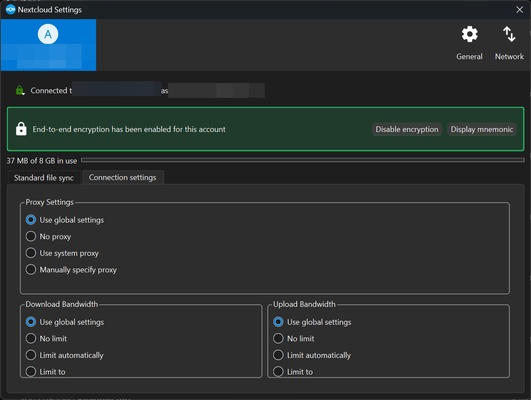
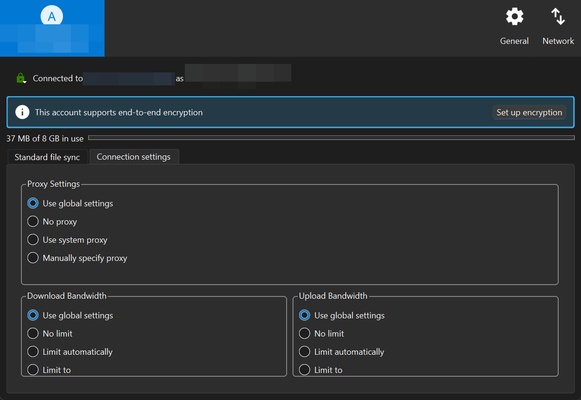
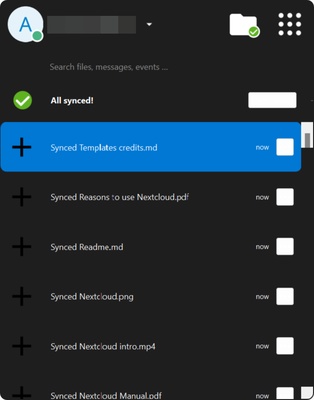
On the main screen, you can view a history of the files that have recently been synced and quickly access the app's settings. From the menu, you have the option to force sync specific folders or files, choose the folders you want to be automatically synced with the cloud and set limits on the download or upload speed to optimize your bandwidth usage.
In addition to this, a key feature is the end-to-end encryption. Enabling this ensures that your files are encrypted before they leave your device and remain encrypted during transfer, making sure that no one else can access them without authorization.
The Nextcloud web interface
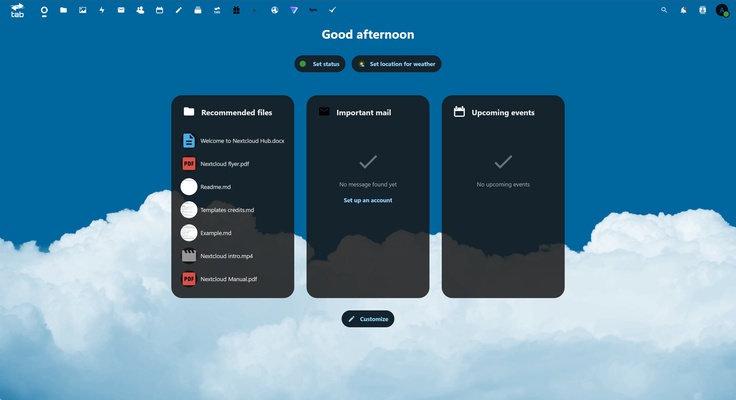
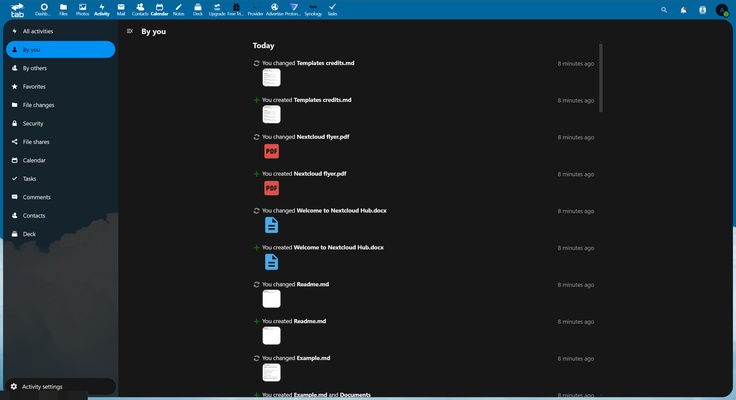
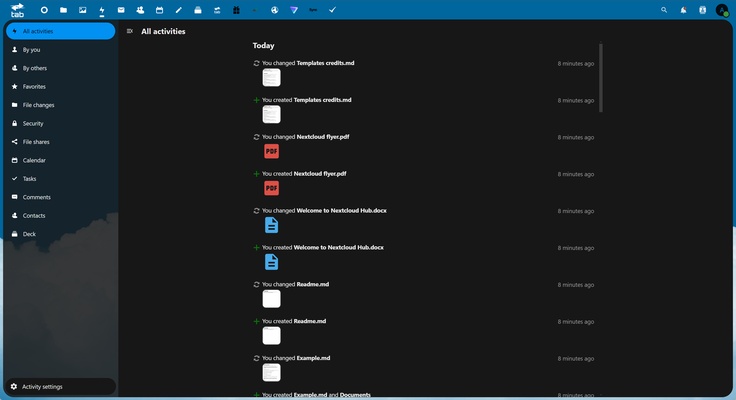
Although Nextcloud on macOS allows syncing and some basic configurations, the Nextcloud web interface offers access to more advanced management options. From the web, users can perform actions such as viewing and organizing their files by type, whether they are images, documents or videos. They can also integrate their email account and manage collaborative tasks with other users. The web interface offers more in-depth cloud management, allowing you to configure security, manage users and sync calendars and contacts.
Integration with additional apps and services
Nextcloud has deep integration capabilities, allowing you to access multiple third-party apps and services. You can add additional functionalities such as collaborative document editing, video calls, task management and much more. From the web interface, you can share files and folders with other users, making real-time collaboration easy. It is an ideal tool for teams that need to work together and share information securely and efficiently.
Download Nextcloud on macOS to manage your files privately and securely in the cloud.