


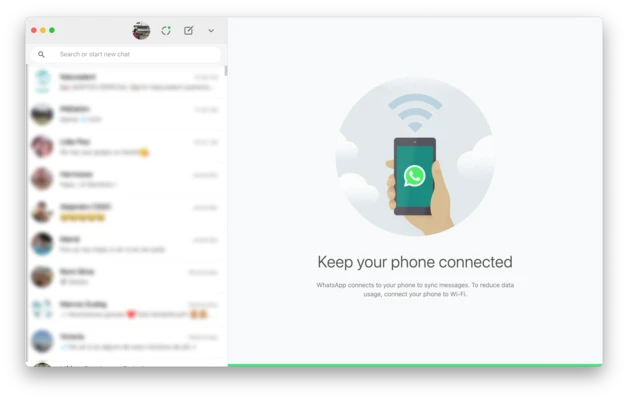
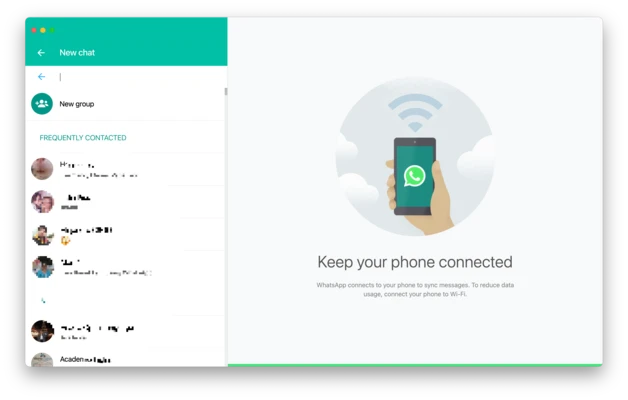
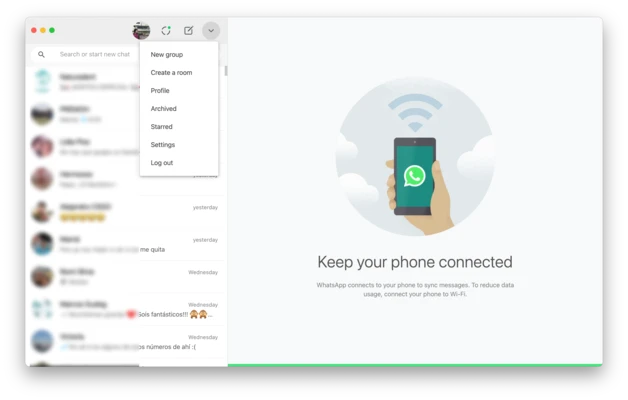
WhatsApp is a free messaging and VoIP application that allows users to send messages, make voice and video calls, share files, and stay connected across multiple devices. The desktop version for macOS provides seamless synchronization with mobile devices, enabling users to access chats, media, and calls directly from their Mac.
Key Features
- End-to-end encrypted messaging and calls
- One-to-one and group text messaging
- Voice and video calling support
- Group video calls and audio conferences
- Real-time desktop notifications
- Fast file, image, video, and document sharing
- Multi-device synchronization
- Simple and user-friendly interface
- Support for voice messages and media sharing
- Free for personal use
Pros
- Secure end-to-end encryption
- Fast and reliable messaging
- Cross-platform synchronization
- Easy file sharing
- Free to use
- Clean and intuitive interface
Cons
- Requires a phone number for registration
- Some features depend on mobile device linking
- Limited customization options
- Internet connection required
System Requirements
- macOS 11.0 or later
- Intel or Apple Silicon processor
- Internet connection
- WhatsApp account with verified phone number