Dolby Access is an audio application for Windows that helps users configure and experience Dolby Atmos on compatible headphones, soundbars, TVs, and home theater systems. It provides an easy way to manage supported spatial audio features for gaming, movies, music, and other multimedia content.
Key Features
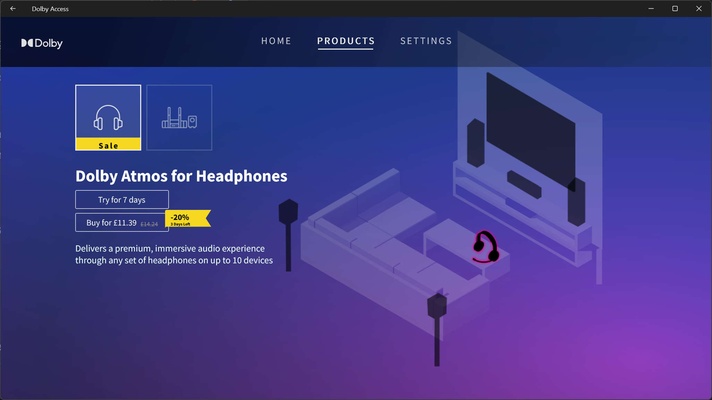
Dolby Atmos for Headphones
Enables spatial audio on compatible headphones, creating a more immersive sound experience for games, movies, and other supported content.
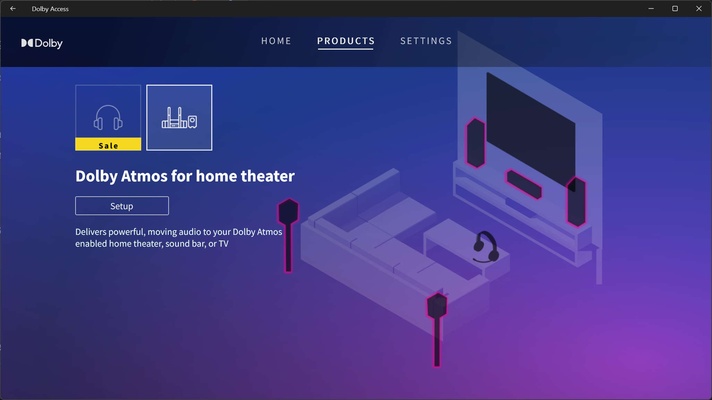
Dolby Atmos for Home Theater
Helps configure compatible Dolby Atmos soundbars, TVs, AV receivers, and speaker systems for immersive surround sound.
Sound Profiles
Provides audio settings for different types of content, including gaming, movies, music, and voice.
Gaming Audio
Supports Dolby Atmos-enabled games and can improve spatial positioning, making directional sounds easier to identify.
Movie and TV Audio
Provides support for Dolby Atmos content available through compatible streaming and media applications.
Interactive Demos
Includes demonstrations that let users experience and test spatial audio capabilities.
Simple Configuration
Provides guided setup options for compatible headphones and home theater equipment.
Windows and Xbox Support
Available on compatible Windows PCs and Xbox consoles.
User Interface
Dolby Access uses a simple, modern interface focused on audio setup and configuration. The application provides sections for supported products, sound settings, and Dolby Atmos features.
Users can select an audio mode or adjust available settings based on the connected playback device and type of content.
Installation and Setup
Install Dolby Access through the Microsoft Store and launch the application after installation. Follow the setup instructions to select your headphones or compatible home theater equipment.
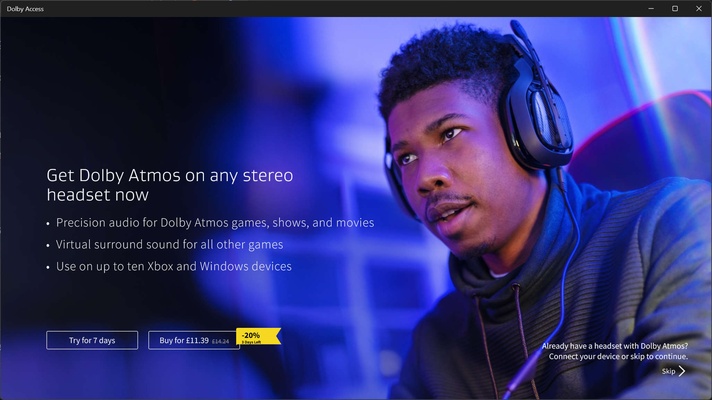
For Dolby Atmos features that require additional licensing, the application provides the relevant activation or trial options.
How to Use
Launch Dolby Access
Open the application from the Windows Start menu.
Select Your Audio Device
Choose headphones or a compatible home theater system.
Configure Dolby Atmos
Follow the setup instructions to enable the appropriate spatial audio features.
Choose a Sound Profile
Select an available profile based on whether you are gaming, watching movies, listening to music, or using voice applications.
Test the Audio
Use the available demonstrations or supported content to verify that your audio setup is working correctly.
Pros
-
Simple audio configuration.
-
Supports Dolby Atmos for compatible devices.
-
Useful for gaming and multimedia.
-
Supports headphones and home theater systems.
-
Includes interactive audio demonstrations.
-
Available for Windows and Xbox.
Cons
-
Some Dolby Atmos features require additional purchase or licensing.
-
Full benefits depend on compatible hardware and content.
-
Not all games and applications support Dolby Atmos.
Conclusion
Dolby Access provides a straightforward way to configure Dolby Atmos and compatible spatial audio features on Windows. It is particularly useful for users with supported headphones, soundbars, TVs, or home theater systems who want to manage immersive audio for gaming, movies, music, and other multimedia content.