

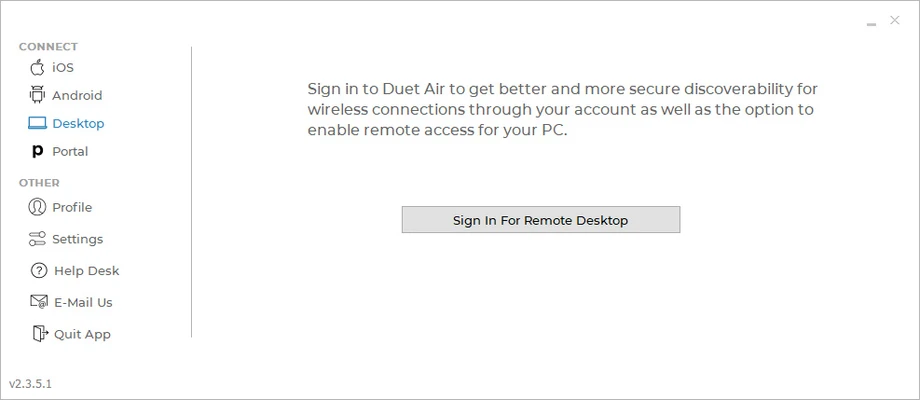
Duet Display is a powerful screen extension software that allows Windows users to turn an iPhone, iPad, or Android device into a second monitor.
It helps users expand their desktop workspace, mirror screens, or use mobile devices as a touch-enabled display for productivity, remote work, and creative projects.
With Duet Display for Windows, you can extend your desktop without purchasing an additional monitor while keeping touchscreen and stylus support on compatible devices.
Features
- Extend Windows desktop to iPhone, iPad, or Android devices
- Mirror your main display on mobile devices
- Touchscreen support for interactive control
- Stylus support for digital drawing and design
- Low-latency performance for smooth operation
- Retina display support for high-resolution devices
- Remote desktop functionality
- Desktop-to-desktop connection support
- Secure encrypted screen connection
- Wired USB and wireless connection options
Main Functions
Second Screen Extension
Use your mobile device as an additional monitor to improve multitasking, productivity, and workflow efficiency.
Touch & Pen Support
Turn your iPad or compatible device into a touchscreen workspace for drawing, editing, and creative applications.
Remote Access
Access and control your computer remotely from supported devices.
Display Customization
Adjust resolution, performance mode, and frame rate settings according to your hardware and usage needs.
Installation & Setup
- Install Duet Display on your Windows PC or Mac.
- Install the Duet mobile app on your iPhone, iPad, or Android device.
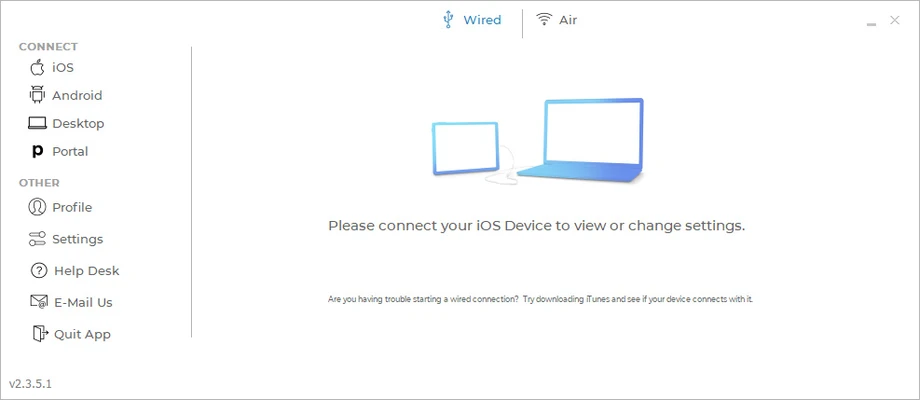
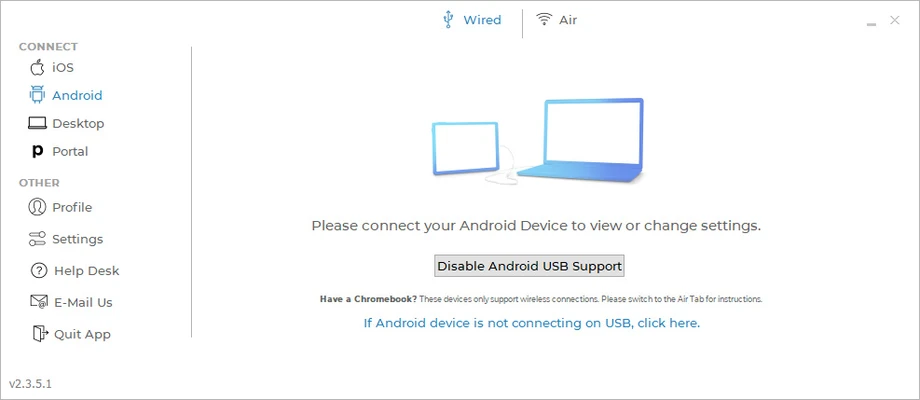
- Connect your device using USB or Wi-Fi.
- Configure display settings and start using your extended screen.
How to Use
- Launch Duet Display on your computer.
- Open the mobile app on your secondary device.
- Connect both devices.
- Select extended or mirrored display mode.
- Adjust resolution and performance settings if needed.
Supported Platforms
- Windows 11 / 10 / 8 / 7
- macOS
- iOS
- Android
Pricing
Free Trial Available
Duet Air
- $4/month billed annually
- Wired and wireless second display
- Remote desktop features
- Gesture controls
Duet Pro
- $5/month billed annually
- Advanced performance mode
- Pixel-perfect rendering
- Digital pen support
- Professional creative tools
Duet Teams
- $5/user/month billed annually
- Team management features
- Multi-user licensing
- Collaboration tools
System Requirements
- Windows 7 or later / macOS 10.14 or later
- iOS 10+ or Android 7+ device
- USB cable or stable Wi-Fi connection
PROS
- Turns mobile devices into second monitors
- Excellent touch and stylus support
- Low latency performance
- Easy setup and simple interface
- Supports Windows, macOS, iOS, and Android
CONS
- Advanced features require subscription
- Performance depends on hardware and network quality
- Limited display customization compared with dedicated monitors
Alternatives
- spacedesk - Free multi-monitor software for Windows devices
- Splashtop Wired XDisplay - Use tablets as additional displays
- iDisplay - Screen extension solution for mobile devices
- Air Display - Wireless second monitor software
Conclusion
Duet Display is an excellent solution for users who want to expand their workspace without buying an additional monitor.
With support for touch input, stylus control, remote access, and high-quality display performance, it is suitable for professionals, designers, students, and remote workers looking for a flexible second-screen solution.