


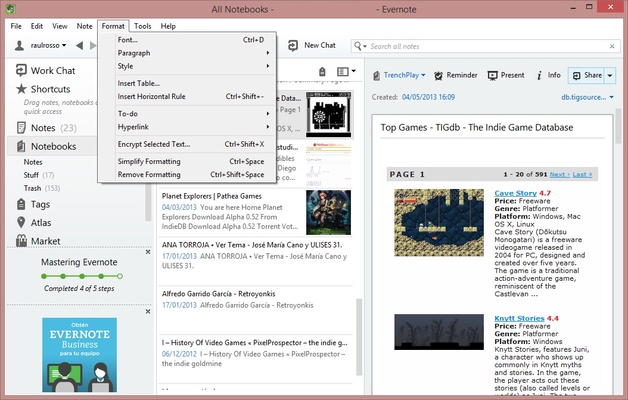
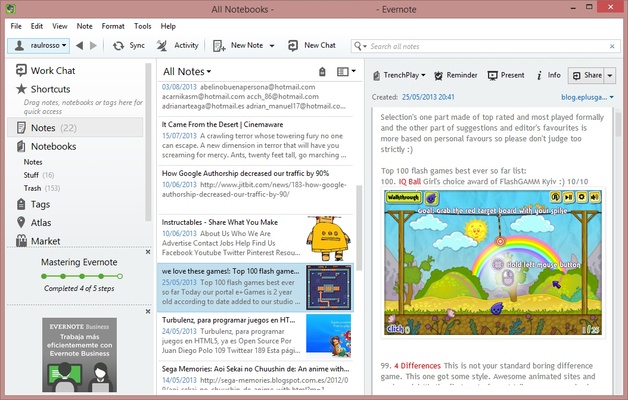
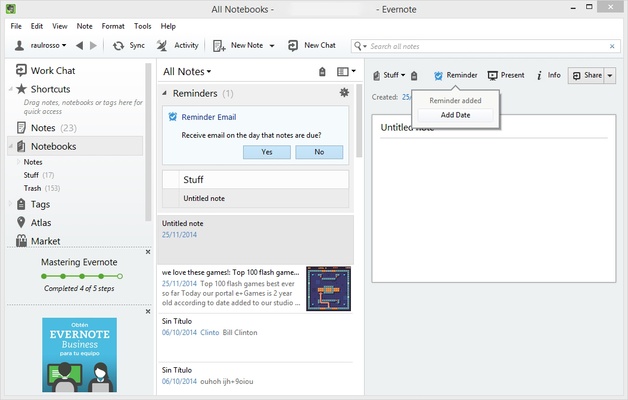
Evernote for Windows is a powerful note-taking and productivity application that helps users create, organize, and manage notes, documents, tasks, and ideas.
It allows users to capture text, images, web pages, audio recordings, and files, then sync them across multiple devices. With advanced search, tagging, and organization tools, Evernote is designed for personal productivity and team collaboration.
Features
- Create Notes
Write text notes, create checklists, attach files, add images, and record audio. - Note Organization
Organize content using notebooks, tags, and customizable categories. - Cross-Platform Sync
Access notes across Windows, macOS, Android, and iOS devices. - Web Clipper
Save web pages, articles, screenshots, and online content directly into Evernote. - Powerful Search
Quickly find notes using keywords, tags, and text recognition technology. - Document Scanning
Capture and store handwritten notes, receipts, and documents. - Collaboration Tools
Share notes and notebooks with others for teamwork and project management. - Templates
Use ready-made templates for tasks, planning, meetings, and productivity workflows. - Security Features
Protect notes with encryption and account security options.
How to Use
- Install Evernote on your Windows PC
- Sign in or create an Evernote account
- Create notes, notebooks, and tags
- Add documents, images, or web content
- Sync your notes across devices
- Share notes or collaborate with others
Pricing
Free Plan
- Basic note-taking features
- Limited device synchronization
- Limited storage
Personal Plan
- Advanced features
- More storage
- Offline access
- Enhanced search tools
Professional Plan
- Additional productivity features
- Advanced organization and collaboration tools
System Requirements
- Windows 10 / Windows 11
- 32-bit or 64-bit processor
- Minimum 4GB RAM recommended
- Internet connection required for synchronization
PROS
- Powerful note organization tools
- Cross-platform synchronization
- Excellent search capabilities
- Web clipping support
- Supports multiple content types
CONS
- Free version has limitations
- Premium plans are relatively expensive
- Requires an account to use
Conclusion
Evernote for Windows is a feature-rich note-taking and productivity app for organizing information, managing tasks, and capturing ideas. With powerful search, synchronization, and organization features, it is suitable for students, professionals, and anyone who needs a digital workspace.